Per-channel alert sounds in Inbox
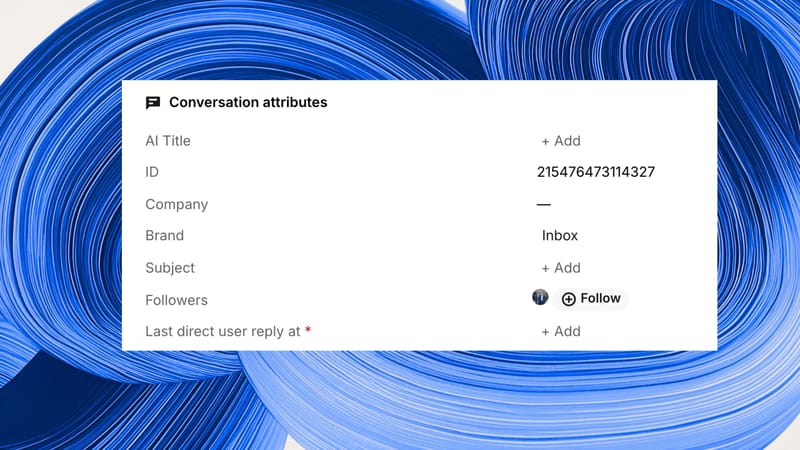
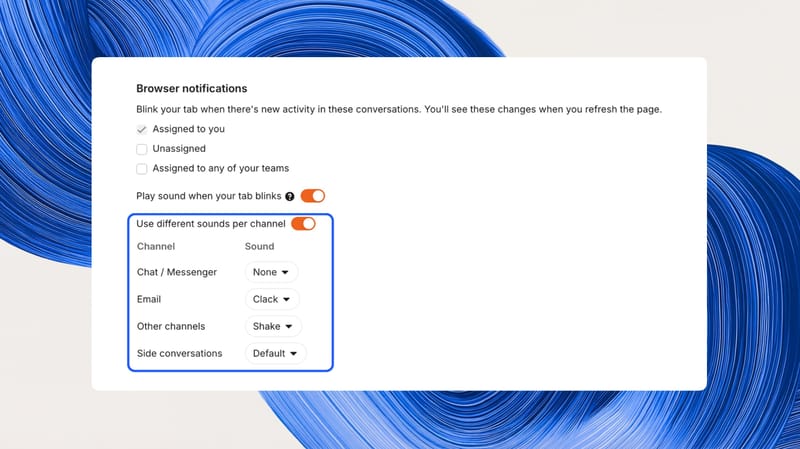
Teammates can now set a separate alert sound for Chat / Messenger, Email, and Other channels under Settings › Personal › Notifications, or choose None to keep the tab blinking without sound.
Recent releases from organizations and products in the CRM category.

Teammates can now set a separate alert sound for Chat / Messenger, Email, and Other channels under Settings › Personal › Notifications, or choose None to keep the tab blinking without sound.
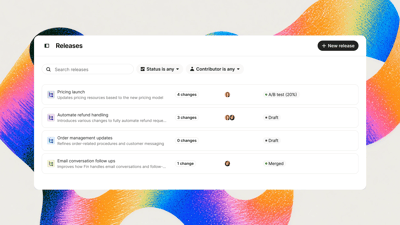
Releases give Fin a separate space to bundle content, guidance, and procedures, preview them, and run Evals before anything reaches customers. Changes can roll out to a share of conversations or a specific audience, and A/B tests compare results against Main Fin.
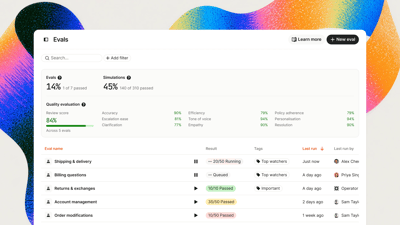
Evals is now available to every Fin customer, letting teams test how Fin handles realistic multi-turn conversations at scale before a customer sees it. AI plays the customer and acts as the judge, scoring each conversation against the checks you set, and saved scenarios can be rerun after any change.
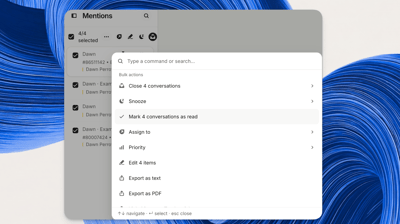
Teammates can select conversations in the Mentions inbox, or select all, and choose Mark as read from the bulk actions menu to clear mentions. The action runs in the background and only clears the user's own mentions.
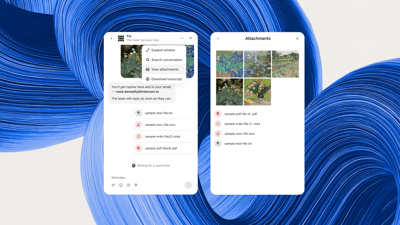
Every photo, video, and file from a conversation can now be browsed in one attachments gallery in the Messenger.

Every News site that allows search engine indexing now publishes an RSS feed of its 50 most recent updates, discoverable automatically by feed readers, browsers, and AI tools. It works on intercom.news and custom domains with no setup required.
Fin can now look up customer subscriptions, invoices, and payments and pause, resume, or cancel them with customer confirmation, using ready-made connectors for Stripe, Chargebee, Paddle, and Recurly from the template catalog. In Stripe, Fin can also change plans, apply a retention offer, and issue refunds.
Ready-made data connectors let Fin look up a customer's orders, shipments, refunds and payment history, and check discount codes and gift card balances. Fin can also cancel or update orders, issue refunds and coupons, and update marketing consent.
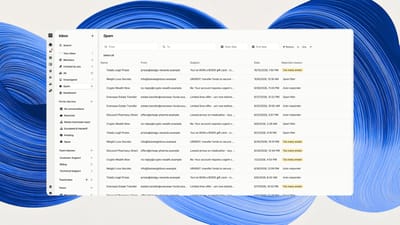
Every email in the Spam inbox now states in plain words why it was held, and emails can be filtered by reason, sender, or recipient. Marking an email Not spam reports whether the sender was added to Trusted Senders, and Fin AI Agent no longer marks verified Trusted Senders addresses as spam.
Custom summaries for tickets and calls is now generally available, letting admins define prompts that control which conversation details, headings, tone, format, and length the AI uses. Knowledge Graph gained Airtable, Comm100, Halo, ServiceNow, Stonly, and Vimeo connectors, plus OAuth 2.0 client credentials and AI-assisted field mapping in the Universal Connector.
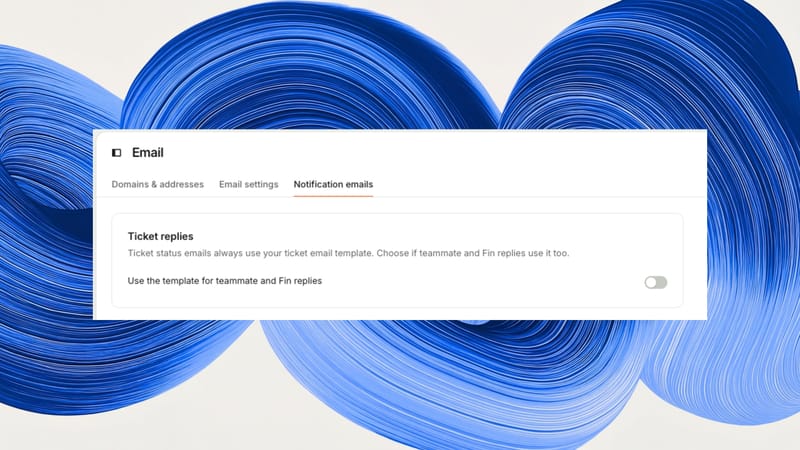
A new Ticket replies setting under Settings > Channels > Email > Notification emails controls whether ticket replies use your ticket email template; ticket status emails always keep it. The setting is on by default, so behavior is unchanged until it is turned off.

Lightfield's agent can connect to LinkedIn Sales Navigator to retrieve people and create lists, and full WhatsApp conversation history now syncs for contacts with a WhatsApp handle. Filters gained "or" versus "and" rules within filter groups, and MFA is available to all workspaces.
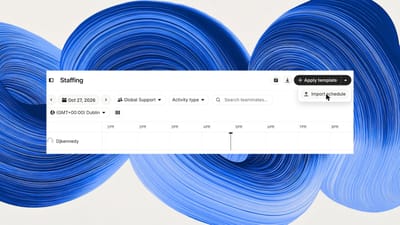
Workforce Management can now import a CSV of up to 200 events in one go, covering any mix of teammates, activity types, and time zones, replacing manual entry of each activity. Imported events sync to connected Google Calendars.
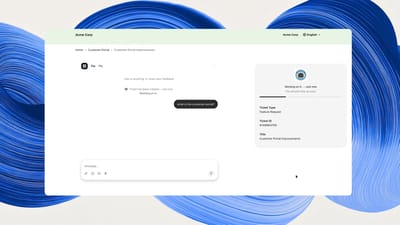
Conversations and tickets in the customer support portal now open on their own full-page, shareable screens instead of a floating widget, with ticket details alongside. A new Insights tab shows conversation volume, requestors, and AI topics for the company.
Agents can now assign one approval request to up to five approvers who respond independently, and admins and authorized agents can add internal notes, tags, and custom field updates to AI agent tickets or take them over to hand control to a human. The month also brings task-list subtickets and ticket linking, multiple task lists per ticket, OTP verification for email attachments, AI agent attachment recognition, suggested assignees in Copilot, and custom AI summaries.
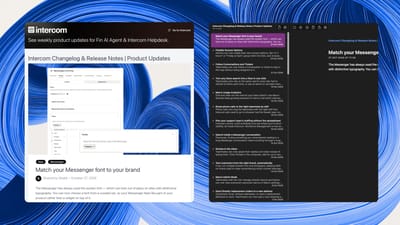
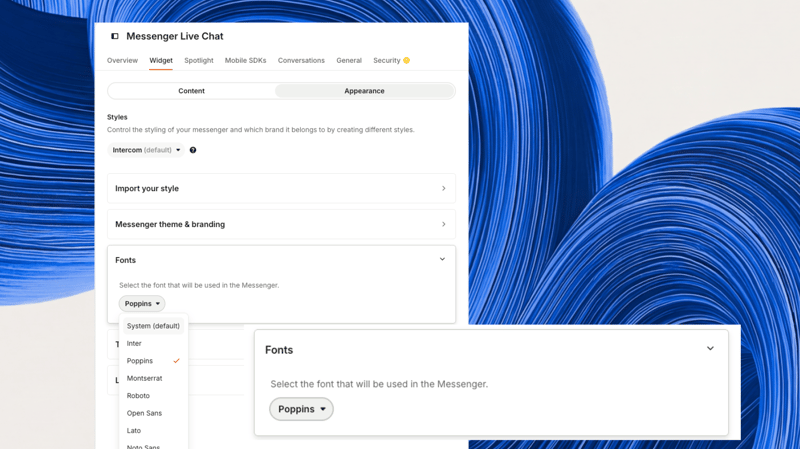
You can now choose a font for the Messenger from a curated set including Inter, Poppins, Montserrat, Roboto, Open Sans, Lato, and Noto Sans, applied across Home, conversations, and help content with automatic fallback to the system font. Available for the web Messenger on your default brand under Settings > Channels > Messenger > Widget > Appearance.
Auto assist can now execute pre-approved actions up to seven times per suggestion and detect attachment names and file extensions on ticket comments, while Knowledge Graph adds six connectors including Airtable and ServiceNow. Zendesk will swap the AutoQA model on November 11, 2026, which may shift category accuracy scores and require adjustments to custom prompts.
Jev lets users exclude categories of email and meetings from Lightfield, review excluded activity, and override to include, with more decision models coming for automation steps. LinkedIn conversation history now syncs for contacts with a handle, and recorder@lightfield.app can be invited as a participant to force recording over existing preferences and intelligence settings.
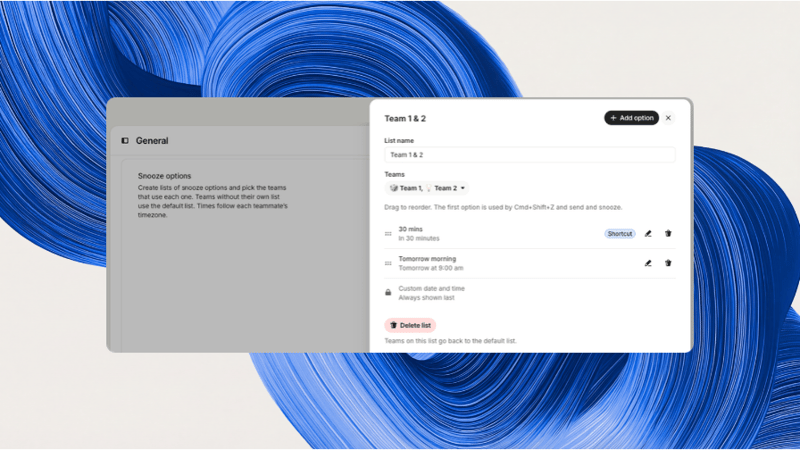
Admins can create their own snooze options such as "In 2 hours" or "Friday at 5pm", group them into lists, and assign lists to teams. Teammates see the options for the conversation's assigned team, or the default list if that team has none.
Teammates can follow a conversation or ticket from the Followers section to receive the same desktop, mobile, and email notifications as the assignee, controlled by the "Activity in anything assigned to you or that you follow" setting. A new Followed by filter in Search and Views builds a view of everything followed, conversations support up to 100 followers, and followers carry over when conversations are merged.