Excel tables and linked pivots import into Sheets
We’re introducing two key improvements in Google Sheets that preserve formatting and linked data when converting files from Microsoft Excel. First, Excel tables will now seamlessly import as Sheets tables. Second, Sheets now fully supports importing Excel pivot tables that are backed by table ranges.
Previously, when converting Excel files, Excel tables did not import as Sheets tables, causing users to miss out on the structural and formatting benefits of tables, and pivot tables linked to tables were replaced with static grids. These updates ensure your data structures remain intact and beautifully formatted upon import. Most importantly, your imported spreadsheets will be ready to use right away, no manual reconstruction needed.

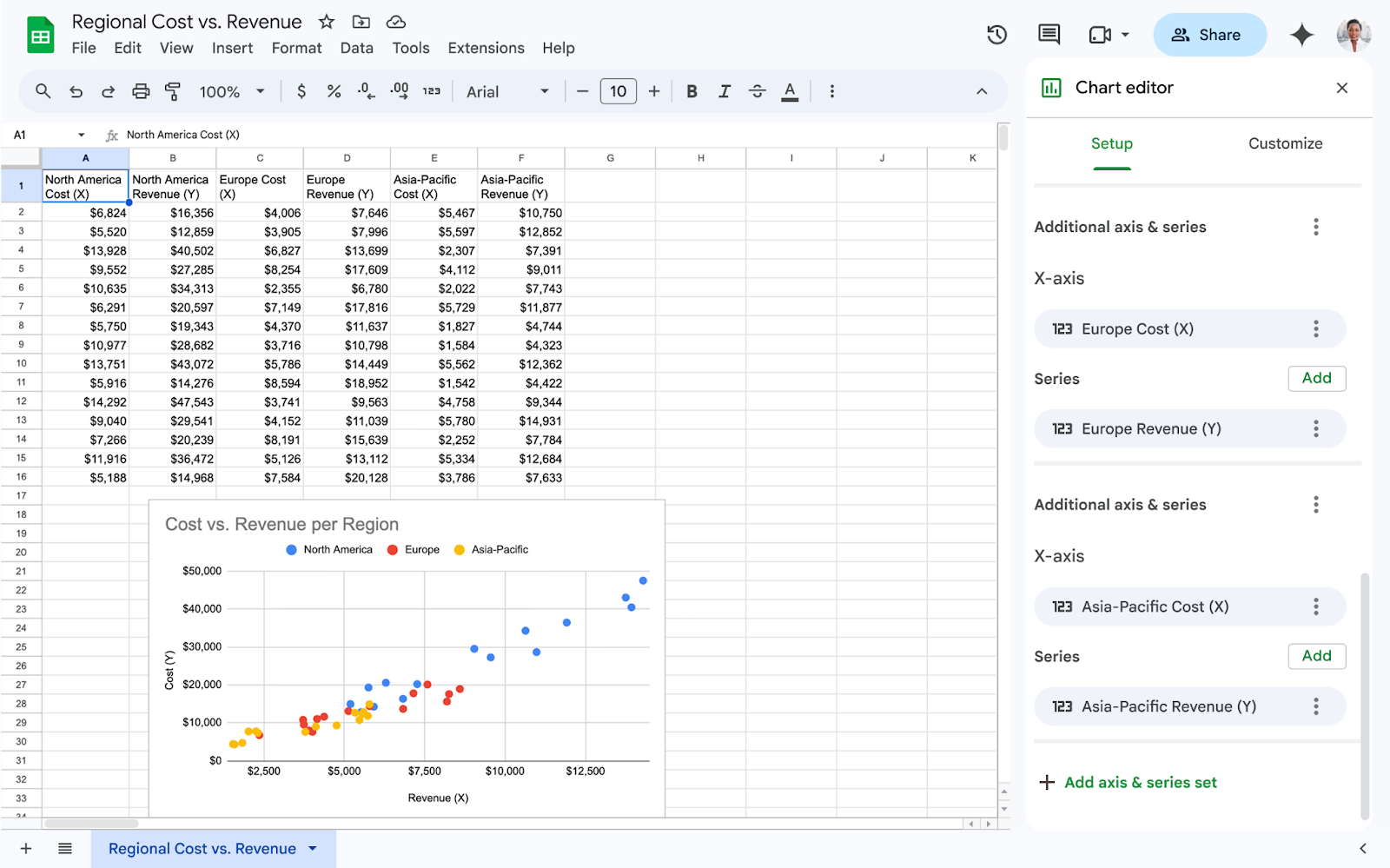
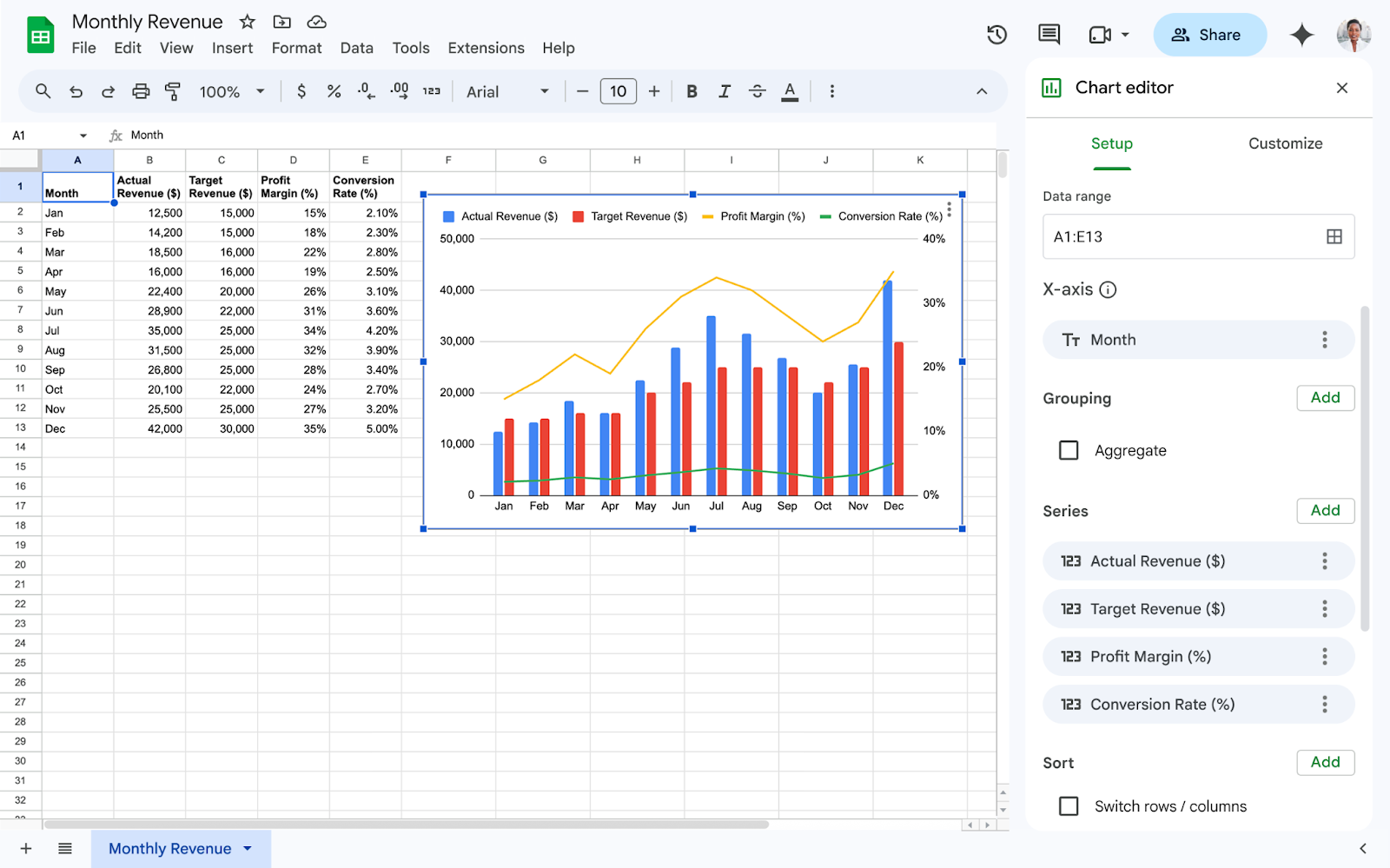
Table with linked pivot table imported into Google Sheets
Getting started
- Admins: There is no admin control for both features.
- End users: Visit the Help Center to learn more about using tables in Google Sheets or using pivot tables in Google Sheets.
Rollout pace
Table imports
- Rapid Release and Scheduled Release domains: Available now
Linked pivot table imports
- Rapid and Scheduled Release domains: Gradual rollout (up to 15 days for feature visibility) starting on August 11, 2026
Availability
- Available to all Google Workspace customers and users with personal Google accounts
Resources
- Google Docs Editors Help: Use tables in Google Sheets
- Google Docs Editors Help: Create & use pivot tables
Fetched August 11, 2026