Groups get stricter internal/external membership classifications
5 enhancementsThis release5 enhancementsImprovements to existing featuresAI-tallied from the release notes
Earlier this year, we announced changes to Google Groups to enhance data security and privacy. The changes, which are rolling out now, include:
- Stricter “internal” and “external” classifications for Groups
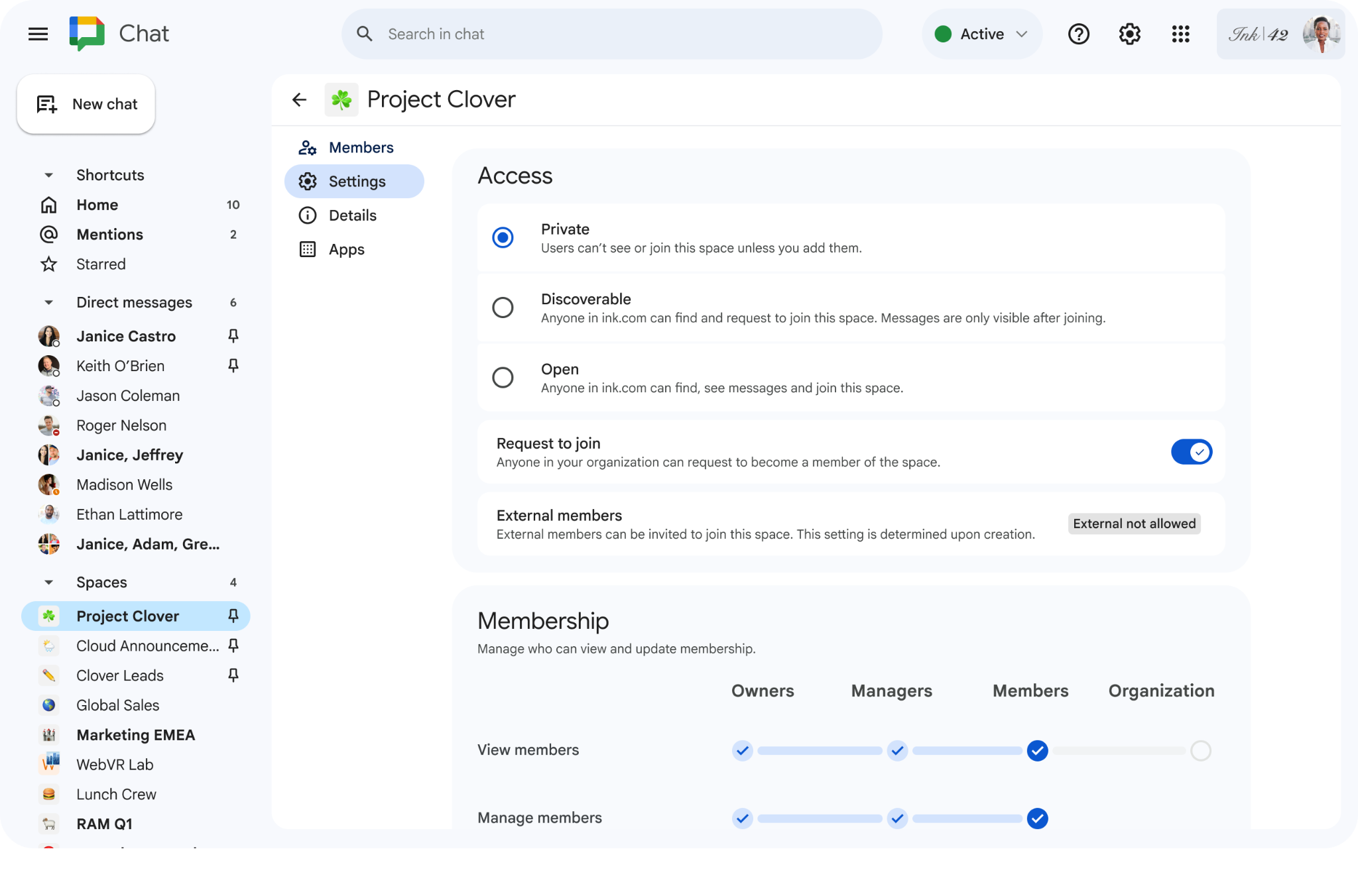
- Clearer visual indicators for whether a group contains external members
- Changes to how emails are shown within Google Groups
- Additional settings granularity to control who can add external users (admins only, or admins and end users)
- Changes to how admins can add external users via Groups APIs
API changes
While we originally announced that admins would have to change the classification of a group before being able to add external members to Groups marked as internal, we’re updating that behavior to prevent issues with synced groups. When an admin attempts to add an external member to an internal group via the Cloud Identity or Admin SDK Directory API, or when they sync data from a third-party identity provider via API, the group settings will be automatically updated to allow admins to add external members.
Getting started
- Admins: To ensure a smooth transition, existing groups will be automatically classified based on their current membership, so there will not be any changes in access. You can review and adjust these labels directly in the Admin console or via the Groups Settings API to match your organization's security needs.
- End users: There is no action required for end users.
Rollout pace
- Rapid Release and Scheduled Release domains: Rolling out now, with expected completion by July 1, 2026
Availability
- Available to all Google Workspace customers
Resources
- Google Workspace Admin Help: Changes to internal and external classifications in Google Groups
Fetched June 24, 2026