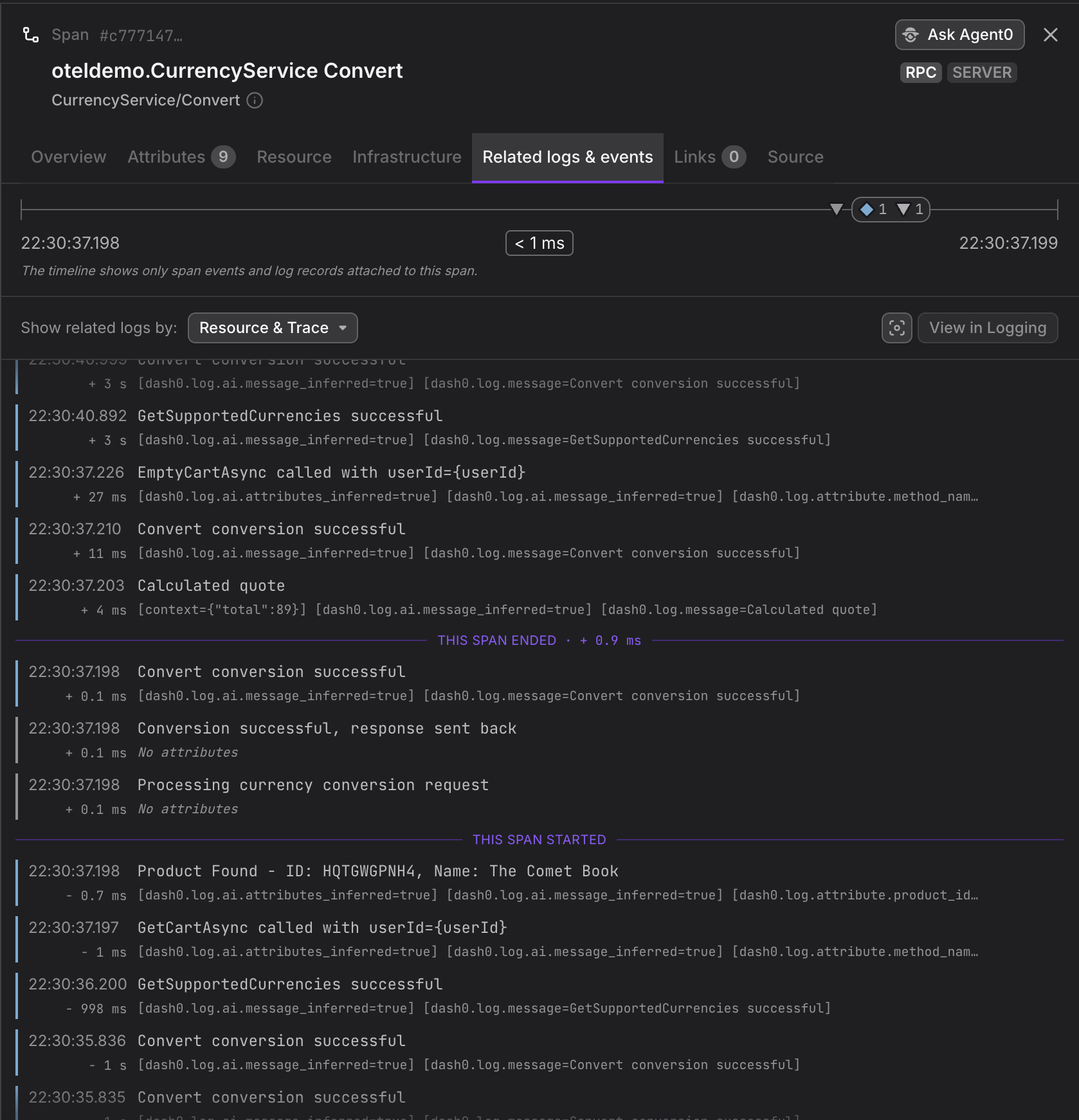
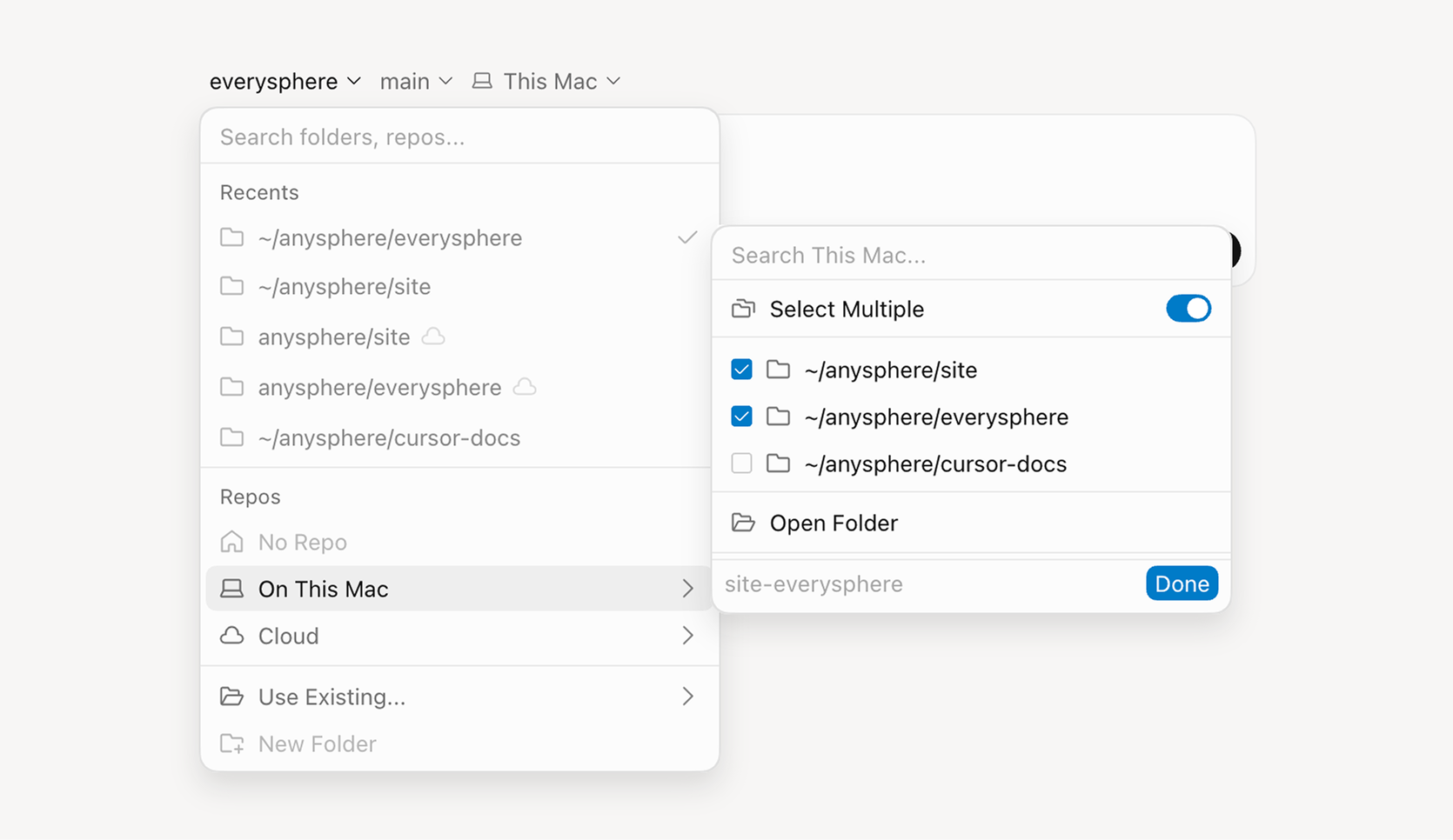
Sessions make it easier to investigate related work across your environment. When sending events, attach a stable session key and ID with meta.sessions, then use the Sessions page to jump from a domain concept like a conversation, support ticket, or import to the runs it…
Inngest Changelog
Mon
Wed
Fri
JulAugSepOctNovDecJanFebMarAprMayJunJul
LessMore
Releases5Avg2/mo
Scoring lets you attach a named quality signal to a function run, a step, or an experiment variant. It shines for AI evals: run an LLM-as-a-judge over a result and write the verdict back as a score with inngest.score({ name, value }), or defer the judge entirely so a slow…
Experiments let you compare versions of a step on live production traffic, judged on the execution data only Inngest can see. Call group.experiment("your-id", { variants, select }) with the implementations you want to compare and a selection strategy.
Deferred Functions are a new way to launch independent background work from inside an Inngest function. Call defer("some-id", { function, data }) and the parent run keeps executing — the deferred run is fully independent, with its own retries, concurrency, step state, and…
We've improved Insights and added new datasources, functionality and syntax support.
Realtime is now a first-class part of the TypeScript SDK. Channels, topics, publishing, and subscribing all have an improved DX, along with an updated useRealtime React hook.
You can now zoom into specific time ranges in traces for long-running functions with short steps using the timeline header's time brush. Drag the handles to narrow the view, move the selection to pan across the timeline, click outside to expand it, or use the reset button to…
v4.0.0-beta
The TypeScript SDK v4 is now available in beta! Major improvements include:
Inngest has released Agent Skills — pre-built capabilities for AI coding agents including Claude Code, Cursor, and Windsurf that offer current guidance on Inngest development.
v0.3.0
Our official Helm chart is now published as an OCI artifact for easy installation and upgrades for self-hosting Inngest.
Inngest introduced Durable Endpoints, a feature that brings durability capabilities directly into API handlers — extending retries, recovery, and observability beyond workflows into ordinary endpoint code.
The documentation now includes quick actions enabling users to copy or view the current page in Markdown format. Users can also initiate new conversations with markdown URLs in Claude, ChatGPT, and other LLM providers. This markdown conversion minimizes the context required for…
Inngest has released a developer preview of Checkpointing, a new orchestration engine capability that enables near-zero inter-step latency while maintaining full workflow durability.
We are excited to announce the release of MCP Integration, bringing AI-assisted development workflows to the Inngest dev server. Connect Claude Code, Cursor, and other AI assistants directly to your local Inngest functions for…
Webhooks now support x-www-form-urlencoded and multipart/form-data content types. Webhook transforms receive both a JSON object representation and raw body string.
v0.5.9
Inngest has released realtime support for Python (v0.5.9), enabling developers to build interactive applications that push updates from durable workflows to the browser.
v3.42.0
The Inngest TypeScript SDK now supports the Standard Schema interface, enabling Zod 4 for defining event payload types.
We've released useAgent and useChat, hooks for streaming realtime updates from your AgentKit agents to the browser.
We've released Insights, a new feature that allows you to query your events with SQL directly in the Inngest dashboard.
Last Checked
7d ago
Latest
Jun 30, 2026