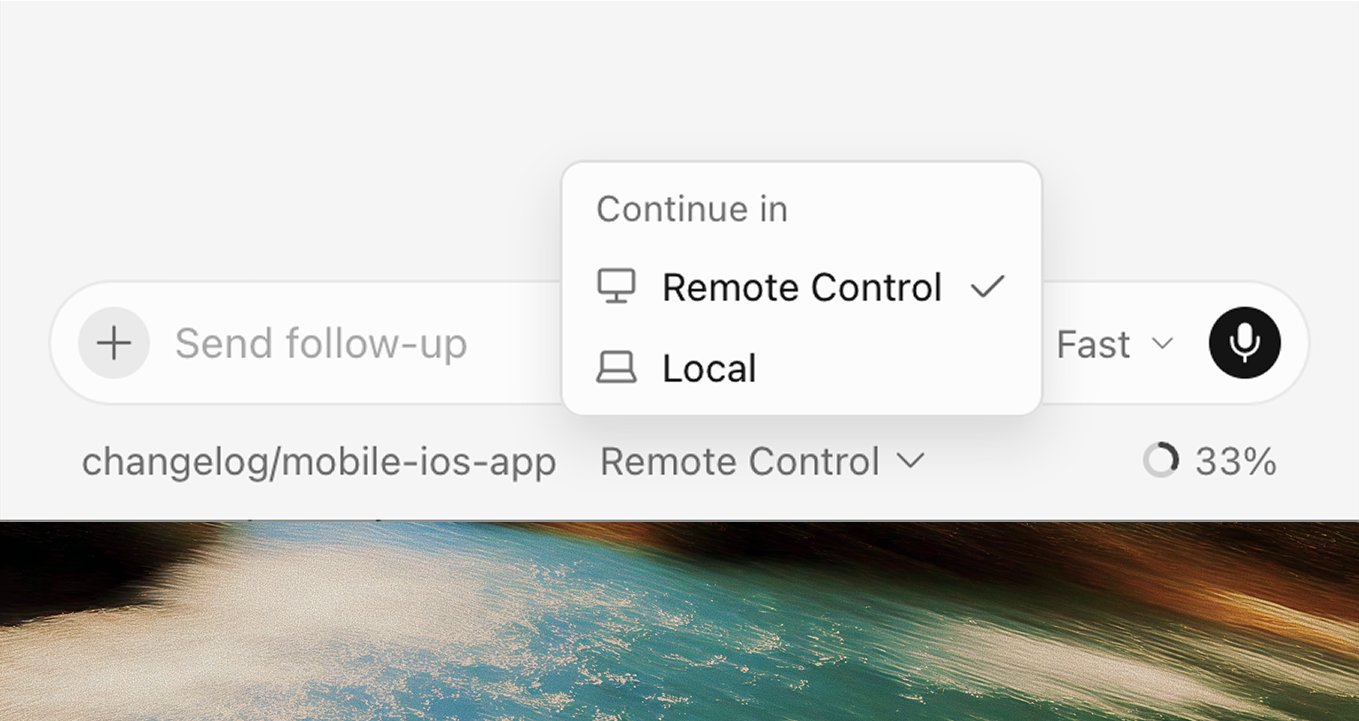
Side chats run alongside main agent; transcripts now searchable
This release makes it easier to stay in flow with side chats that run alongside your main chat, the ability to search agent transcripts, and simplified project and repo pickers.
Side chats
Open a side chat to ask questions, explore ideas, and investigate tangents without interrupting your main agent conversation. Use `/side`, `/btw`, or the plus button at the top of the chat panel to create a new side chat that has context from the main chat.
Each side chat is a durable, full agent conversation that you can follow up on, revisit later, and at-mention to pull context back into the main thread.
By default, side chats focus on reading, searching, and answering. Use them to ask clarification questions, research alternatives without committing to a pivot, and sanity-check a decision while the main agent continues running.
Conversation search
Find past agent chats faster with search results that go beyond names and PR numbers. In the Agents Window, you can search agent transcripts from the command palette (Cmd+K). Cursor builds a local search index that scales search to thousands of conversations with snappy performance.
You can also search within an existing conversation using Cmd+F. Jump between matches, see a match counter, and keep searching as you scroll through long transcripts.
Redesigned project and repo pickers
We've simplified the project and repo pickers and made them more powerful. You can now stay in the picker for workflows that used to send you elsewhere. For example, you can create a project and connect GitHub, GitLab, or Azure DevOps without leaving the picker.
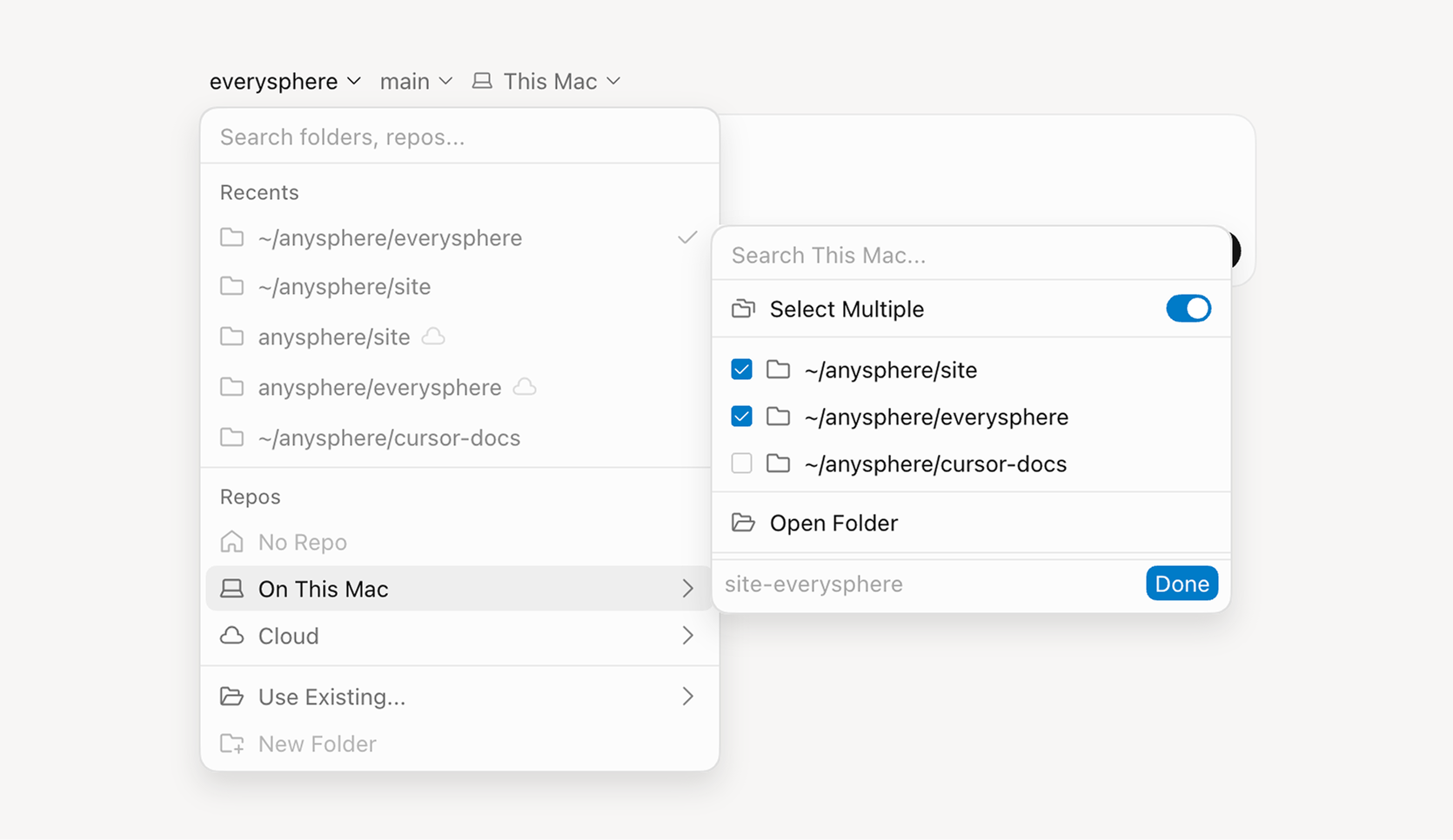
Redesigned project and repo pickers
Search is now scoped to where you're working—This Computer, Cloud, or a specific remote machine—instead of one global search box. You can also remove projects from Recents with one click.
New cloud agent hooks
Cloud agents already support team hooks around tool execution and file/shell work. We've added new hooks that let you observe and control the agent conversation itself: prompts, responses, thinking, subagents, compaction, and turn completion. See all the supported hooks in our docs.
New hooks like `beforeSubmitPrompt`, `afterAgentResponse`, `afterAgentThought`, `stop`, `subagentStart`, and more allow you to better observe output and reasoning, control subagents, and build self-correcting loops with cloud agents.
Picker Improvements
- Improved repo picker grouping with options under No Repo, On This Computer, and Cloud.
- Added the "Run on" picker that shows where your agent can run (Cloud, This Computer, or Remote Machines) and drills into the relevant choices (environments, local options, and so on) from there.
- The branch picker opens on your default branch and recently used branches instead of a long flat list, with search for everything else.
- Removed the Home concept so working without a repo is an explicit No Repo choice.
- Combined all remote options—your machines, team pools, and existing remote workspaces—into one searchable Remote Machines menu.
- Multi-repo and multi-root selection is a Select Multiple toggle inside the Cloud and This Computer flyouts, replacing the separate Set Up Workspace builder.
- Moved search to the top of the menu.
- Simplified the footer.
- Added the ability to find the No Repo option by typing `none` or `no repo`.
- If a repo exists only in the cloud, the picker suggests cloning it locally.
- Added clearer section dividers.
- Added folder icons with a small cloud badge for cloud repos.
- Removed redundant `Current` tag in the branch list.
Fetched July 10, 2026