August 2026 - Questionnaire
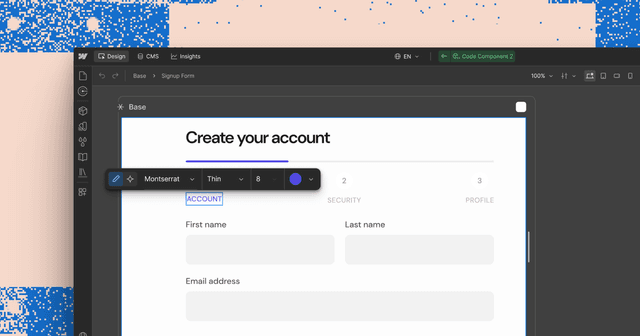
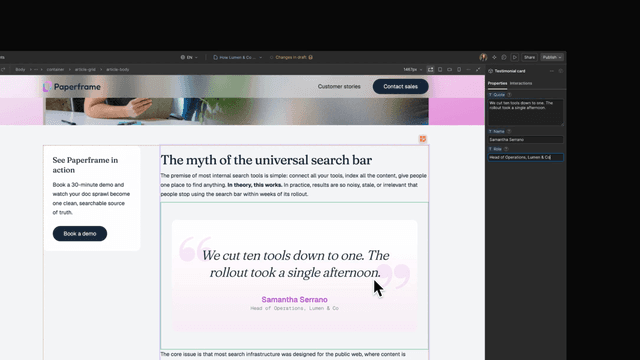
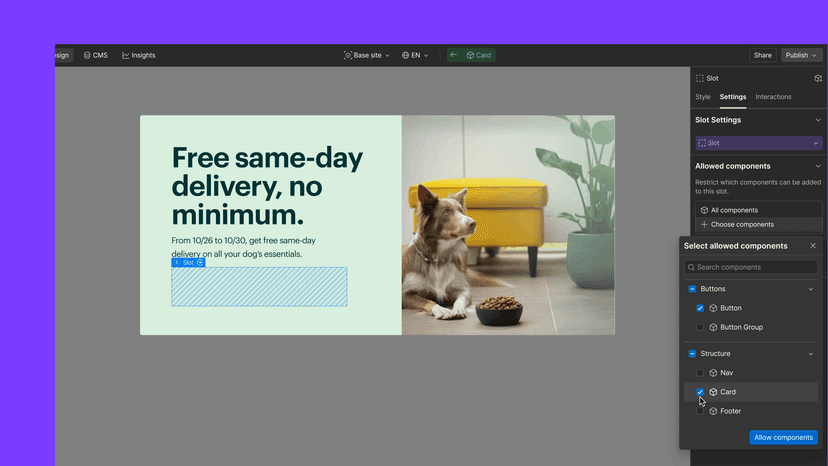
A new component for building multi-step question flows with fixed, freeform, multiple, and skippable answers.
Today, w...
Recent releases from organizations and products in the Design category.
A new component for building multi-step question flows with fixed, freeform, multiple, and skippable answers.
Today, w...
Team and organization admins now have more control over how AI credits are used.
Webflow Ecommerce has exited beta and is now generally available.
Collection lists can now be filtered by any of multiple criteria using "or" logic, allowing items to display when they match at least one filter instead of requiring all filters to be true. Multi-image fields can now be imported and exported via CSV, and collection and item IDs are now visible in the collection manager for API and no-code integrations.

Webflow now supports uploading Apple well-known files to establish secure connections between domains and apps. Upload an apple-app-site-association.txt file through the assets panel, and Webflow automatically serves it at the /.well-known/ path required by Apple.

Page templates are now available on all Site plans, letting designers create reusable templates for frequently built pages like event or product pages to maintain brand consistency. The feature is positioned as a stepping stone toward page building mode, coming later this year, which will let marketers and clients self-serve landing page creation within designer-approved constraints.

Drop shadows are now available as an effect in the Style panel under Effects > Filters, allowing designers to apply shadows that conform to element shapes without custom CSS. Properties include X and Y offsets, blur, and color, with support for breakpoint adjustments and animation via variables.

Discount codes are now available in beta for Webflow Ecommerce stores. You can create and manage percentage or amount-based codes from a new discounts section in the Ecommerce manager, with codes going live immediately upon creation.
Webflow Ecommerce's discounts functionality is now out of beta with new capabilities for store owners. Discount codes can now include start and expiration dates, apply to specific products or categories, limit usage per customer or globally, require minimum order values, and provide free shipping. Discounts are now manageable in the Editor with a consolidated list view, bulk editing, and CSV import support.
Webflow now supports Rive animation files directly in the designer, allowing you to integrate animations with smaller file sizes and faster load times. You can add Rive files from assets, use self-hosted Rive files, or integrate Rive Runtimes with custom code.

You can now specify who receives new order notifications on your Ecommerce site and resend order confirmation emails directly from the order manager. Email designs can also be previewed with your store's actual products.

Element conversion now works with container elements, typography elements, and inline text elements, extending beyond the original div and link block functionality. Convert any supported element by right-clicking and selecting "Convert to" or using quick find, allowing rapid layout and content hierarchy adjustments.

Backdrop filters are now available in the style panel's effects section, allowing you to create blurring and color shifting effects to the area behind an element by applying the backdrop-filter CSS property directly in Webflow. Note that backdrop filters are currently supported in approximately 70% of browsers and remain in beta pending broader support.

Pasting a full name=value string into the custom attribute field now auto-splits into the correct name and value fields. Duplicate and invalid attributes show a clear error message.
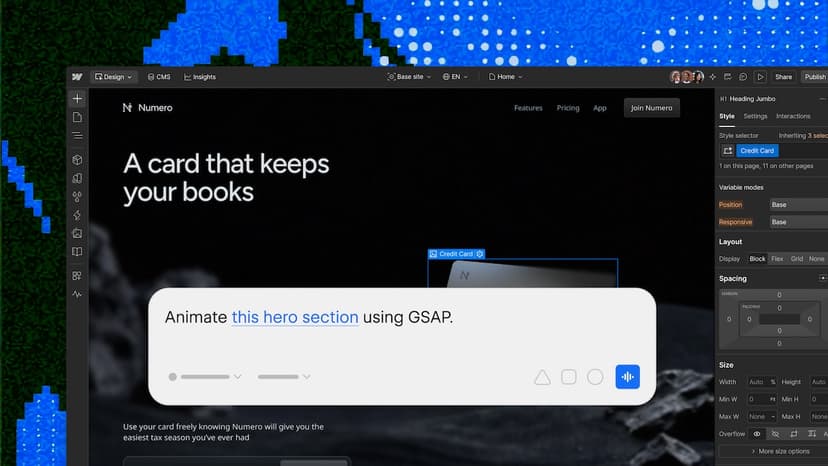
AI Assistant panel can now be docked to the left or right side of the Designer pane, or detached as a floating window.
Team files can now be organized into folders, adding structure that adapts as project work evolves.
AEO analytics now includes a Perplexity filter to track brand mentions, source attribution, and content performance in AI-generated answers.

When running shadcn search, the CLI forwards search parameters to your registry as query params, making search fast for large registries by no longer requiring the full catalog download. Dynamic search is opt-in and static registries continue working without changes.
The new properties panel lets users click elements to adjust properties by hand or annotate a screen spot for agent-driven changes.