AuthKit support for Astro is now available via the @workos-inc/authkit-astro package, including sign up/sign in flows, user management, SSO integration, route middleware, and full TypeScript support.
Changelog
Mon
Wed
Fri
JulAugSepOctNovDecJanFebMarAprMayJunJul
LessMore
Releases19Avg6/mo
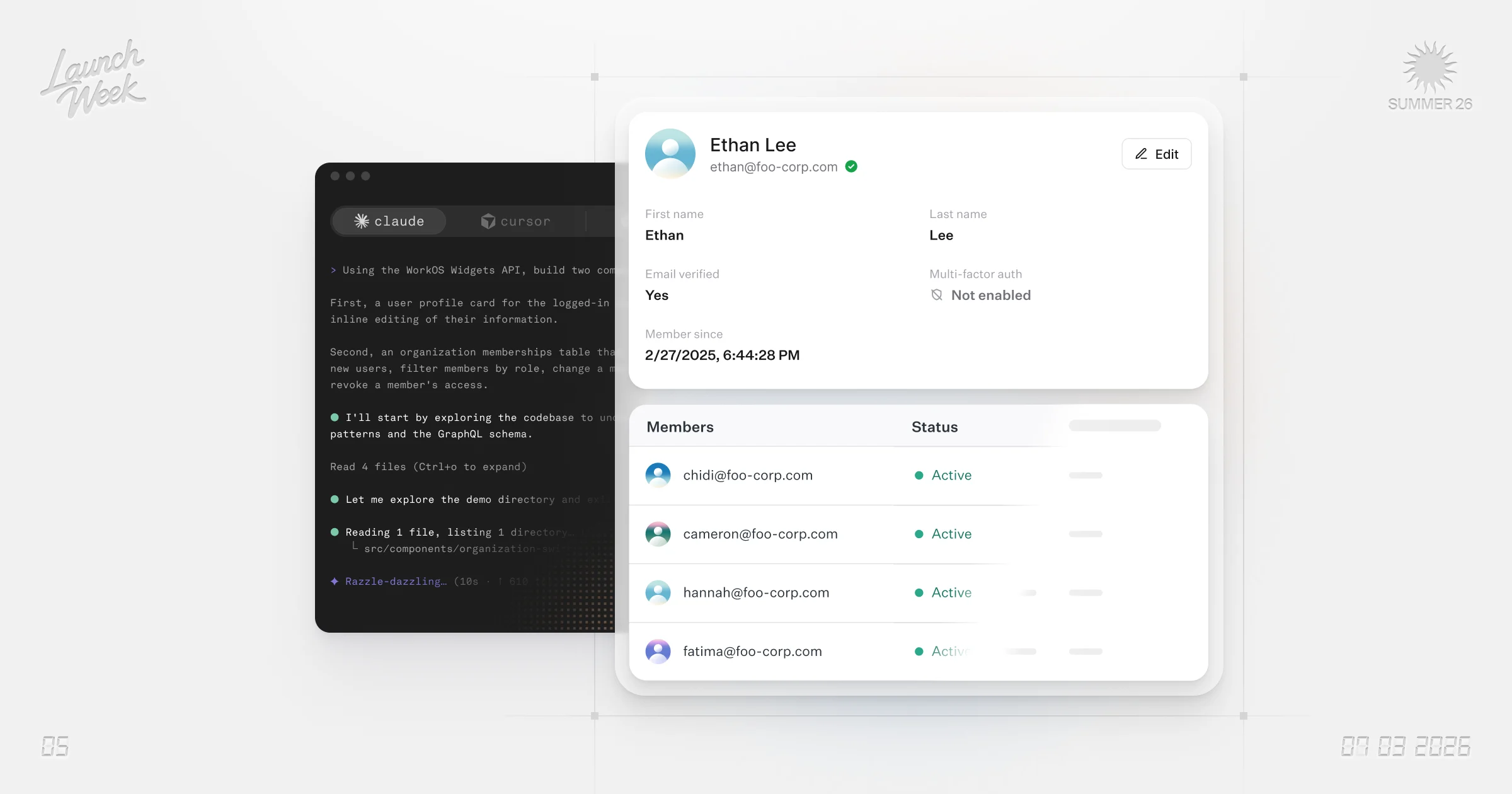
The Widgets API is a session-aware GraphQL API that lets browsers query WorkOS data directly via short-lived, origin-pinned tokens, eliminating the need for backend proxying. Coding agents can introspect the schema without documentation. Currently covers user management, sessions, and profile data.
Step-up authentication requires users to re-authenticate or provide additional verification when accessing sensitive operations like password changes, payment updates, or admin panels. This adds an extra security layer that protects accounts even if a session is compromised.
New MCP server enables Claude and other AI assistants to manage WorkOS resources via natural language, covering user management, organizations, directory sync, audit logs, and role-based access control.
WorkOS released API Gateway, a new service for managing and securing API access.
WorkOS now supports creating multiple Projects within a single organization, each with its own API keys, users, directory sync configurations, and audit logs. Branding (logo, colors, custom domain) can be configured per environment within each Project.
WorkOS introduces waitlist functionality, enabling teams to manage sign-up queues and invite users from the waitlist.
You can now assign roles to groups in WorkOS, granting permissions to all group members at once instead of individual users. Users in multiple groups receive the union of all assigned role permissions.
Audit Logs now supports streaming audit events directly to Snowflake for real-time integration with your data warehouse and analytics infrastructure. Configure a Snowflake destination in Audit Logs settings to begin delivering events to a specified table.
Custom Providers in Pipes allow defining custom API endpoints, workflows, and data transformations for applications and AI agents, with configurable authentication and data schemas.
WorkOS now supports rotating SCIM bearer tokens for directory integrations.
WorkOS has rolled out environment creation functionality within the dashboard. Users can now manage staging and production environments through the environment selector dropdown, with the ability to create new environments and apply custom naming conventions.
WorkOS has released a new Rust SDK, adding Rust to their family of SDK languages.
Organizations can now generate API keys scoped to individual users. This capability supplements existing organization-level API keys.
The WorkOS Node SDK now includes a runtime client that keeps an in-memory view of your flags in sync. Evaluations are synchronous and local, with no network call per check.
WorkOS now supports resource indicators for MCP auth, giving you control over access to individual MCP servers.
The Admin Portal now supports managing multiple IT contacts, expanding from a single contact previously. This feature can be enabled via Configuration > Emails in the Dashboard.
New Groups API enables creating and managing groups, adding and removing users from groups, and querying groups and their members.
New FGA Custom Roles feature allows organizations to define granular permission sets for fine-grained authorization.
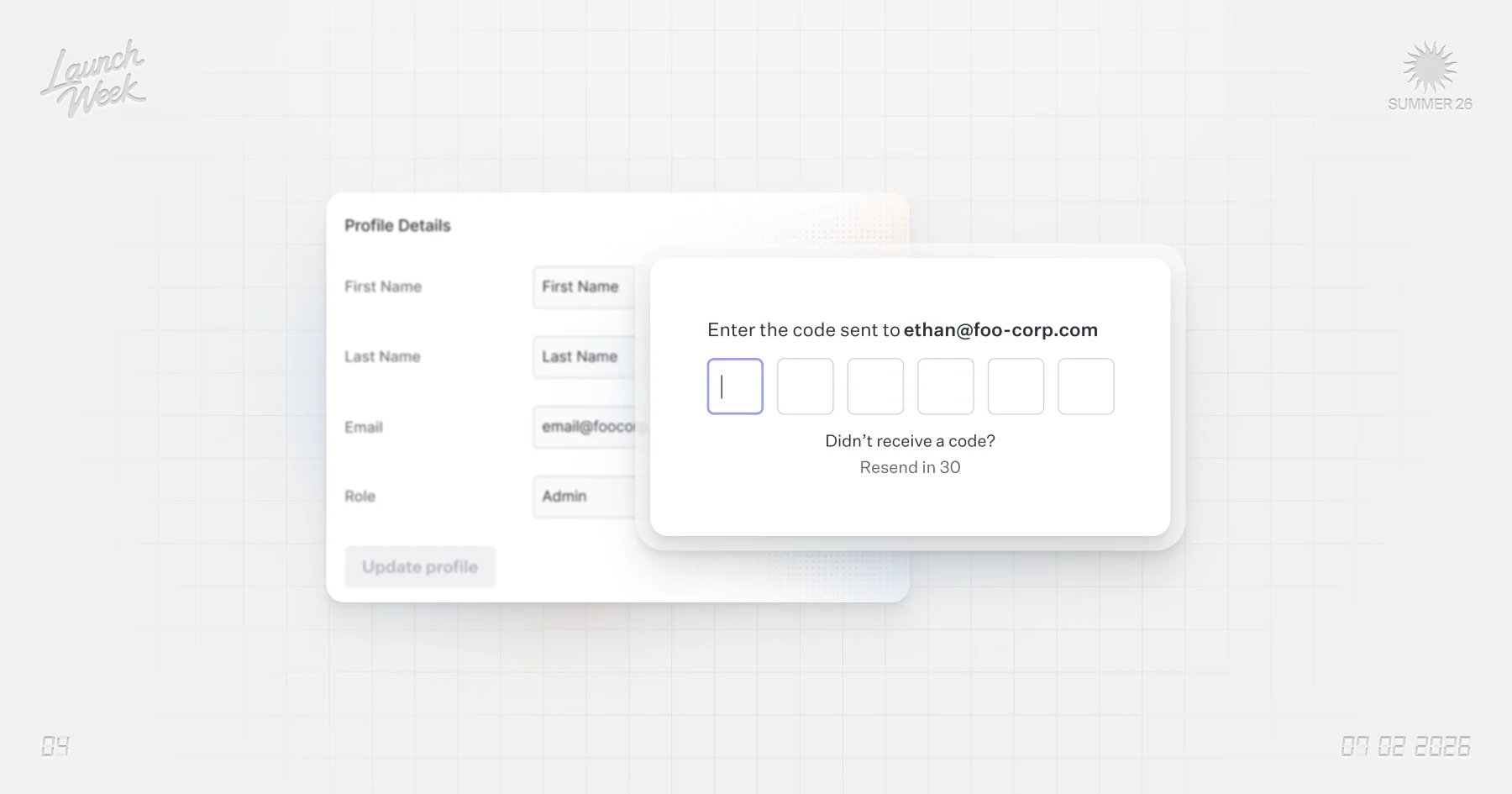
New API endpoints enable users to independently modify their email address with integrated verification and backup mechanisms.
Last Checked
3h ago
Latest
Jul 7, 2026
Source
workos.com/changelog