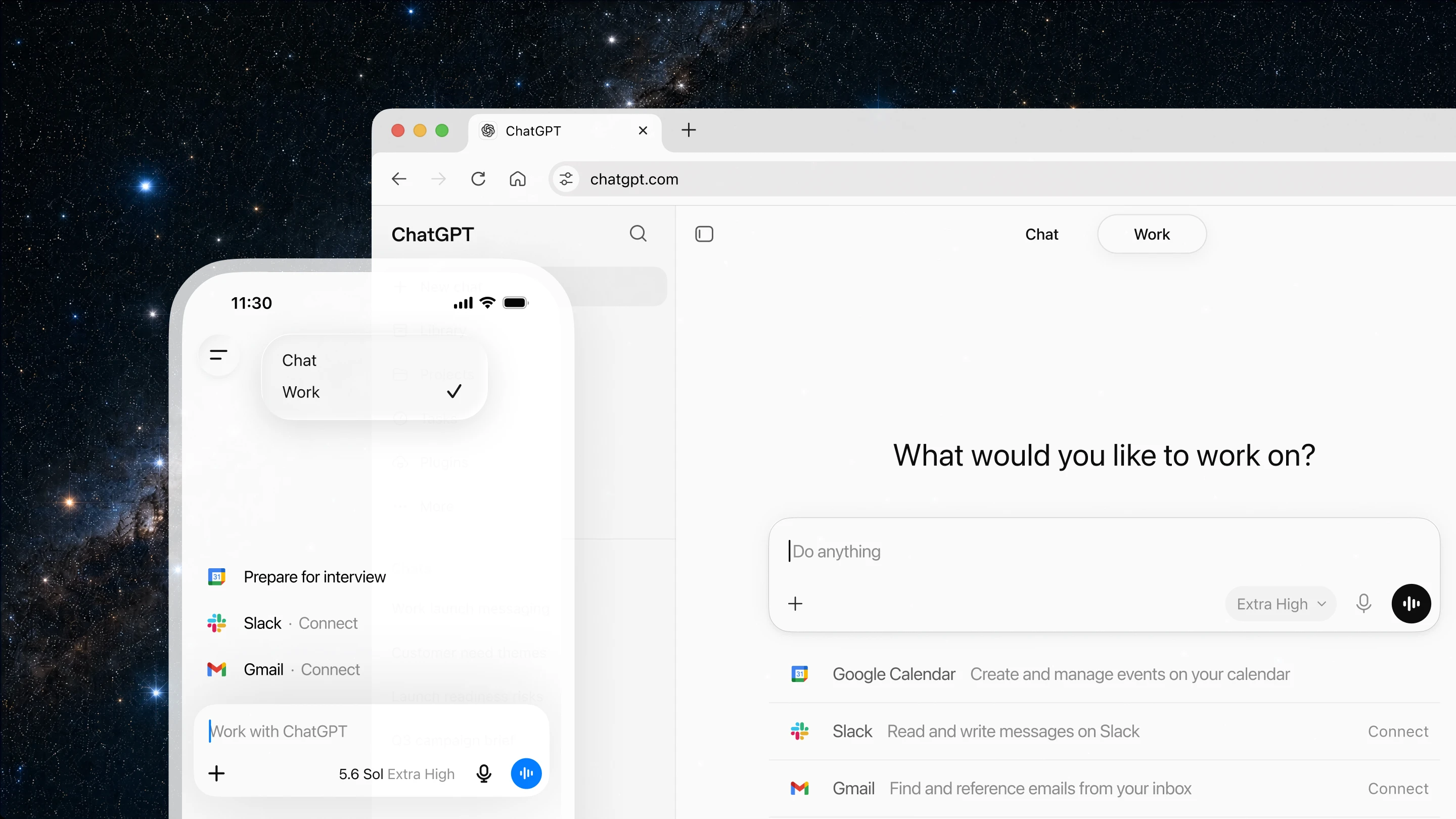
Connect your workspace to AI tools like ChatGPT, Claude, and Cursor with a single OAuth connection, and start reading, writing, and updating your docs and tables directly from the AI tools you already use.
What's New
Mon
Wed
Fri
JulAugSepOctNovDecJanFebMarAprMayJunJul
LessMore
Releases7Avg2/mo
A refreshed doc statistics panel now shows total size with more detail on what's contributing to it, the doc map surfaces automation and column-level references, and new in-product guidance covers the most common size culprits and how to address them.
Building formulas just got faster. Click any column header or cell to insert it into your formula automatically, or hold CMD to reference a specific cell value. No more typing column names from memory.
Select a column to represent progress on your timeline view items, and Coda will shade them accordingly as work moves forward.
We’ve refreshed the import flow from Notion, Asana, Confluence, and Quip into Coda with updated visual polish and improved usability. This includes refined support links, a cleaner and better-sized import dialog UI, and clearer visibility of recently imported pages within the…
Coda for Intune is now available on the App Store. Built with full Intune SDK integration, it supports MAM/MDM policies including domain locking, authentication provider configuration, and screenshot prevention.
Now you can bring your table, calendar, board, and timeline together in one place. No more jumping between pages or scrolling through your doc. Switch between views with just a click.
Pasted markdown content now displays as formatted text by default, with options to switch to plain text or code blocks. This works across canvas, table cells, callouts, and comments.
We refreshed the icon experience with clearer active states, consistent tooltips, improved section hierarchy, refined tabs, and visual polish—including a gradient scroll hint and a cleaner, more spacious search bar.
We've improved accessibility across Coda’s navigation with skip links, better keyboard support, enhanced contrast and focus states, and tooltips throughout. These updates make it easier for everyone to move through their docs with confidence.
Now, a consistent folder icon makes for a visually cleaner folder list and easier differentiation between docs.
We’ve improved our move and copy dialogues so you no longer have to ‘star’ a folder before it appears as an option. Search all of your folders across workspaces for a seamless organization experience.
Connect Google Meet meetings and content directly into your Coda docs to streamline scheduling, planning, and follow-up.
Sync files, manage folder permissions, and access file metadata between Box and Coda to streamline content collaboration and file governance workflows.
We’ve refreshed the UI to make docs easier to navigate and work in. Menus and settings are now consolidated, advanced tools are better organized, and navigation flows more smoothly, giving new users a simpler start and experienced makers a sharper workspace.
Move between table menus without them closing.
The Outlook Mail and Calendar Packs allows you to sync emails, folders, and calendars; create and send messages; and manage calendar events between Outlook and Coda, streamlining communication, scheduling, and planning, right from your doc.
Now, the URL changes each time you select a component on the canvas. This allows you to share specific parts of a page more easily with your team.
Advanced external sharing controls allow you to configure domain-level sharing allow/block lists and share individual docs without relaxing global policies. You can also set which sharing integrations your teams use for a cleaner sharing dialog.
Play .mp4 and .mov files directly from your page. We also gave our audio embeds a refreshed look.
Last Checked
1d ago
Latest
Apr 1, 2026