Localize per-language tone and formality controls
1 featureThis release1 featureNew capabilitiesAI-tallied from the release notes
From the original release noteView original ↗
Set tone and formality for each target language
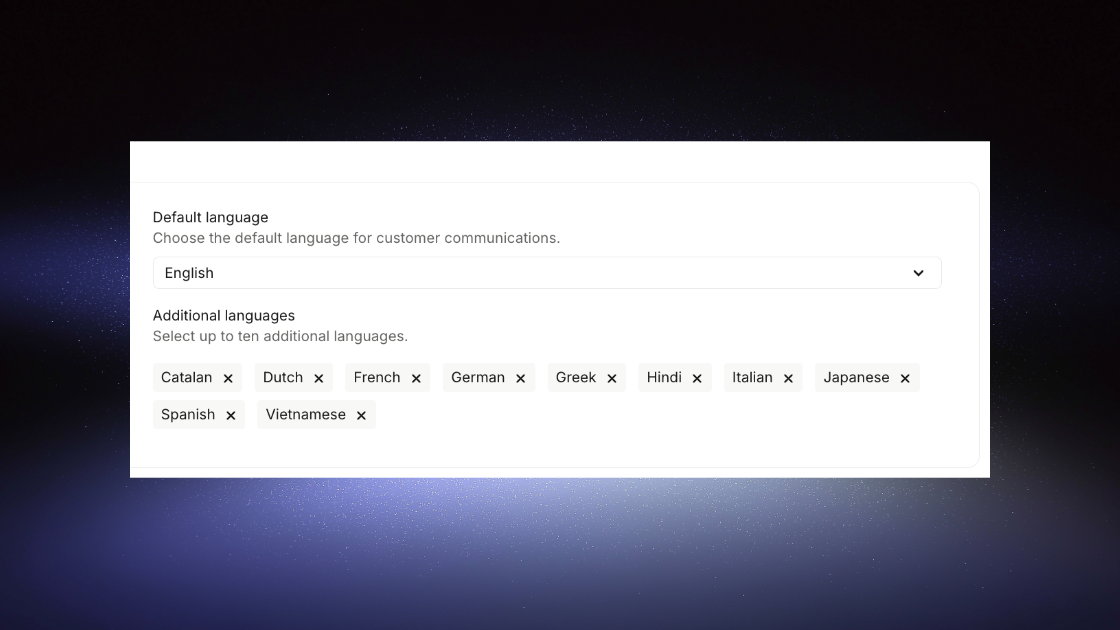
Webflow's Localize feature now lets you customize the tone and formality level for each target language when translating your content. This gives you more control over how your message is perceived across different markets and audiences.
How it works
When translating content in Webflow, you can now specify the desired tone and formality for each language:
- Tone options: Choose from casual, neutral, or professional tones to match your brand voice
- Formality levels: Select formal, standard, or informal language settings per language
- Per-language customization: Set different tone and formality preferences for each target language independently
Why this matters
Different languages and cultures have varying expectations around formality and tone. What works in English might not resonate the same way in another language. This feature allows you to:
- Maintain brand consistency while respecting cultural communication norms
- Better engage local audiences with culturally appropriate messaging
- Reduce the need for manual translation adjustments after the fact
Getting started
- Navigate to your Localize settings in Webflow
- Select a target language for translation
- Before translating, set your preferred tone and formality level
- Apply these settings to your translation workflow
- Review the translated content to ensure it matches your desired tone
This feature is now available to all Webflow sites using the Localize functionality.
Fetched July 22, 2026