Conversations detail page redesigned with Transcript and Timeline views
We've redesigned the Conversations detail page under Explore → Conversations, so you can follow every message, tool call, and model response in a conversation.
Conversations builds on Sentry's Agent Tracing, which automatically captures agent runs, tool calls, model interactions, and errors across the entire agent workflow.
What's new: Transcript and Timeline views
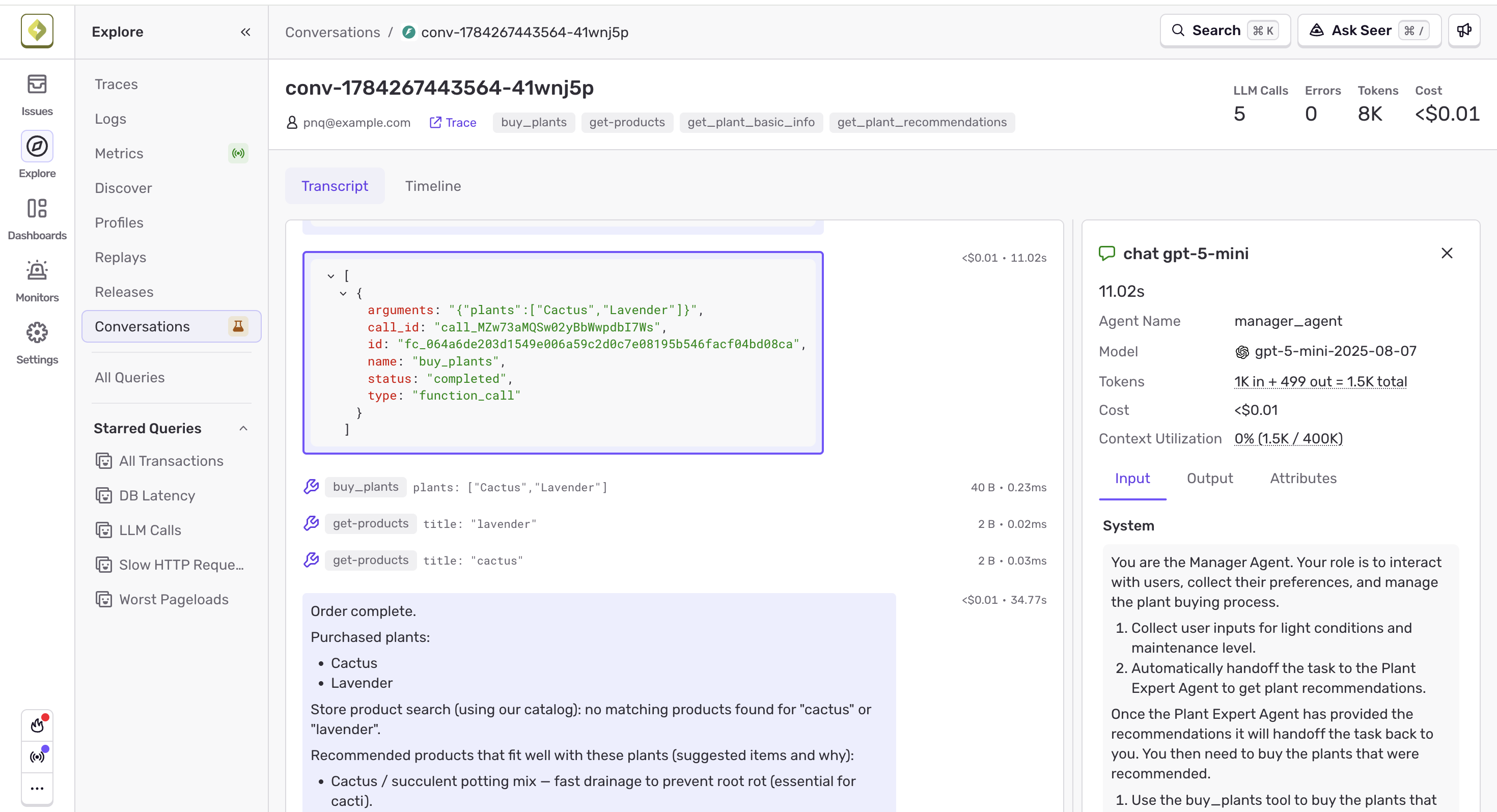
Transcript: The Transcript view shows the full back-and-forth between user, model, and tools in a chat-style layout. Tool calls appear inline with a short input preview and duration, and long runs collapse so the conversation stays scannable. Selecting any message opens a side panel with duration, metadata such as model and cost, and the full Input, Output, and Attributes.
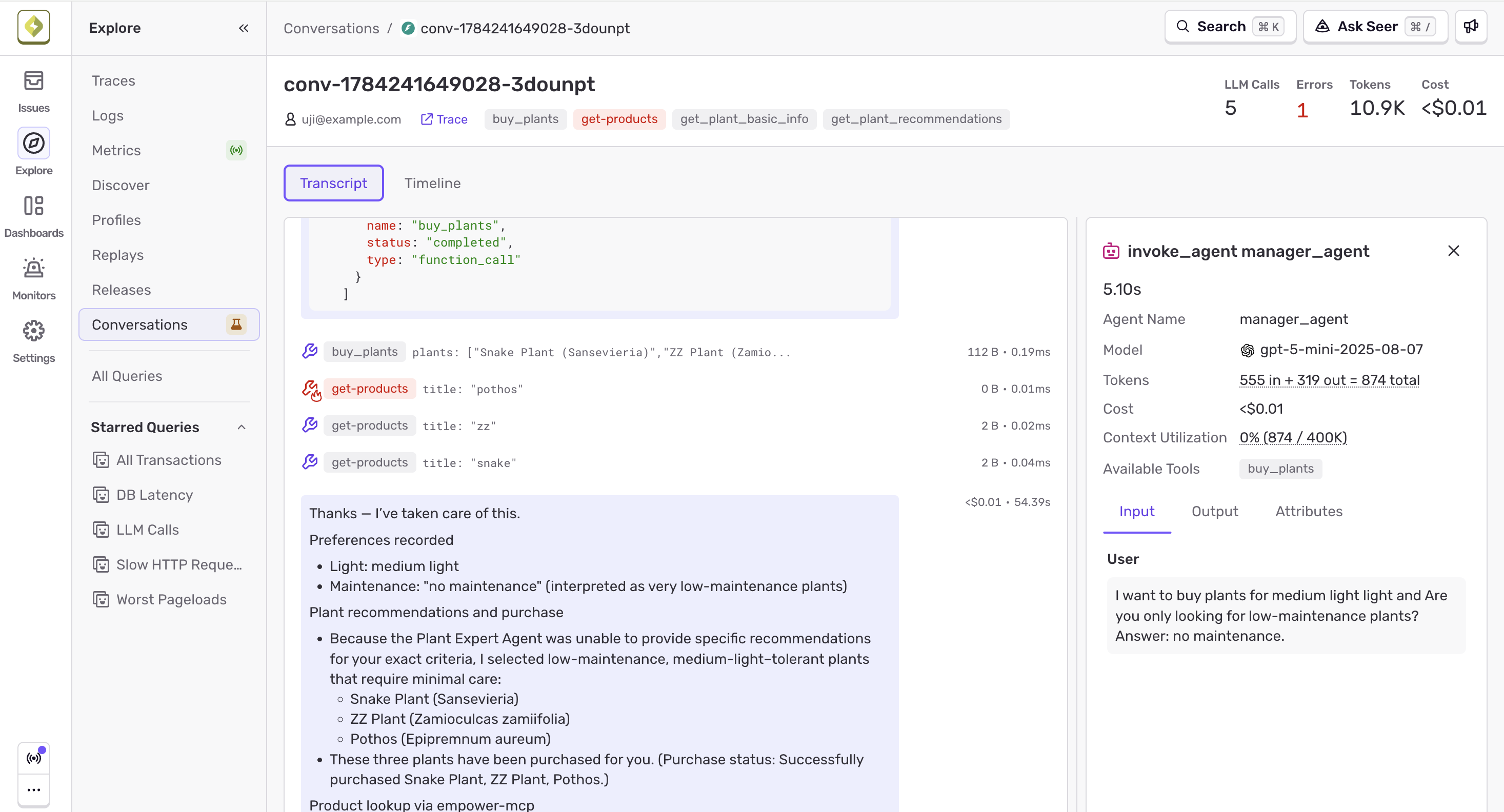
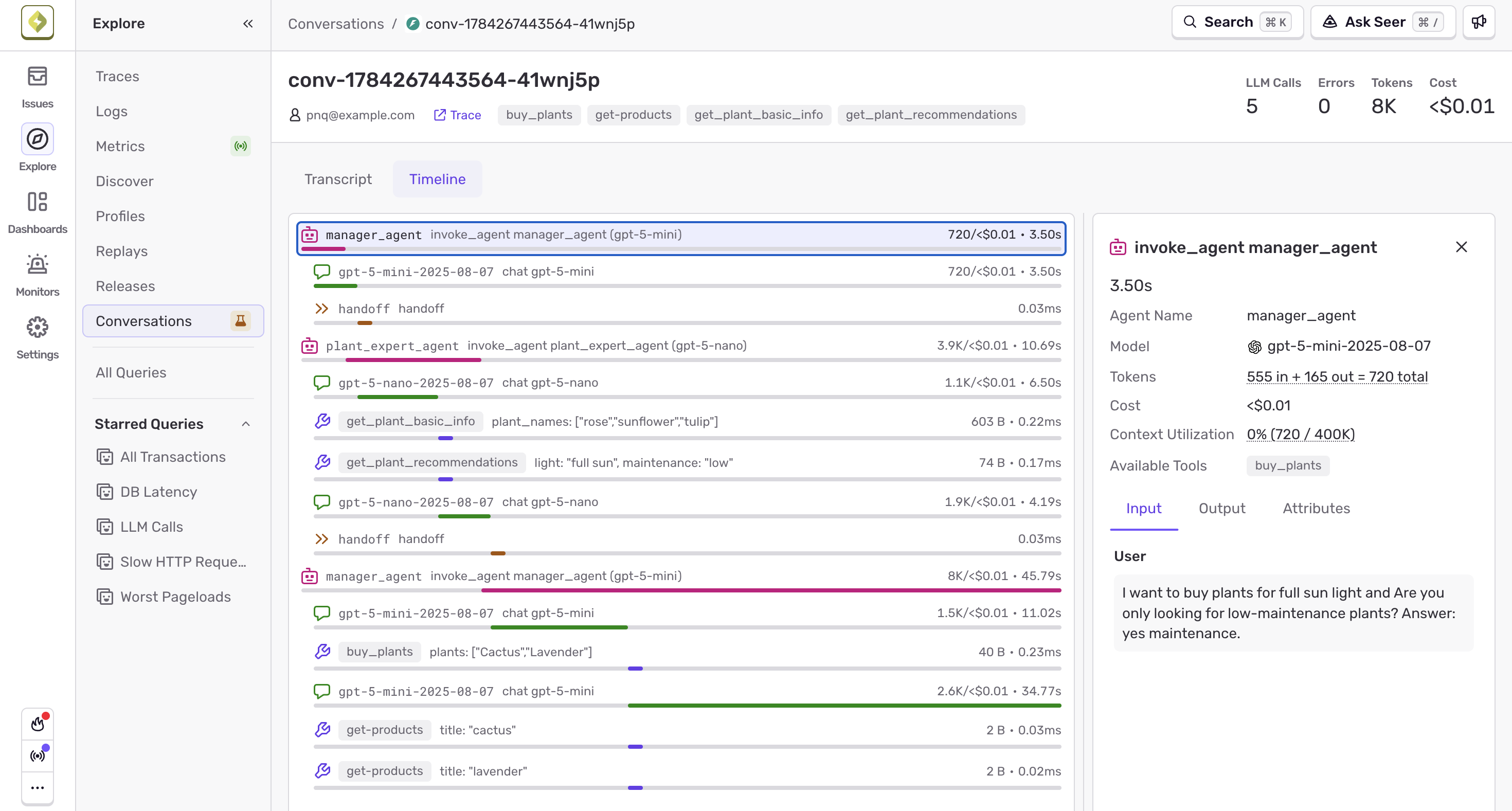
Timeline: The Timeline view shows every span in the conversation in order, so you can spot latency, errors, and the sequence of tool calls. Clicking a span opens a side panel with additional high level data (cost, model) as well as its input, output, and attributes.
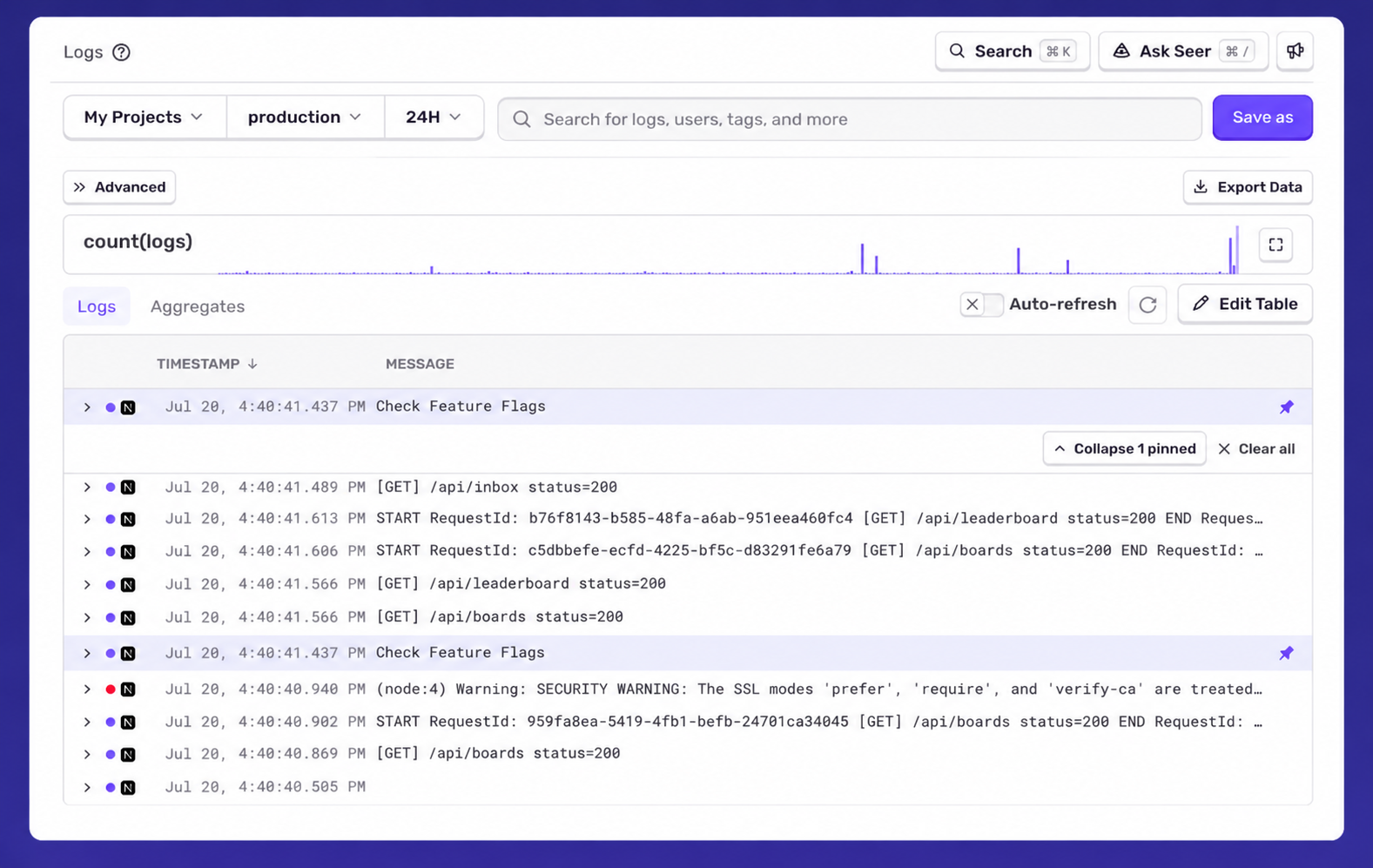
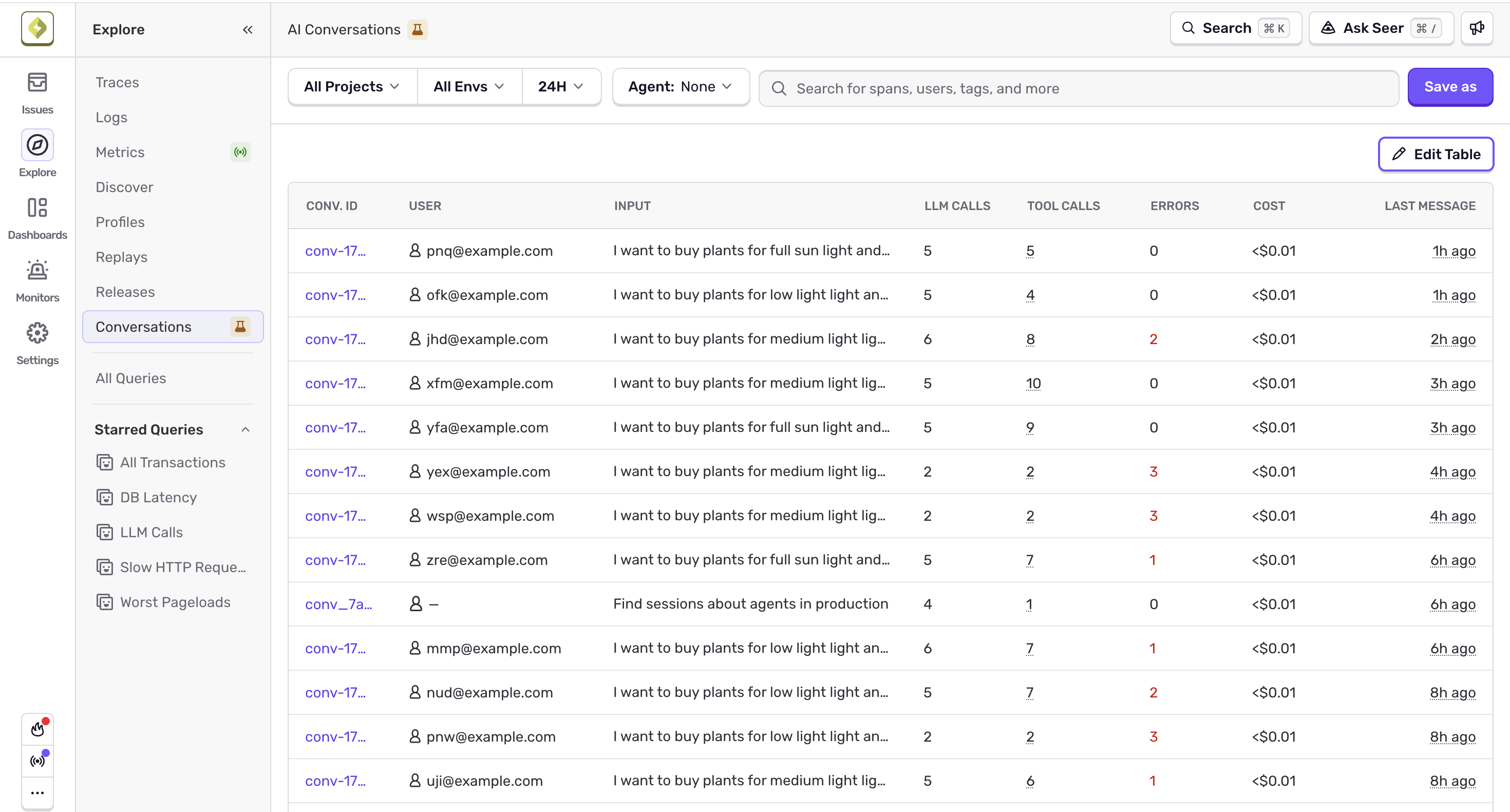
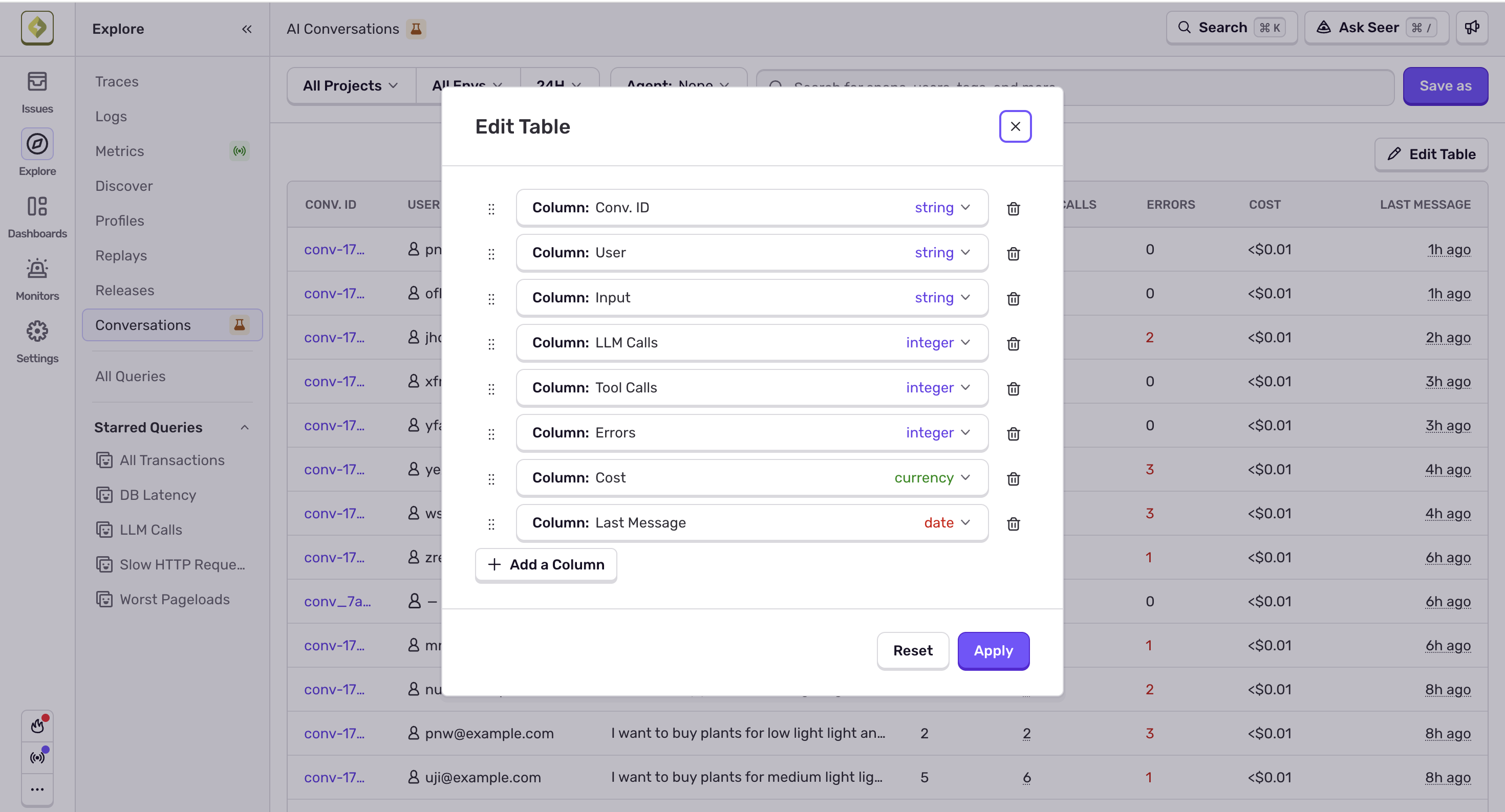
Lists: You can now save Conversation lists with your preferred column layout and filters via Explore's saved queries. Use Edit Table to show, hide, and resize columns. Save as stores your current filters (and agent).
On this List view, you can also hover over tool calls to see a breakdown per item.
Conversations groups spans by gen_ai.conversation.id, so whether a user's session spanned multiple traces or a single trace contained several conversations, you get the full picture.
To get started with using Conversations in Sentry, you need to first ensure you have Agent Tracing enabled:
- Enable tracing with the Sentry SDK configured for your AI agent project. Follow the Agent Monitoring getting started guide if you haven't already.
- Add a conversation ID on your spans. Sentry groups spans into conversations using the gen_ai.conversation.id attribute. You can set this manually, or some SDK integrations infer it automatically.
Learn more in our AI agent tracing docs.
Fetched July 22, 2026