
Apple well-known files now supported in Webflow
Apple Well Known files in Webflow
Establish a secure connection between domains and apps by verifying your domain and adding the "well-known" file to your Webflow hosted site.
Documentation
→
Share
If you use Webflow to host your marketing site and also have an app in the Apple App Store, you’ve probably run into challenges when it comes to verifying your domain and adding the “well-known” file to your Webflow hosted site.
Apple refers to this as supporting associated domains and it helps you connect your app and a website to provide both a native app and a browser experience.
Associated domains establish a secure connection between domains and apps, enabling sharing credentials and enhanced features between websites and apps. This functionality empowers users with smoother experiences like shared web credentials, universal links, Handoff, and App Clips.
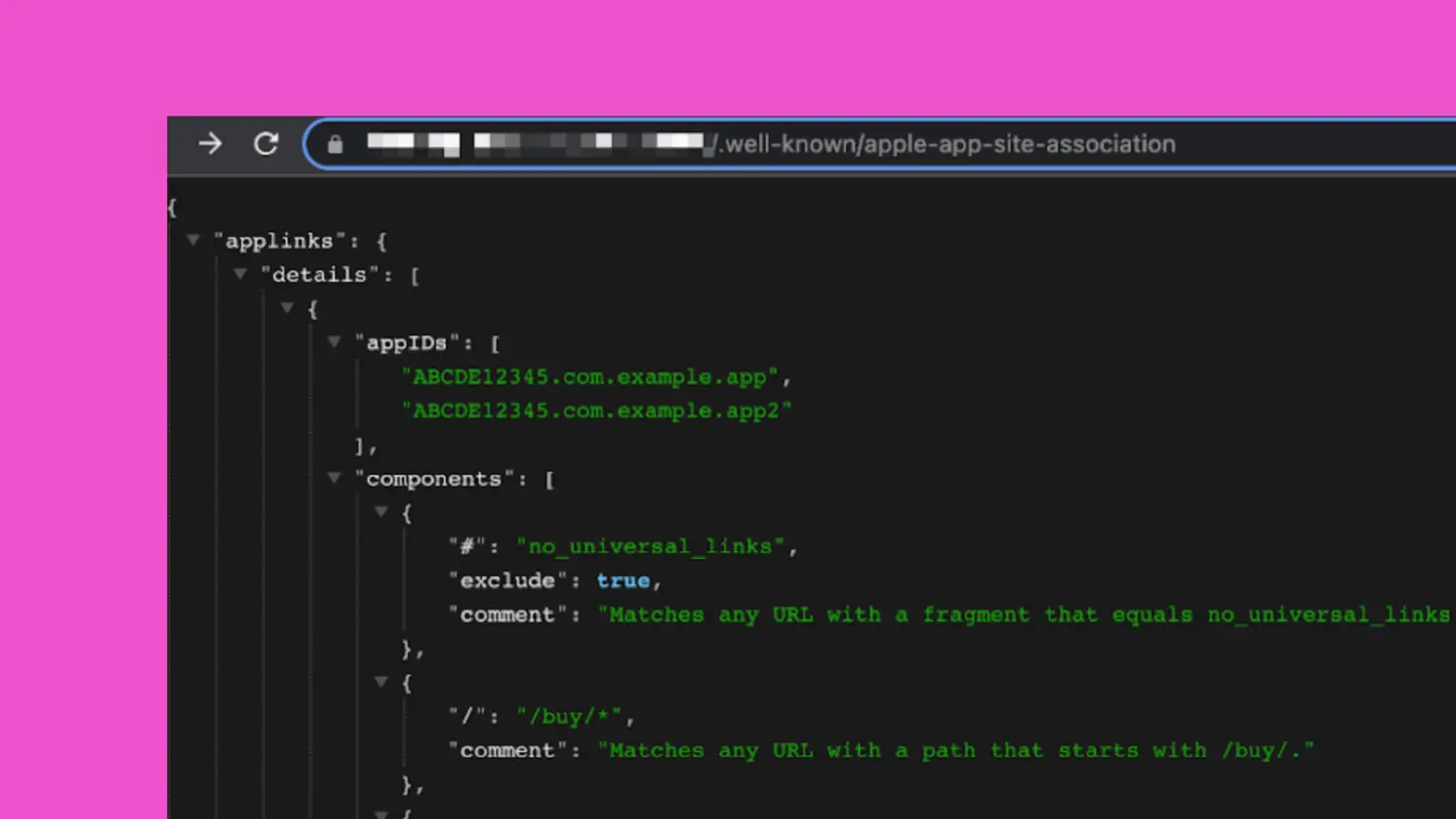
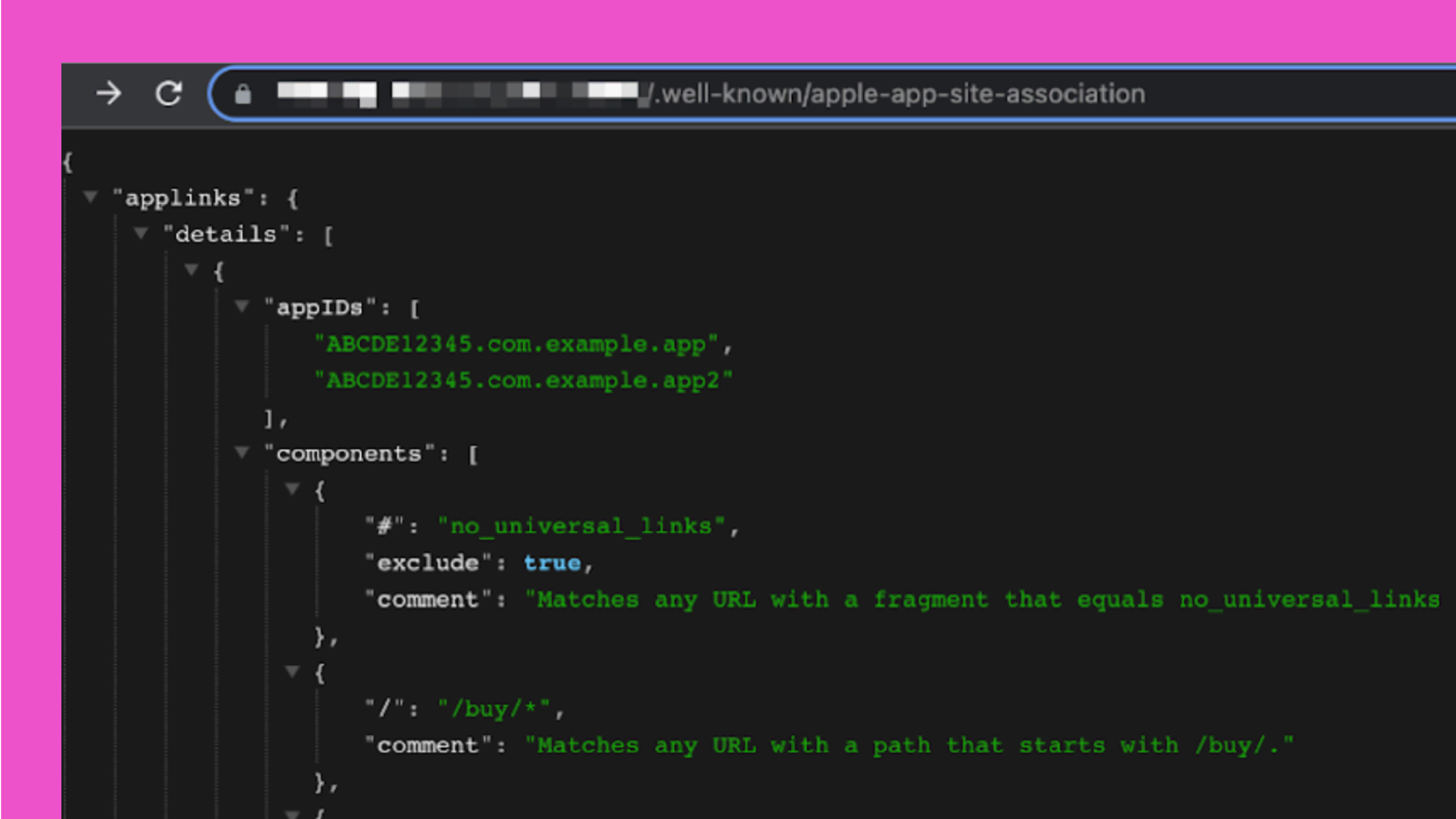
Today we’re shipping a small feature that will help you easily add that file to your Webflow site. To add the associated domain file to your website, create a file named apple-app-site-association.txt.
Verify your domain and establish a secure connection between your Webflow site and your Apple app
To add the associated domain file into your Webflow website, simply create a file named apple-app-site-association.txt and upload it through the assets panel. In their docs, Apple recommends not setting an extension on the file, but to add it to Webflow you’ll need to make sure that .txt file extension is added so the file can be placed in the well-known directory.
Learn what Apple recommends to include in this file in their documentation. Once you have your file ready, upload it to the asset manager in the Designer. Once you publish your site, Webflow does some magic to make sure that file is available and the well known address Apple recommends (https://<fully qualified domain>/.well-known/apple-app-site-association).
Update on Dec 16, 2024: We now support all well-known files.
Launched on
April 24, 2024
Category
Website management
Fetched August 5, 2026