Track AI and MCP changes in your Site Activity Log | Webflow Updates
Track AI and MCP changes in your Site Activity Log
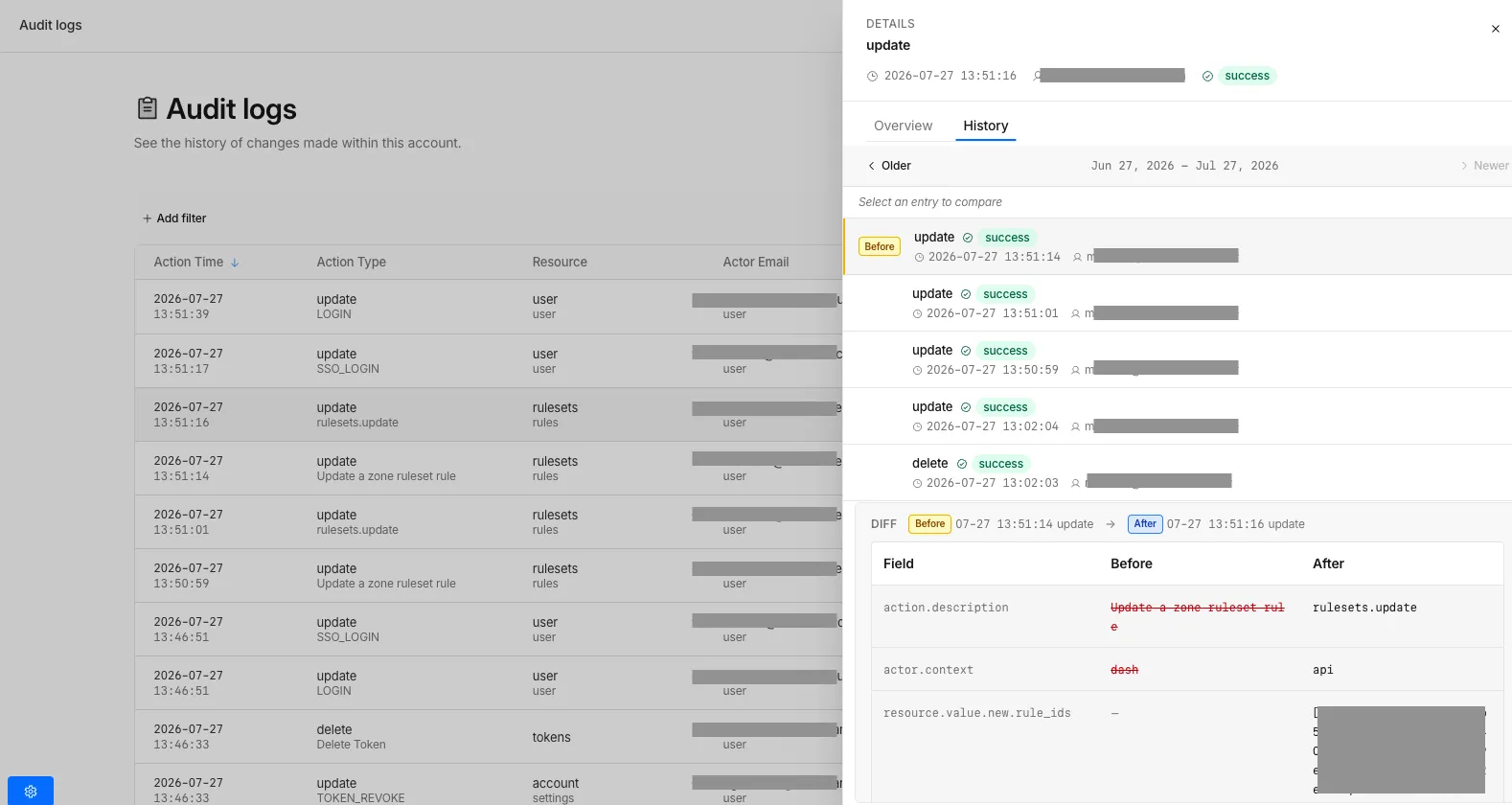
We're making it easier to track changes made by AI and Model Context Protocol (MCP) integrations in your Webflow projects. Now, when you review your Site Activity Log, you can see exactly which changes were made by AI features and which were made through MCP integrations.
What's new
AI and MCP activity tracking — The Site Activity Log now displays AI-generated changes and MCP integration changes with clear labels, so you can easily identify who (or what) made modifications to your site.
This enhancement helps you:
- Monitor AI-assisted design and content changes
- Track updates made through MCP integrations
- Maintain better oversight of your project's development history
- Understand the full context of changes in your site
How it works
When you open your Site Activity Log, look for entries labeled with:
- AI — Changes made by Webflow's AI features
- MCP — Changes made through Model Context Protocol integrations
This makes it simple to review what was automated versus what was manually edited, giving you complete visibility into your site's evolution.
Learn more
For more details on managing your site activity and understanding change logs, visit the Webflow University or check out the Help Center.
Fetched June 3, 2026