MCP drives multiple Gmail and Outlook accounts through Claude, ChatGPT
new
Most of us work across more than one inbox and calendar: work, personal, side projects, etc. But the Gmail & Outlook connectors in Claude and ChatGPT only connect to 1 account. So we have to switch assistants or rely on complex workarounds.
This changes today. You can now drive all your Gmail and Outlook accounts via the Superhuman Mail MCP. Claude and ChatGPT will even search your accounts in parallel!
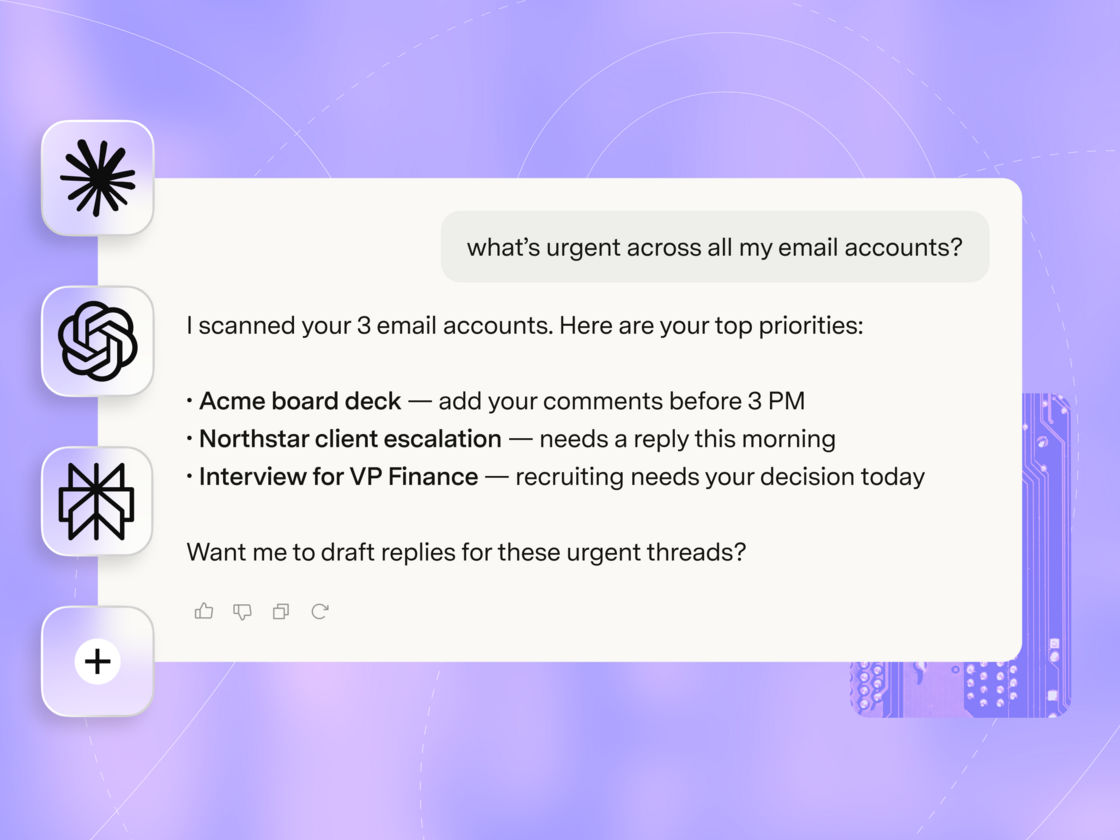
What you can do 🤖
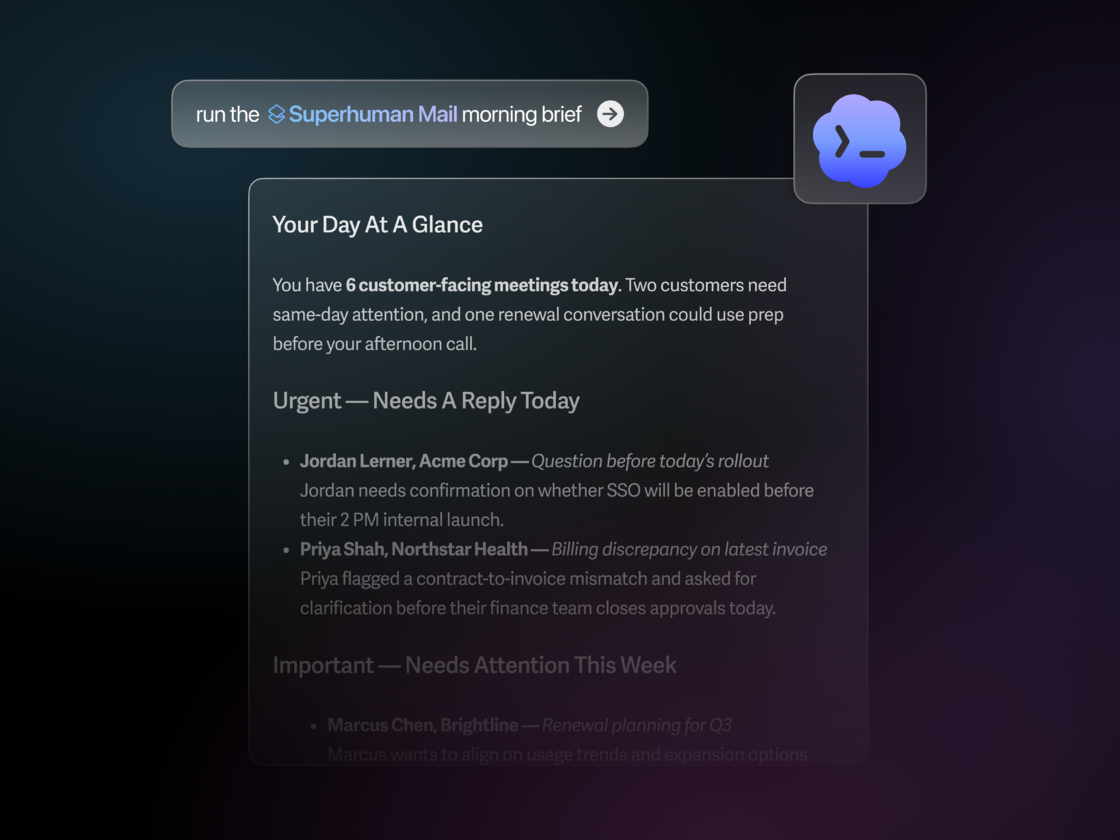
- Focus on what matters most: "what do I need to respond to today?"
- Search all accounts: "collect my 2025 tax forms" or "what did I spend on Lyft this month?"
- Specify an account: "draft an email in my personal account"
- See your full calendar: "what's my agenda today?"
- Manage accounts: "use my personal account by default" or "remove maya@acme.xyz"
Get started 💜
First, connect Superhuman Mail to your favorite AI tool: Claude | ChatGPT | Perplexity | Other
Then, just tell your AI assistant: "add another account to Superhuman Mail". Click the sign-in link and connect your account. To check it worked, ask your AI assistant to list your accounts.
To learn more about Superhuman Mail MCP, check out our weekly webinar and
!The Superhuman Mail MCP is available on Business & Enterprise plans, along with our most intelligent version of Write with AI, Ask AI, Auto Drafts, Custom Auto Labels, and Superhuman for Sales, which includes Smart Send, Recent Opens, and our CRM integrations. To manage your plan, click here.
Fetched July 29, 2026