Mobile coding sessions; Copilot integration; Guided Reviews GA
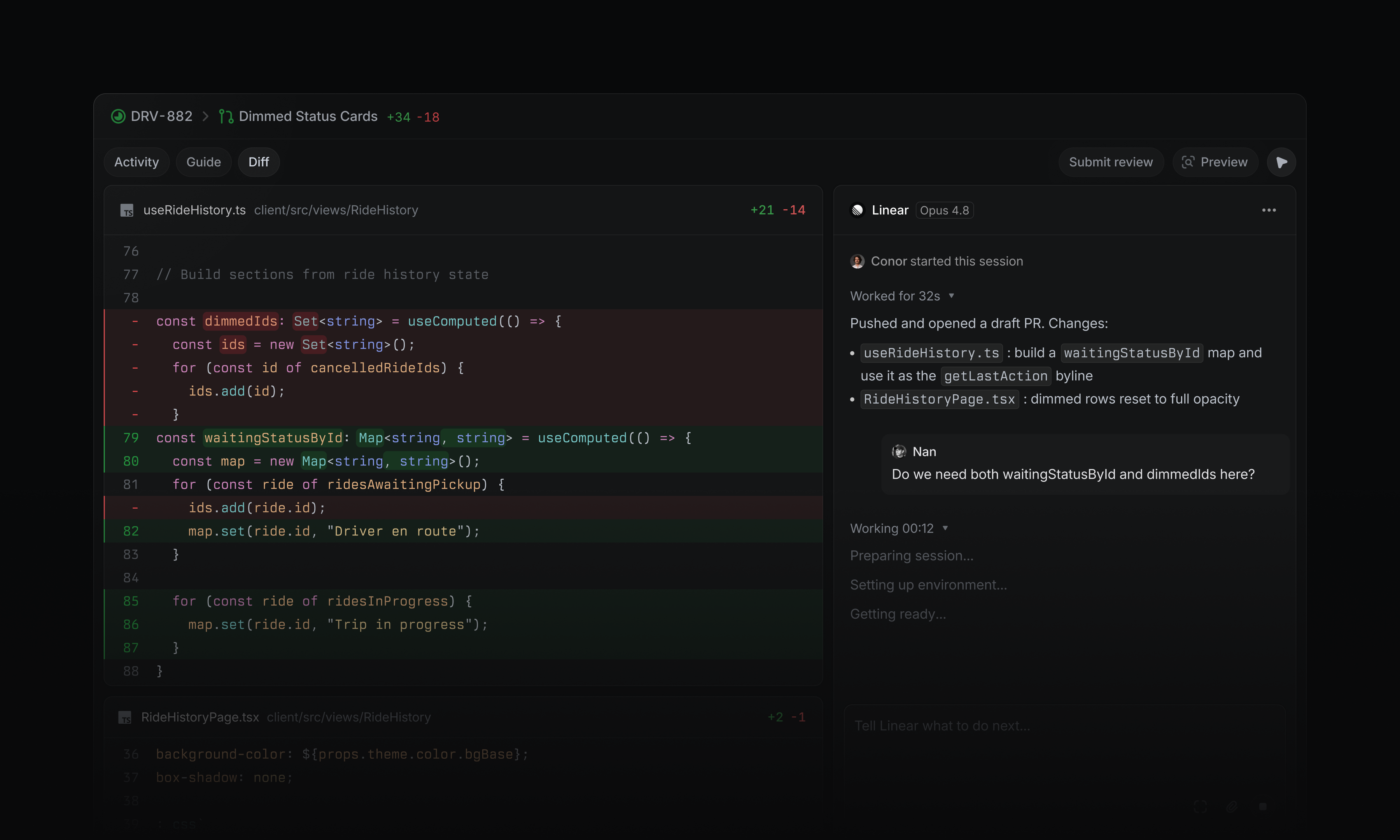
Your coding session doesn’t have to stop when you leave your desk. Use the Linear mobile app to review code changes, comment on specific lines, and iterate with Linear Agent. Open any diff and switch to the Changes tab to inspect the code. When you spot something to change, tap the relevant line to add it to your message to steer the coding session in the direction you want. We’ve also added section under My Issues → Assigned for your delegated issues. It shows the status of each coding session, and gives you a quick way back into active work. Download the Linear mobile app for iOS and Android. Guided Reviews are now generally available Guided Reviews break diffs into focused sections with explainers on what changed and why. As part of general availability, they are now generated for larger pull requests, with a bigger context window and better latency. Guided Reviews are available on Business and Enterprise plans at no additional cost. Support for GitHub teams in reviews You can now assign reviews to GitHub teams. Review requests assigned to your GitHub teams appear in a dedicated section of the Reviews inbox. Learn more in the docs. Signed commits for coding sessions Coding sessions now support signed commits. Add your SSH or GPG key in Settings to enable signing. Workspace admins can also require users to upload a signing key before using coding sessions. GitHub Copilot for Linear GitHub Copilot users can assign issues directly to Copilot’s cloud agent from Linear. Copilot uses the issue context to work in its own development environment, open draft pull requests, and update the issue as it makes progress. Choose model and agent settings, set the base and working branches, then steer ongoing work through comments in Linear. To get started, install GitHub Copilot for Linear, or read the GitHub announcement for more details.
Fetched July 30, 2026