Audit Logs v2: Resource History shows side-by-side diffs
1 featureThis release1 featureNew capabilitiesAI-tallied from the release notes
From the original release noteView original ↗
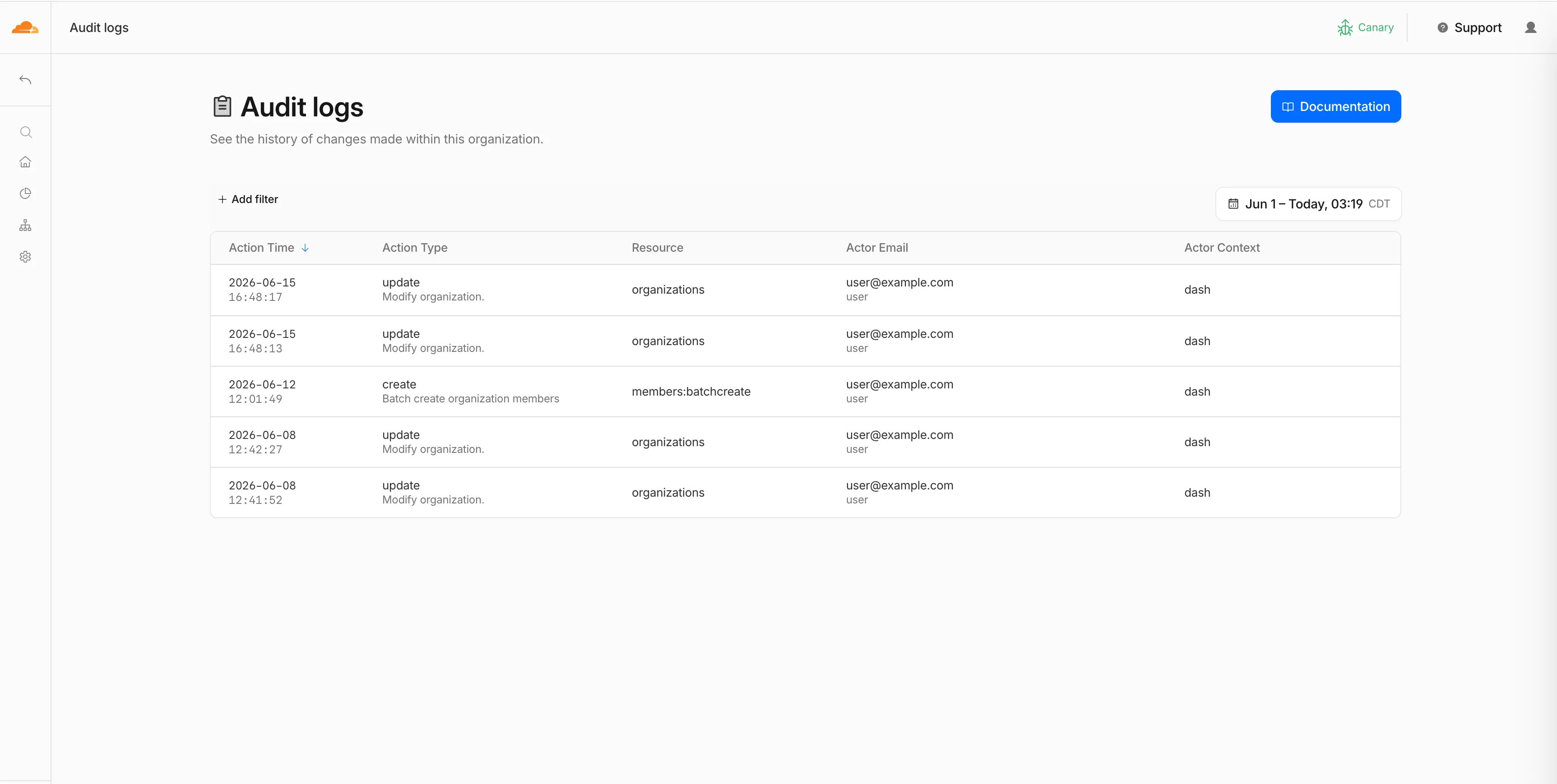
Audit Logs v2 now includes Resource History. For any audit log entry, you can see the sequence of previous changes to the same resource and view a side-by-side diff of what was modified.
Resource History uses the audit log entries you already have. There is no additional configuration, no backend recapture, and no changes to how audit logs are generated.

Dashboard:
- Go to Manage Account > Audit Logs.
- Open any audit log entry.
- Select the History tab to see the full history for that resource.
- Select any earlier entry to see a side-by-side diff of the fields that changed between it and the current entry.
API:
Use the History endpoint to retrieve the change history for any audit log entry:
<span class="line"><span class="nb-shiki-wvjl67">GET https://api.cloudflare.com/client/v4/accounts/{account_id}/logs/audit/{id}/history</span></span>The endpoint is also available for organization-scoped audit logs at /organizations/{organization_id}/logs/audit/{id}/history.
For more information, refer to the Resource History documentation.
Fetched July 29, 2026