Prompt dictation now in Word and Outlook add-ins
Prompt dictation is now available in the Harvey Word and Outlook add-ins, letting you prompt Assistant by voice instead of typing — the same hands-free experience already available in Harvey's web Assistant.
Release Date
Jul 15, 2026
Categories
Harvey for Outlook
Harvey for Word
General Access Type
Admin configuration required
Regional Availability
US, EU, AU
Note: This feature has been available in Harvey for Word and Harvey for Outlook since July 1, 2026.
What's New
Prompt dictation is now available in the Harvey Word add-in and Outlook add-in, allowing you to prompt by voice and skip typing during long drafting or redlining sessions.
This feature matches the dictation feature available in Harvey's web Assistant, keeping your experience consistent wherever you work in Harvey.

Why It Matters
Dictation lets you compose prompts hands-free, so you can move through review and revisions more naturally and keep your attention on the work rather than the keyboard.
How to Use
-
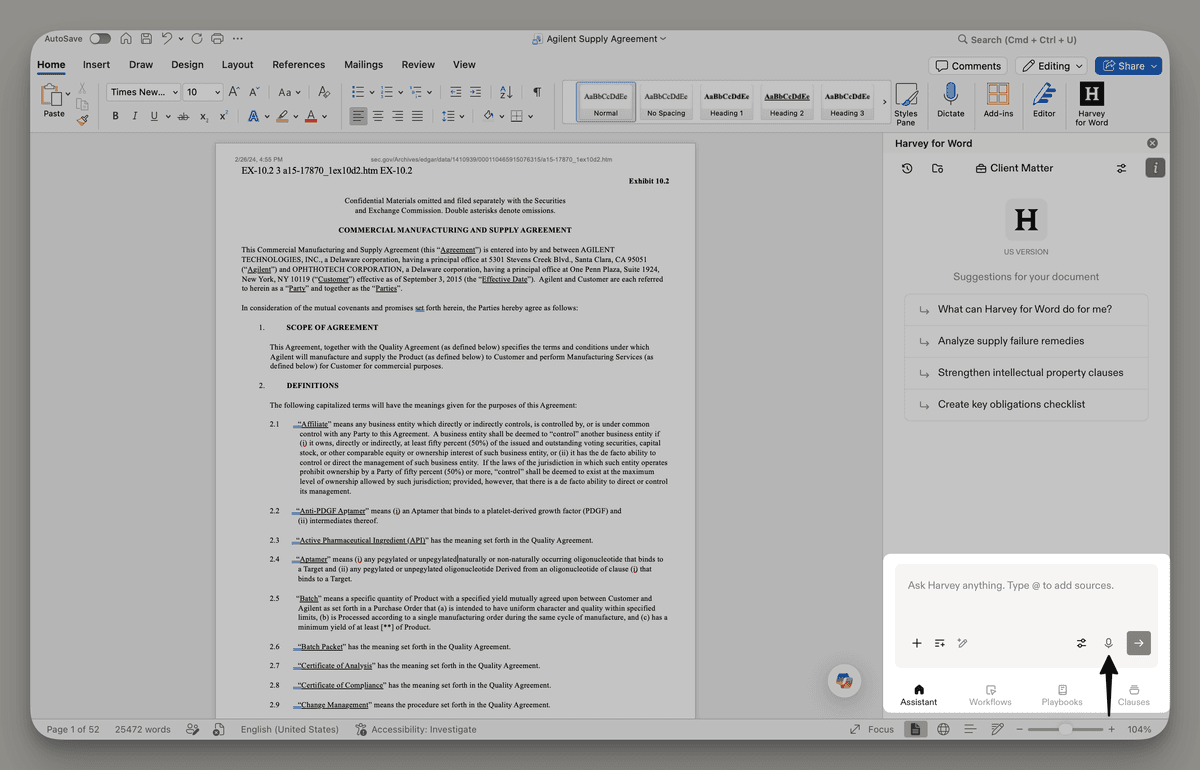
Open the Harvey panel in Word or Outlook.
-
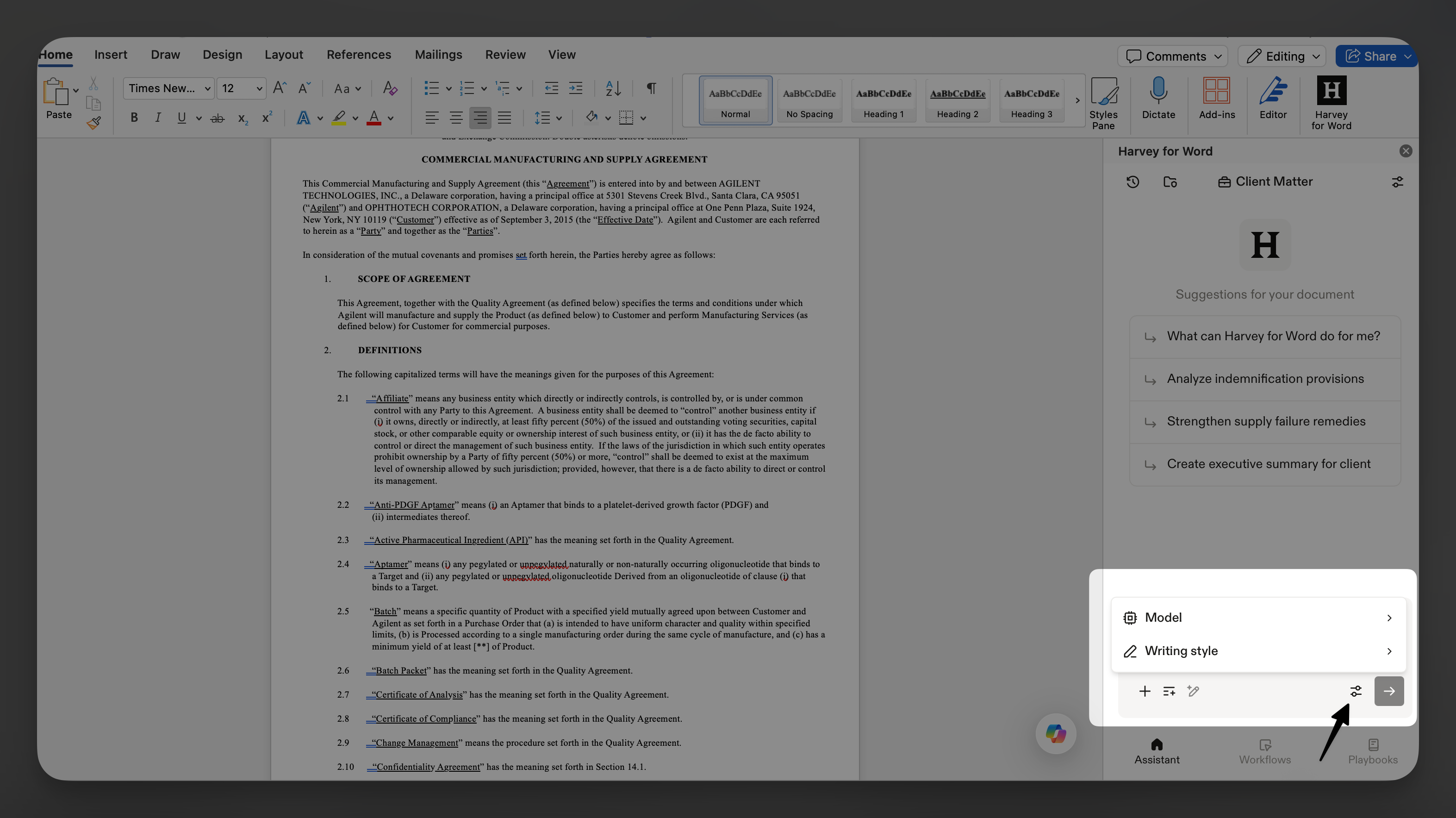
Select the microphone icon in the Assistant prompt window and speak your query. You may be prompted to allow microphone access on your device before you can begin.
-
Select the stop icon to stop dictation. Harvey will transcribe your voice into text.
-
Review the transcribed text before running your query.
FAQs
Q: Do I need admin permission to use prompt dictation in the Word or Outlook add-ins?
A: Dictation is controlled by a single permission that applies to all Assistant composers in Harvey. If your workspace Admin has already enabled dictation for your role on the web app, dictation will automatically be available in the add-ins. If dictation isn't enabled yet for your role, reach out to your admin.
Q: Is my voice data stored?
No. Audio is processed to generate a transcript and then deleted immediately. Only the resulting text is retained.
Fetched July 22, 2026