May 22, 2026
What's new
- Layout controls in the Visual Editor
- Agent settings stay yours in shared projects
- Agent suggests Power Mode when you're stuck
- Cleaner task settings dropdown
- Two new connectors: Quiver AI and Browserbase
Workspace
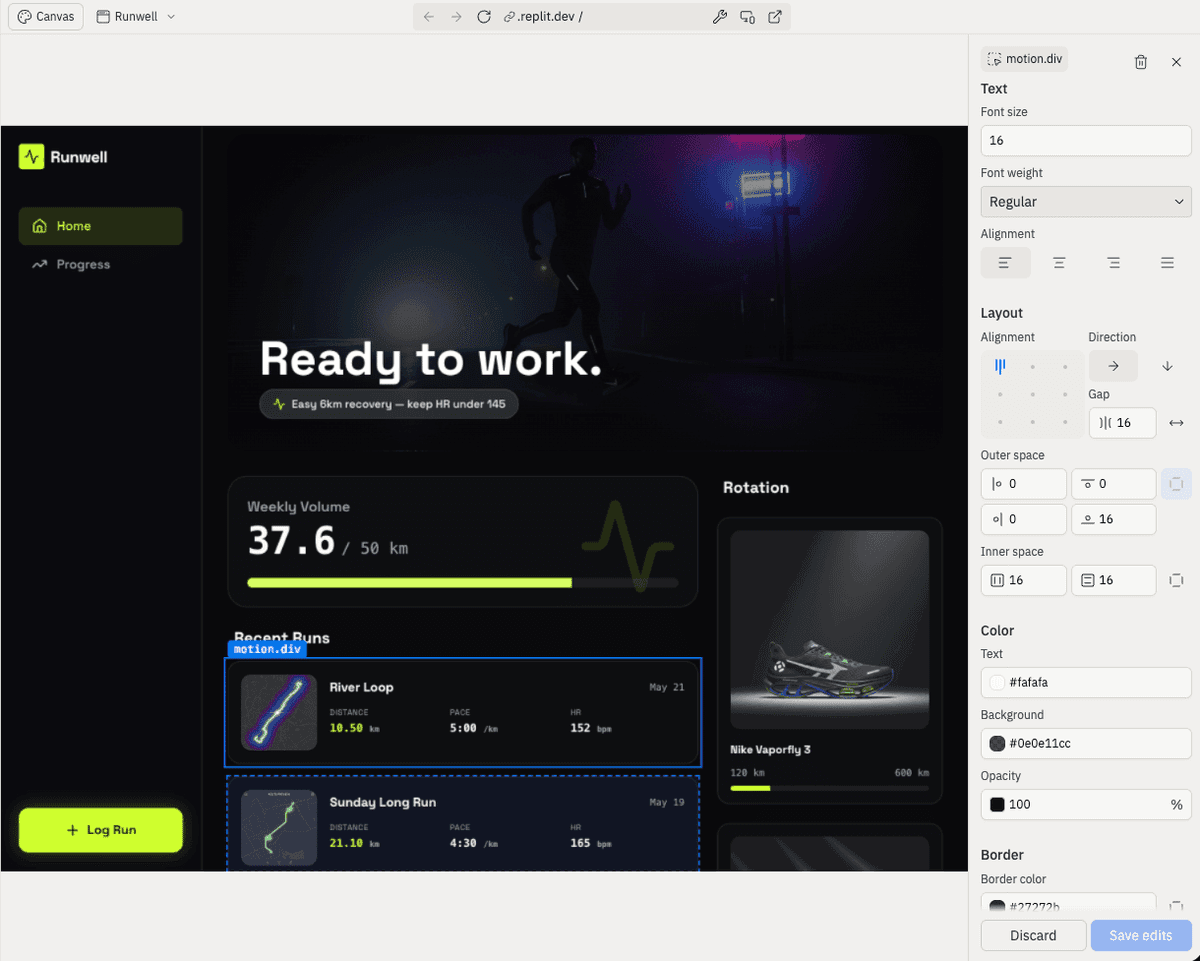
Layout controls in the Visual Editor
The Visual Editor now has dedicated Layout controls so you can adjust flexbox layout visually instead of asking Agent to rewrite the styles. Select any container, expand the Layout section, and choose a flex direction, alignment, and justification. Set a pixel gap between items, or flip on the Space between toggle to push children to opposite edges.
Agent
Agent settings stay yours in shared projects
Your Agent preferences, such as model tier, plan mode, auto-merge, and auto-approve-plan, now stick to you instead of being shared with everyone in the project. A teammate switching to Power Mode on their tasks no longer flips your settings too.
Agent suggests Power Mode when you're stuck
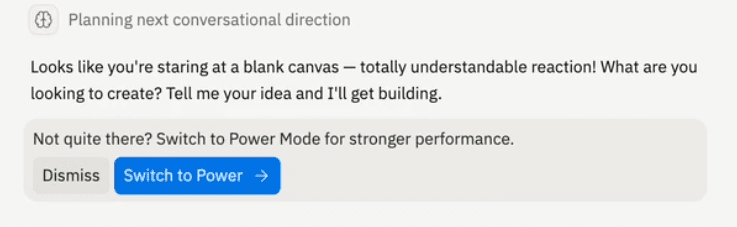
When Agent notices you're hitting the same problem over and over in Economy Mode, it will now suggest switching to Power for your next message. The suggestion looks for repeated requests, or code that keeps failing, and it shows up at most once per project.
Cleaner task settings dropdown
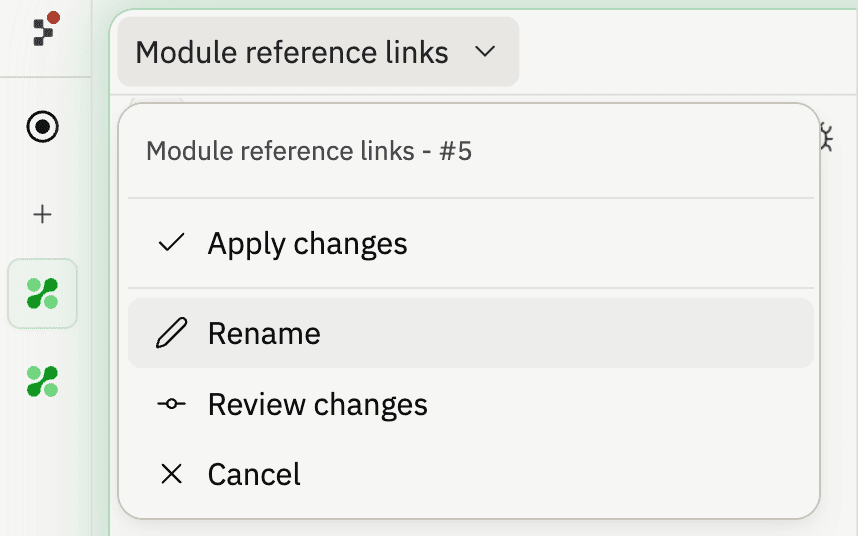
The dropdown that opens from a task's header is easier to use. The active task or planning title now sits at the top with inline rename, automation settings (auto-apply, auto-approve) live in their own section between the title and actions, and the popover has a fixed width so it stops shifting around as task names change.
Integrations
Two new connectors: Quiver AI and Browserbase
Two more services are now available in the connector catalog. Open the Integrations panel and select Add new integration to connect either one.
- Quiver AI: Generate SVG illustrations and vectorize raster images through a managed API.
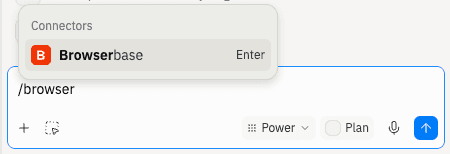
- Browserbase: Run managed headless browsers for fetch, search, and full session automation.
Fetched July 16, 2026