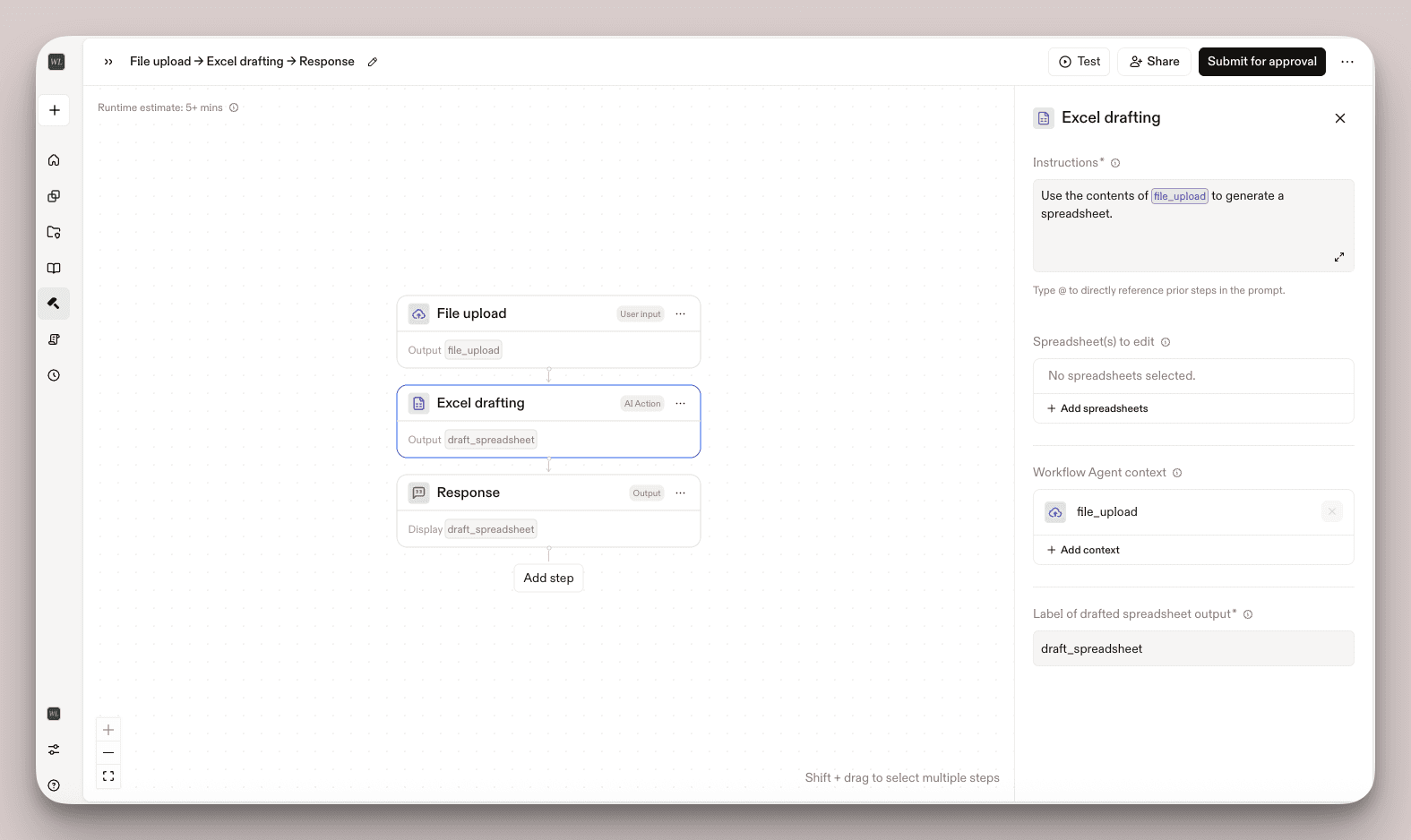
Edit Word Files in Custom Agents
What’s New
Workflow agents can now create and edit Word documents directly using a new Document drafting block in Workflow Builder.
This update introduces:
- Document creation and editing within workflows
- Generate new Word documents
- Modify existing documents as part of a workflow
- New Document drafting block
- Define how documents are structured and updated
- Control document outputs within the workflow
- Upload document(s) to edit directly from your computer or vault
- Upload supporting context files to reference while editing document(s) to edit
- Template-driven document generation
- Embed standardized templates
- Ensure consistent formatting and structure
- Instruction and knowledge integration
- Guide document content with embedded instructions
- Use knowledge sources and uploaded context files to improve accuracy and completeness
- Reusable workflow agents
- Share agents across teams
- Standardize repeatable document processes
Why It Matters
Document workflows often require manual exporting, formatting, and rework. This update moves those steps into the workflow itself.
- Reduce manual work: Eliminate repetitive formatting and document setup
- Improve consistency: Ensure outputs follow the same structure and standards
- Increase speed: Generate complete, ready-to-use documents in one flow
- Scale team workflows: Reuse agents to apply the same process across matters and teams
This allows your organization to move from manual document preparation to structured, repeatable document workflows.
Important: Users must still export edited documents to review and accept or reject redlines in Word.
How to Use
- Open Workflow Builder
- Create or edit a Workflow agent
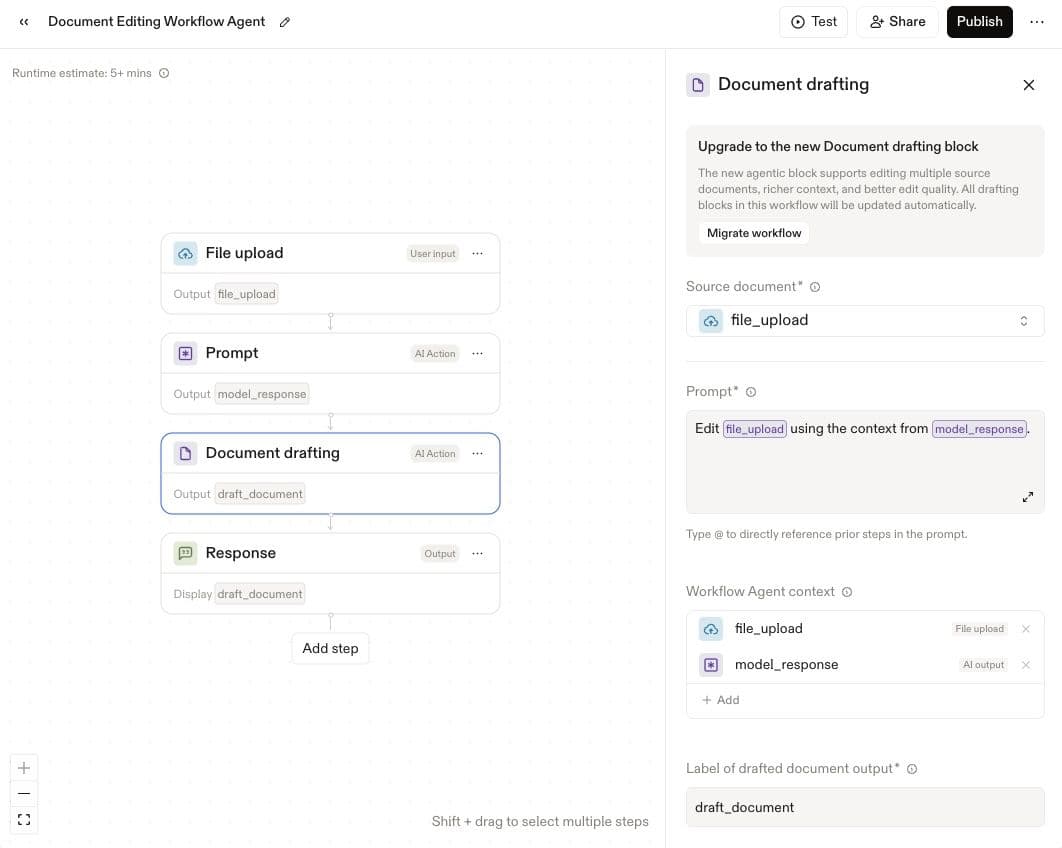
- Add a Document drafting block
- Configure the block:
- Upload or reference one or more document(s) to edit, such as a template or precedent
- Upload supporting context files from your computer or vault (optional)
- Add instructions for document structure and content
- Run the workflow to generate or modify the document
Tip: Duplicate existing workflow agents that use the older version of the Document editing block before updating to the new experience.
To update an existing workflow agent:
- Duplicate the workflow agent containing the older Document drafting block
- Add a new Document drafting block with the updated UI
- Move over the documents and instructions from the old block
- Delete the older Document drafting block
- Test the updated workflow before publishing changes
Known Limitations
- This document drafting block only supports editing .docx files.
- Users will experience higher latency if they chain together multiple Document drafting blocks in a single workflow agent. For this reason, we recommend scoping down the number of documents to edit in a single workflow agent. We are making continuous updates to improve latency here.
FAQs
Q: What types of documents can Workflow agents create or edit?Workflow agents will be able to generate and modify a wide range of Word documents, including standardized templates such as compliance forms, term sheets, and other structured legal or professional documents.Q: How do teams control the structure and content of generated documents?Teams will be able to configure agents using the Document drafting block, embedding templates, instructions, and knowledge sources that guide how documents are created and updated.Q: How does this relate to existing Assistant and Word Add-In capabilities?This functionality will build on existing document generation and editing capabilities, allowing teams to incorporate them into custom Workflow agents and tailor how they are applied across different use cases.
Fetched June 8, 2026