Multi-level sub-teams
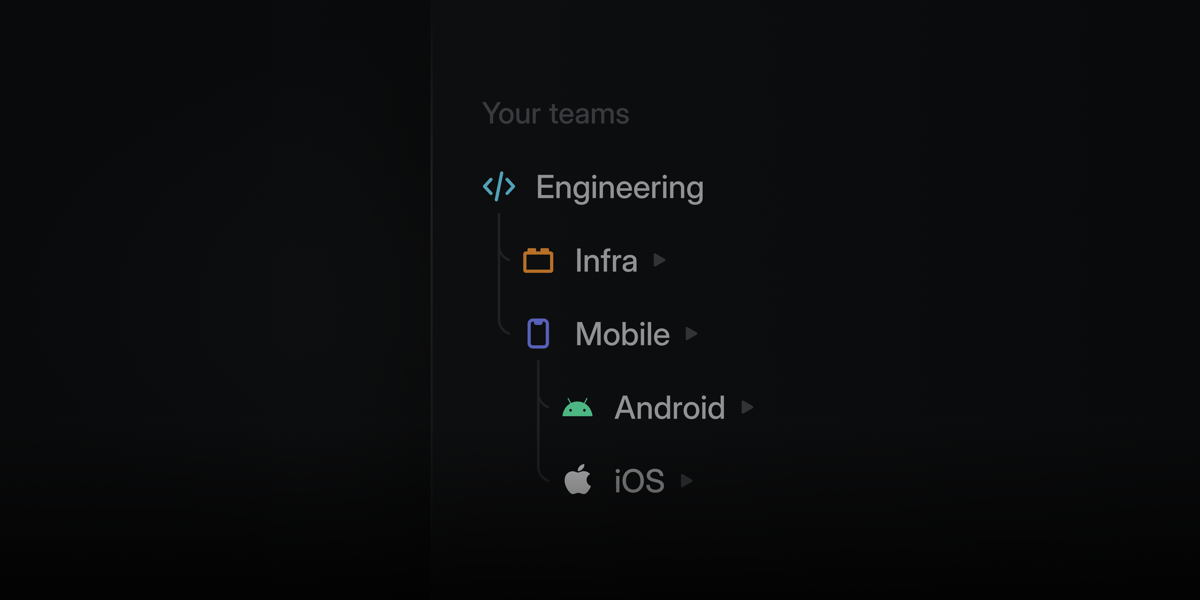 Structure your teams in Linear to match how your organization works.
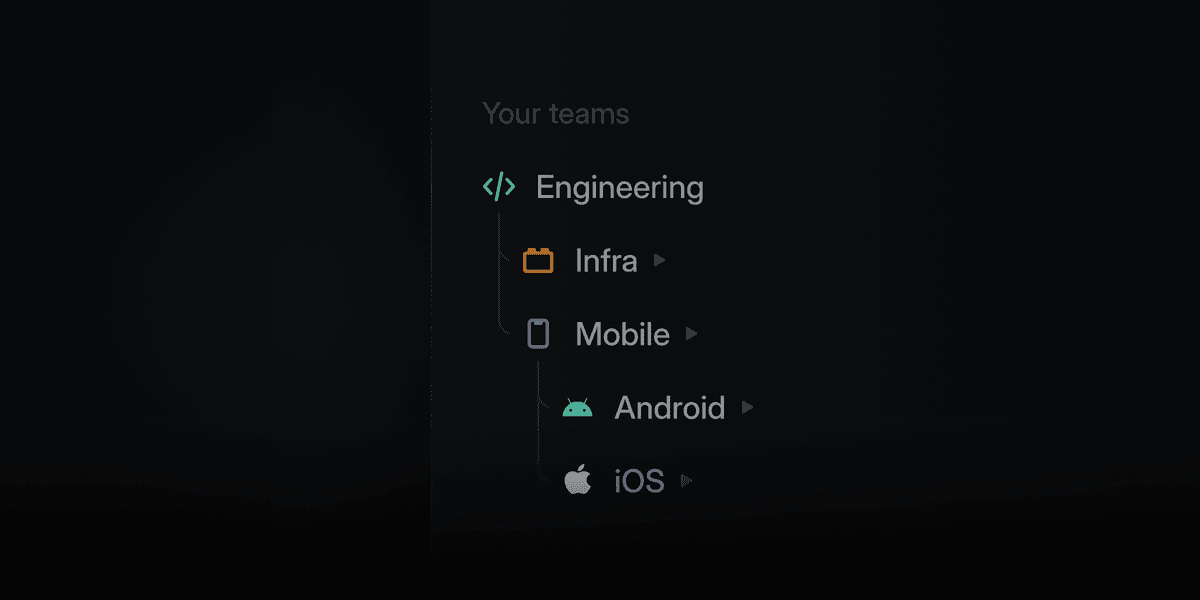
Teams can nest up to five levels deep, making it possible to represent divisions, departments, groups, squads, and more. Sub-teams inherit workflows and settings from their parents at every level, so you can maintain consistency while giving each unit flexibility in how they work.
Multi-level sub-teams are available on the Enterprise plan. Learn more in our docs.
Project and initiative comments
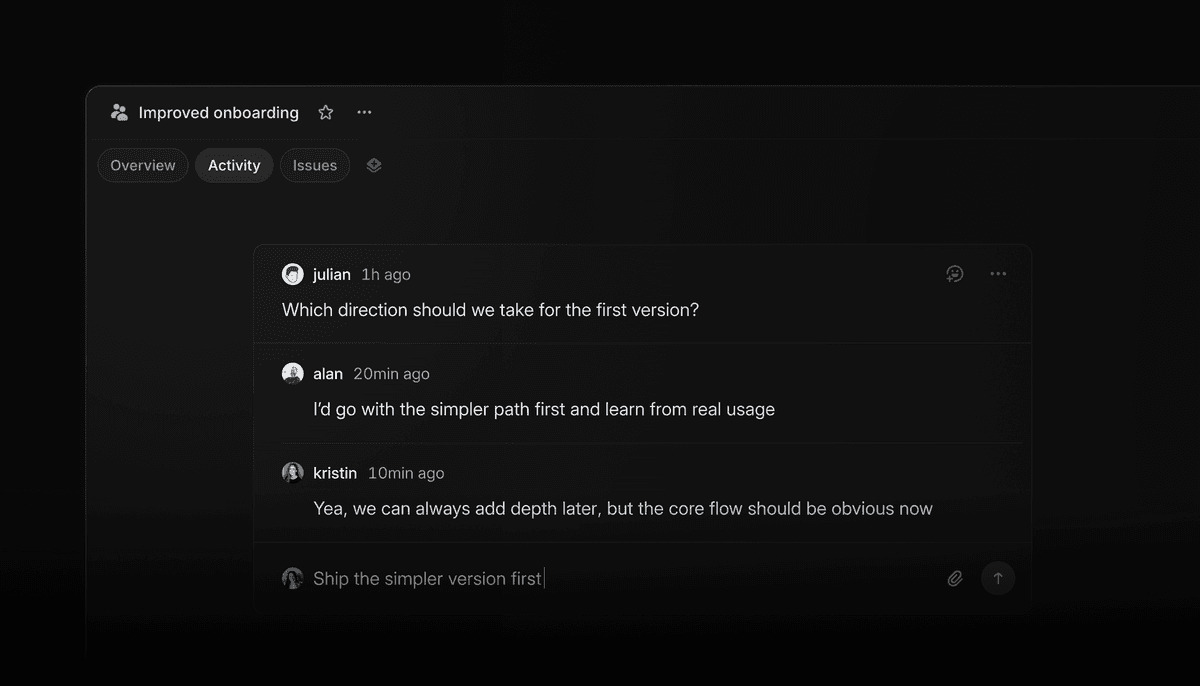
Projects and initiatives now support comments in their activity feed, giving teams a place for high-level discussion alongside updates. Conversations stay attached to the work itself, making it easier for both people and agents to follow and reference.
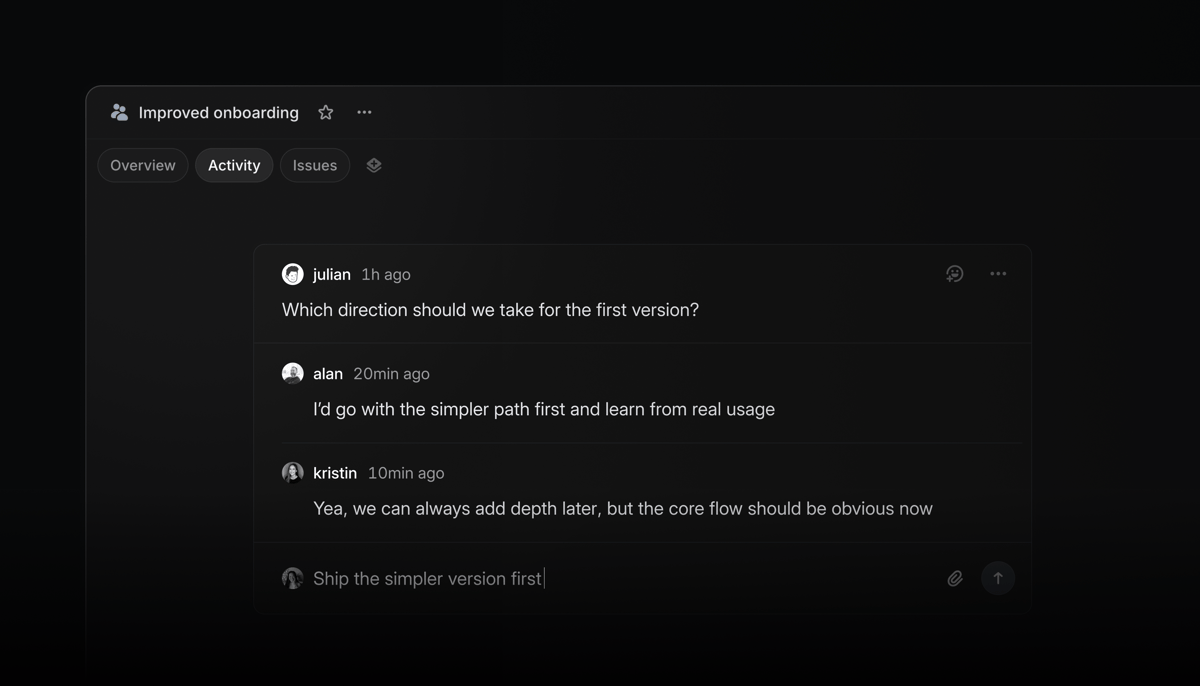 Use comments to:
provide lightweight feedback that doesn’t belong in an inline comment or formal update
- discuss open questions and resolve threads once decisions are made
- capture meeting takeaways and mention @Linear to update docs, revise descriptions, and create issues
Fixes
- Agent: You can now search past agent chats from the Cmd/Ctrl+K menu
- API: Fixed initiative filtering by team
- API: Fixed workflow state positions being unexpectedly reordered when resolving position collisions
- Asks: Fixed Slack Block Kit messages losing rich content during automatic Ask creation
- Code Block: Fixed syntax highlighting not appearing when a code block language was set via Markdown paste or the VS Code clipboard
- Comments: Fixed comment permalinks not scrolling to the target comment after the first click
- Customer requests:Fixed customer request notifications being sent to users who don't have access to the private team containing the issue or project
- Editor:Fixed a performance issue when editing collaborative documents in Firefox
- Editor: Fixed mentions not being inserted when clicking the mention menu in Safari
- Editor: Fixed video and audio players no longer stealing focus when a user is typing or has a text field in focus
- Editor: Fixed pasted GitHub comments rendering as tables instead of plain text
- Filters: Fixed duplicate filter conditions being added
- GitHub: Fixed GitHub Enterprise Cloud integration settings not showing all installed organizations
- GitHub: Fixed the integration settings page linking to github.com instead of the configured enterprise instance
- Issue Views: Fixed deleting a view from the view details page navigating home instead of back to the views list
- Projects: Fixed deleting an issue from a project board navigating to My Issues instead of back to the project
- Search: Fixed search input dropping initial keystrokes when typing immediately after pressing "/"
- Slack: Fixed Slack table attachments not appearing in synced issue comments
- Triage: Fixed the Copy submenu on triage suggestions copying the parent issue’s data instead of the suggested issue’s data
Improvements
- Agent: Agent no longer asks for confirmation on routine bulk updates of up to 5 issues
- API keys: Improved scope information shown for each API key
- Asks: Added a browser prompt before leaving an unsubmitted Ask with unsaved changes
- Editor: Improved @mention hover cards so you can move your cursor into them
- Focus: Improved grouping so pull requests that close an issue appear under that issue’s project when grouped by project
- GitHub: Added support for magic words in revert pull request descriptions
- OAuth: Added a last used date to application OAuth tokens when available
- Projects:Project activity now shows when Slack channel creation fails, including the reason
MCP server
- Issues: Issues created through the MCP without a
stateIdnow default to the team’s default state, even when triage is enabled, if the user is a member of the team
Fetched April 11, 2026