Review table columns now accept reference files for extraction context
Add a reference file to a review table column and have Harvey use it as context when extracting across every row.
What's New
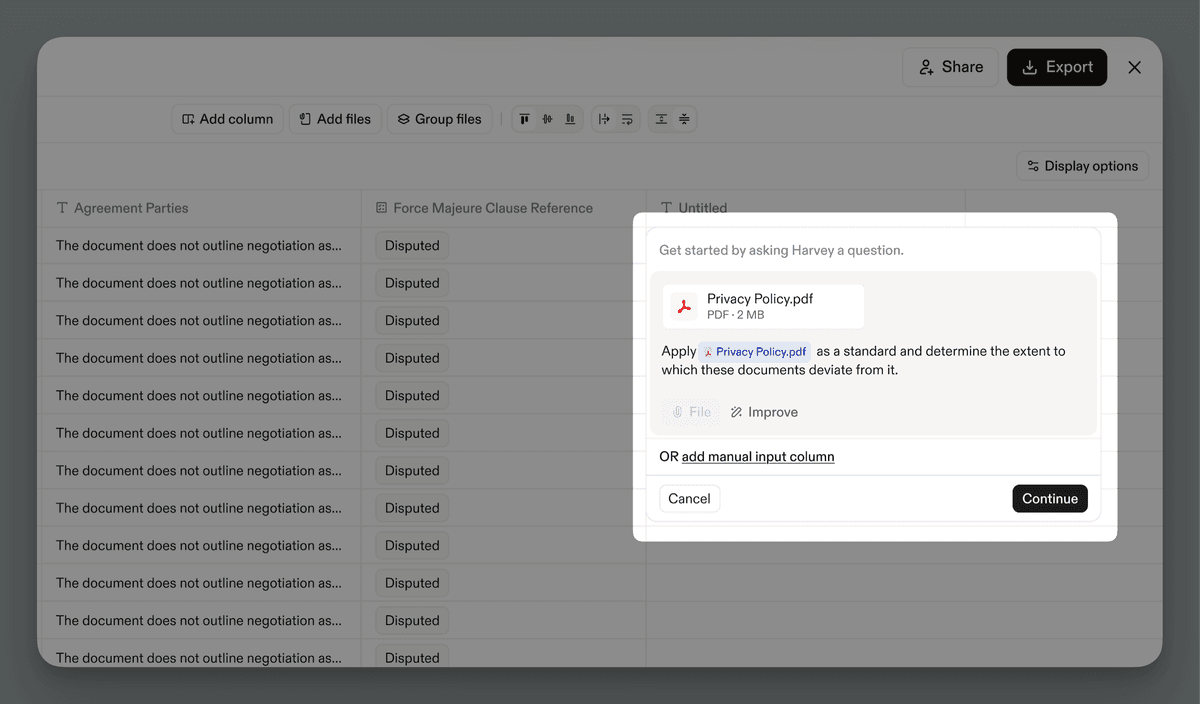
You can now attach a reference file from your computer or an existing vault to any review table column. Harvey will use the file as context for every row automatically.
-
Direct Harvey with an @ mention. Reference the attached file by name in the column prompt, for example "Identify deviations from @Standard Offer Letter."
-
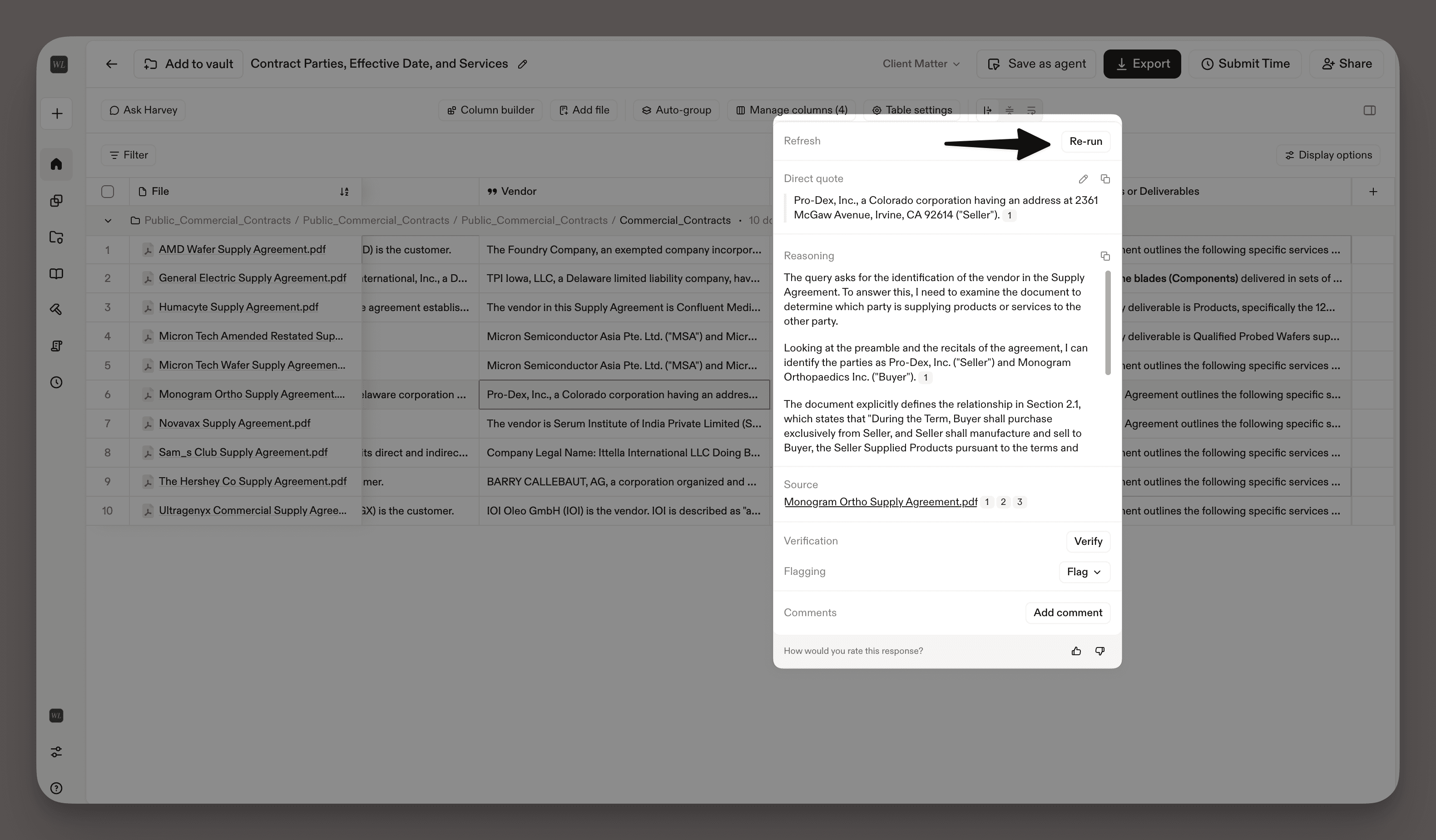
Traceability built in. Every cell cites the reference file inline. Click a citation to highlight the passage Harvey relied on, and move between citations from the row document and the column file.
-
Full compatibility with column and table actions. Columns with file context support re-run, conditional columns, filter, sort, group/ungroup, verify, flag, comment, edit, save as a workflow agent, table duplication, and export.

Why It Matters
Attaching a file as column context makes it simpler and faster to compare large sets of documents against a fixed reference, such as a template, a review protocol, or a regulatory framework. Instead of manually restating or pasting your reference document into each column prompt, you can attach the file once and apply it across every row.
How to Use
For steps and tips on attaching a file as column context, refer to Using Review Tables.
Use Cases
Adding a file as column context is a helpful tool when you want to measure a set of documents against a fixed reference, such as a template, a review protocol, or a regulatory framework. Below are several examples of how this feature can fit into legal work:
Red Flag Review — Surface and explain risk across a set of agreements
M&A Corporate
A transactional associate is reviewing a batch of agreements and needs to surface the provisions that put her client at risk. She uploads the agreements as the table's rows and attaches her firm's red-flag criteria to a column as its reference file.
She then prompts the column to surface the red flags for each agreement, and Harvey checks each row's agreement against her reference criteria. She then adds a conditional column to spell out each one: "For each red flag identified in @conditional_column, provide a one-line description identifying why the provision is a red flag." Harvey returns one answer per agreement, each cell citing the provision that triggered the flag.
Deposition Cross-Reference — Connect documents to sworn testimony
Litigation
A litigation associate is reviewing a set of documents and needs to know how each one relates to a key deposition. He builds a review table with the documents as rows, then attaches the deposition transcript to a column as its reference file.
He can then prompt the column to extract the witness's testimony about each document, characterize what the witness said about it, or flag whether the document is referenced in the deposition at all. Harvey returns an answer for each row's document, and each cell cites the exact passage of testimony it relied on.
Regulatory Compliance — Compare a contract portfolio against a new rule
In-house Counsel
When a new regulation takes effect, in-house counsel needs to find which of the company's existing contracts fall short. She builds a review table with the affected contracts as rows, then attaches the regulatory framework to a column as its reference file.
In her column prompt, she asks Harvey to assess each contract against the regulatory framework and flag the gaps. Harvey works through the portfolio one contract per row, each answer citing both the requirement in the framework and the contract language it checked.
FAQs
Q: What should I use this feature for?
Add files as column context when a column needs to reference a document, such as a regulatory framework, a review protocol, a precedent contract, a playbook, or a standard form. Harvey then compares that document against each row in the table.
Q: Does this work with shared agents?
Yes. File references are preserved when you save a table as a workflow agent. Anyone running that agent must have access to the referenced file's source, for example at least view access to the vault it lives in.
Q: Can I use Ask Harvey over cells generated with a file referenced in its column?
Yes. Ask Harvey reads the answer from those cells to generate a response. The file itself isn't used as context by default, but you can attach it as a knowledge source in Assistant if you want it included.
Q: Can I attach a reference file to more than one column?
Yes. The one-file limit applies per column, not per table, so you can give several columns their own reference file. Attaching more than one file to a single column returns an error.
Fetched July 4, 2026