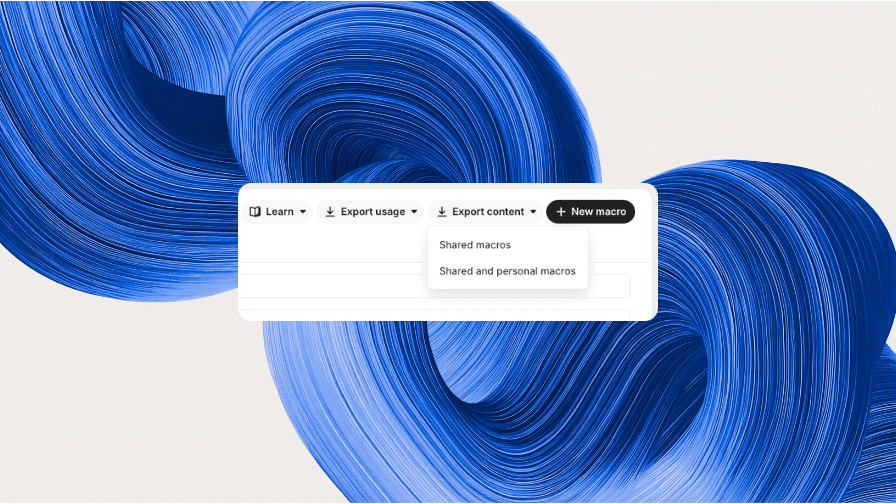
Export your macro content to CSV
You can now export the full content of your macros from Settings > Inbox > Macros. Click Export content and choose whether to export Shared macros (every macro visible to everyone or shared with a team) or Shared and personal macros (adds every teammate's personal macros). We'll email you a CSV containing each macro's body in plain text, Markdown, and HTML, alongside its visibility and timestamps — ideal for auditing, backing up, or reviewing your saved replies in bulk.
Fetched July 13, 2026