Project-level access controls ship; existing orgs migrate automatically
Jul 31, 2026
Jul 31, 2026– Project-level permissions, new Neon backend guides, Lakebase Search resources, and more
Project-level permissions
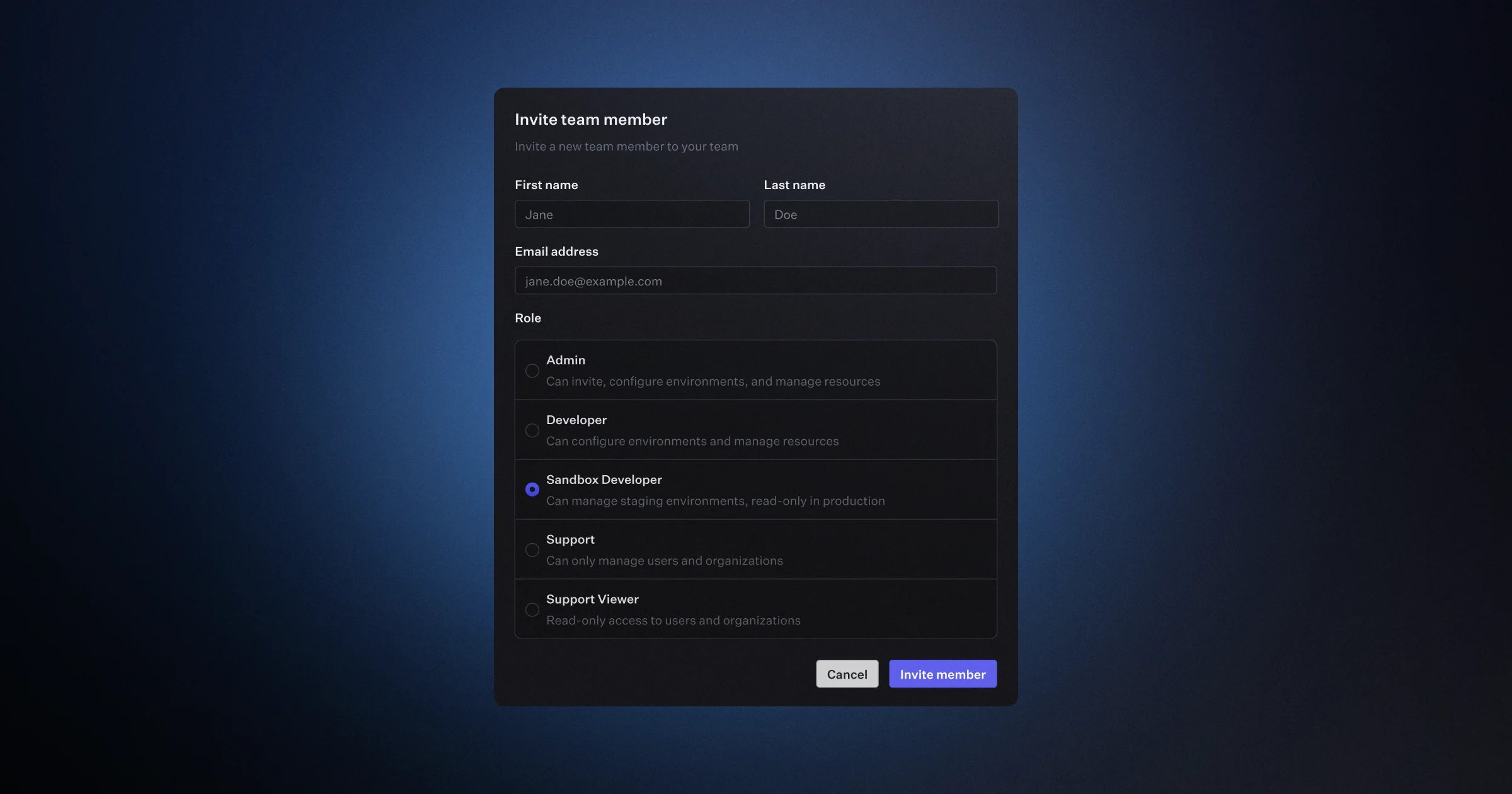
A feature you've been asking for is finally here. Until now, a person's access applied across your entire organization. We're excited to bring project-level permissions to Neon, so you can now grant people and agents access on individual projects, giving them only what they need where they need it. On any project, you can make someone a Viewer to see its resources, an Editor to change them, or an Admin to manage access and the project itself.
Availability
The new model is available now for newly created organizations and will roll out to existing organizations soon.
Access works in two layers. When both apply, a user keeps the higher level of access:
- Organization roles set a baseline across every project. There are now four: Admin (full control), Editor (work in every project, but can't delete or transfer them), Viewer (read-only), and Collaborator (no access until granted specific projects).
- Per-project permissions raise that baseline on specific projects. Grant a member Viewer (read-only), Editor (connect, query, and edit resources), or Admin (manage access, settings, and the project lifecycle) on any project from Settings → Project permissions.
For example, give a contractor the Collaborator role, which grants nothing by default, then Editor on just the two projects they work on. Or give a teammate Viewer across the organization and Admin on the one project they own.

You can manage the same access through the Neon API, so an orchestrator can provision a project and grant a worker agent scoped access to it:
curl --request PUT \
     --url 'https://console.neon.tech/api/v2/projects/{project_id}/members/{member_id}/role' \
     --header 'authorization: Bearer $ORG_API_KEY' \
     --header 'content-type: application/json' \
     --data '{"role": "editor"}'
The CLI doesn't have a dedicated command yet, but you can call the same route with the neon api passthrough.
What changes for existing organizations
When your organization is migrated, it moves to the new model automatically, and everyone keeps the access they have today. No action is required:
- Admins stay Admins.
- Members become Editors, with the same access under the new name.
- Project creators become Admin on the projects they created.
- People with project-share access become Editor on the projects shared with them.
The older project collaboration feature is being replaced by the new Collaborator role plus per-project permissions.
See User permissions for roles, per-project levels, and how the two layers combine.
New guides for building on the Neon backend
Two new guides show how to combine the Neon backend services, from long-running compute to LLM access, all in a single project that branches with your data:
- Build durable background workflows with Inngest and Neon Functions: run a multi-step lead-enrichment pipeline on Neon Functions, with each step checkpointed so a failure retries just that step, and an executive summary generated through the Neon AI Gateway.
- Build an LLM proxy with Neon Functions, Neon AI Gateway, and Managed Better Auth: host a secure proxy on Neon Functions that keeps your LLM keys off the browser, authenticates users with Managed Better Auth, enforces per-user rate limits in Postgres, and streams responses from the AI Gateway.
Set up the Neon backend with your AI agent
The backend services (Object Storage, Functions, and AI Gateway) are in beta in AWS us-east-2. To build with them, install the Neon agent skills so your assistant knows how to provision and wire them up:
npx neon@latest initThen ask your assistant to get started with Neon. See the backend beta guide for access and setup.
More with Lakebase Search
Lakebase Search adds scalable vector, keyword, and hybrid search to Postgres through the lakebase_vector and lakebase_text extensions. This week, two new resources show it in action:
- Case study: CommSync runs text, vector, and hybrid search on Postgres with Lakebase Search. See how a unified business inbox powers its main inbox (BM25 text search), AI assistant (semantic search), and command palette (hybrid search with Reciprocal Rank Fusion) from a single database, cutting query latency from 19.5 seconds to 18.6 milliseconds.
- Guide: Build image search over CLIP embeddings with Lakebase Search. Search a Flickr30k corpus by text, by image, and by caption from one
vector(512)column, using thelakebase_annindex (IVF + RaBitQ) that builds 50 to 100 times faster than HNSW.
To get started, load the Lakebase Search preload libraries, then create the extensions:
CREATE EXTENSION IF NOT EXISTS lakebase_vector CASCADE;
CREATE EXTENSION IF NOT EXISTS lakebase_text CASCADE;
Fixes & improvements
Spending notifications
- Spending limits have been renamed to spending notifications. On Launch and Scale plans, spending notifications alert organization admins when monthly Neon charges reach 80% and 100% of a threshold you set, so you can catch rising usage early and avoid a surprise bill at the end of the month. See Spending notifications for more.
Neon MCP Server
- The
describe_table_schematool now supports schema-qualified table names, such ascrm.contacts. Previously it resolved only tables in thepublicschema, so describing a table in another schema could return the wrong table or fail. A missing table now returns a clean "table not found" error.
Drizzle Studio
- The Drizzle Studio integration that powers the Tables page in the Neon Console has been updated to version 1.5.1. New features include multi-column sorting, keyboard shortcuts, and the ability to copy table creation statements or export rows as SQL insert statements. For the full list, see the Neon Drizzle Studio Integration Changelog.
Fetched July 31, 2026