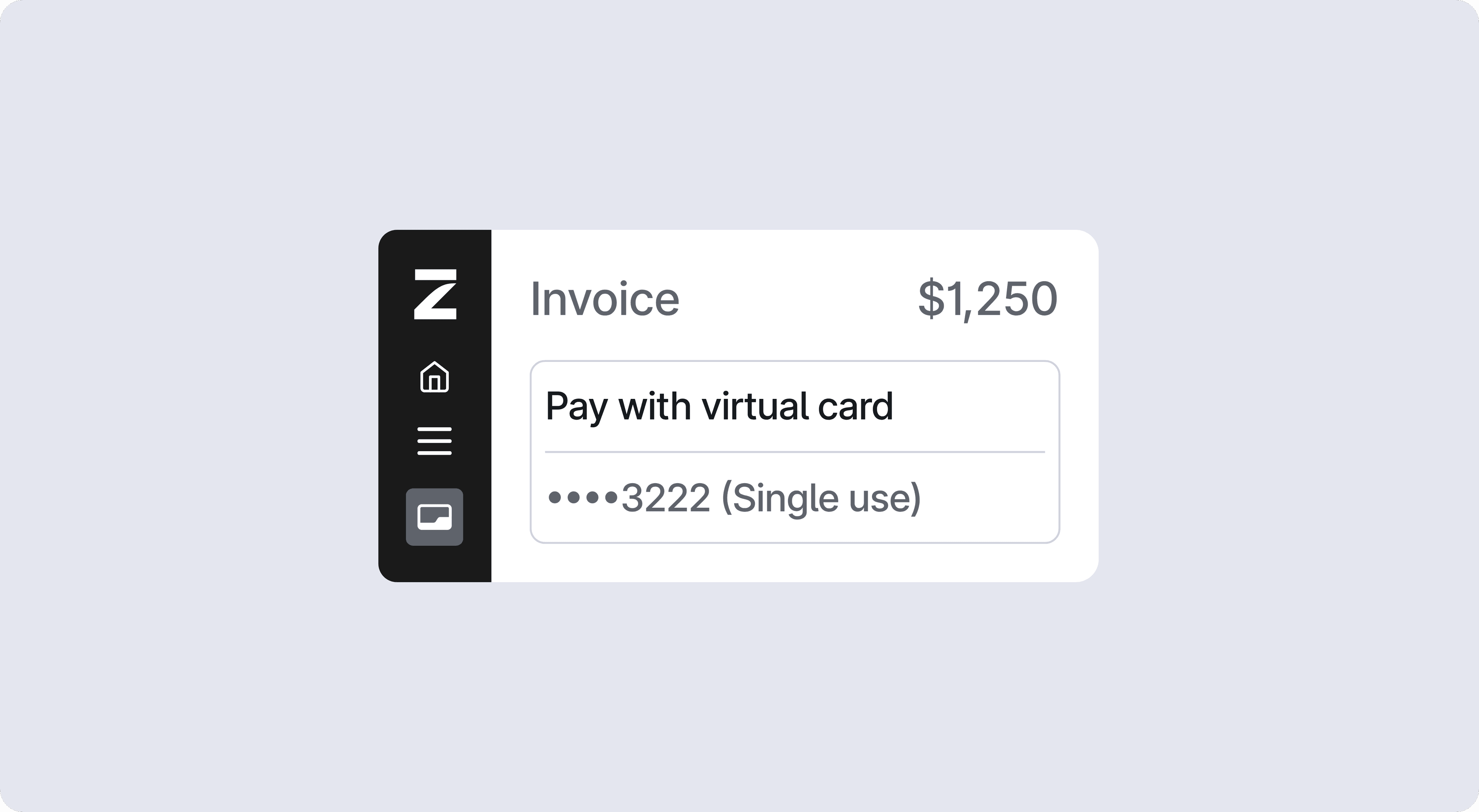
Create policy rules that target p-cards
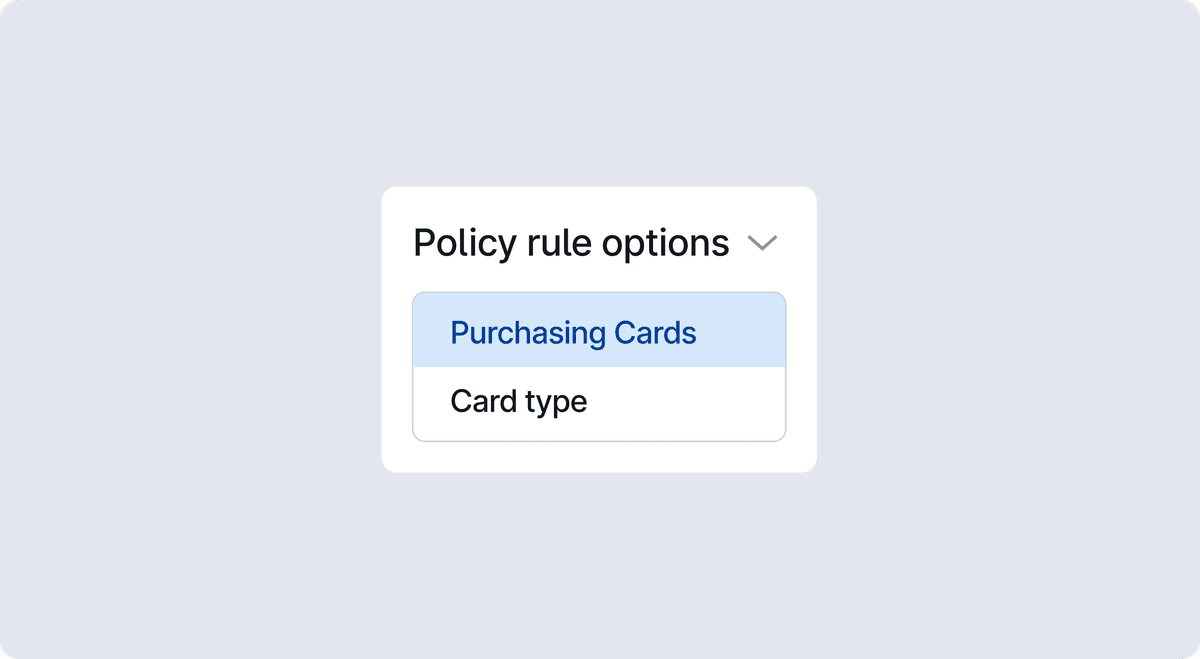
Admins setting up policies in Policy Rule Builder now have two new options specific to purchasing cards:
- Specific p-card targeting: Admins can create policy rules that target individual purchasing card spend limits, allowing different p-cards to carry different approval requirements, memo rules, or receipt thresholds.
- Card Type filter: Admins can create rules that apply broadly to all purchasing cards or employee cards at once using a new Card Type filter.
Both capabilities are available to all customers with p-cards enabled. Premium customers can also go to Settings > Plan and turn on the p-card feature if it's not already enabled.
To start using this p-card policy targeting and new filter, first go to Settings > Early Access and toggle on P-card policy.
Fetched June 27, 2026