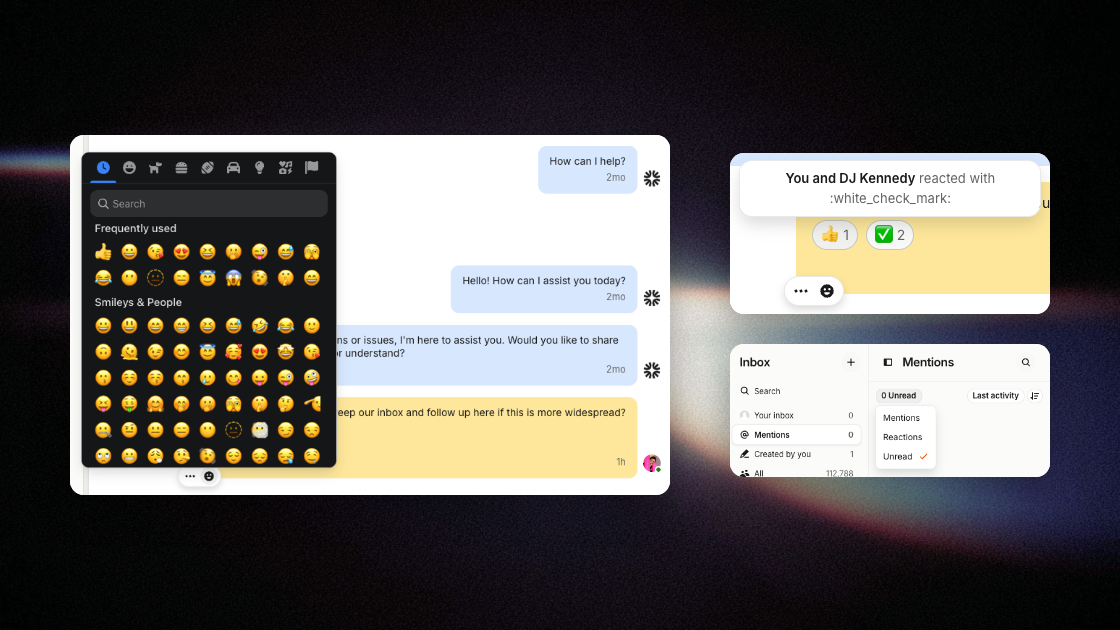
Mentions in AI chats
Reference existing content in AI prompts across broadcasts, templates, and automations.
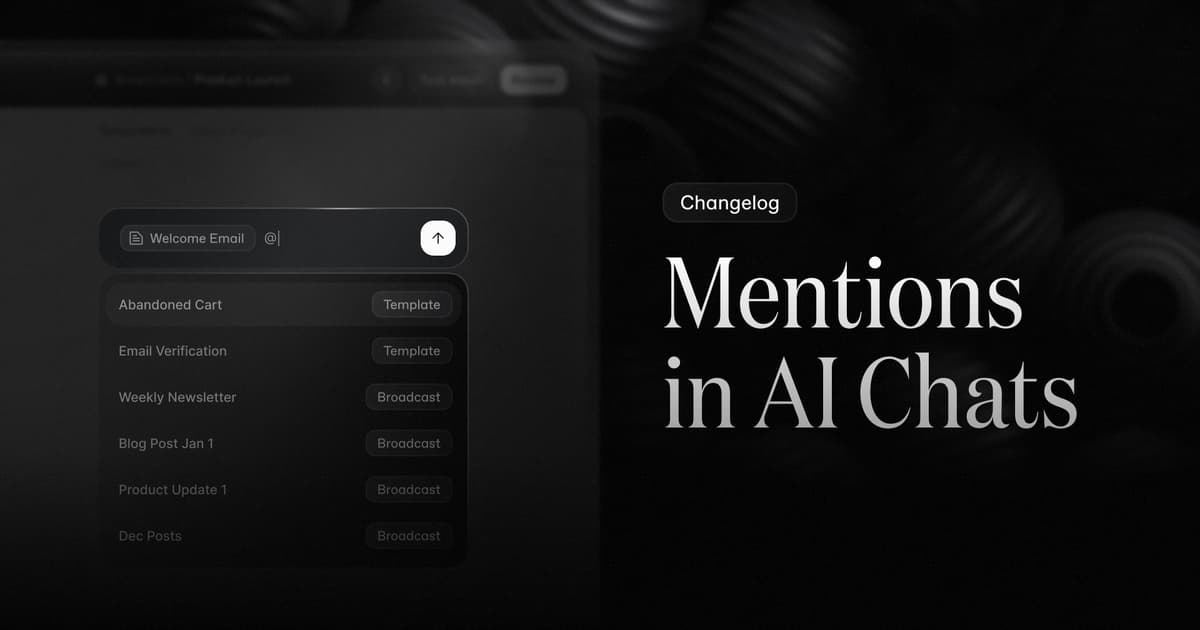
When you @ mention a broadcast, template, event, or property, the AI pulls from your actual content — no copy-pasting, hallucinations, or guesswork.
@ works in the AI prompt across the broadcast and template editors, as well as in the automations chat interface.
Reuse what you've already built
Mention a past broadcast or template to use it as inspiration. New content stays on‑brand without rewriting your style guide into every prompt.
Ground automations in real data
Mention templates so generated workflows can include your actual content. Each mention is resolved server‑side and the referenced document or property is injected into the prompt.
Built for speed
Results are grouped by type, newest first, and filter as you type. Hover a template or broadcast to preview it, scan status chips for what's published or sent, and use arrow keys, Enter, and Backspace to keep your hands on the keyboard.
Fetched May 13, 2026