Companion window for side-by-side access; data analysis gets expandable view
Companion window
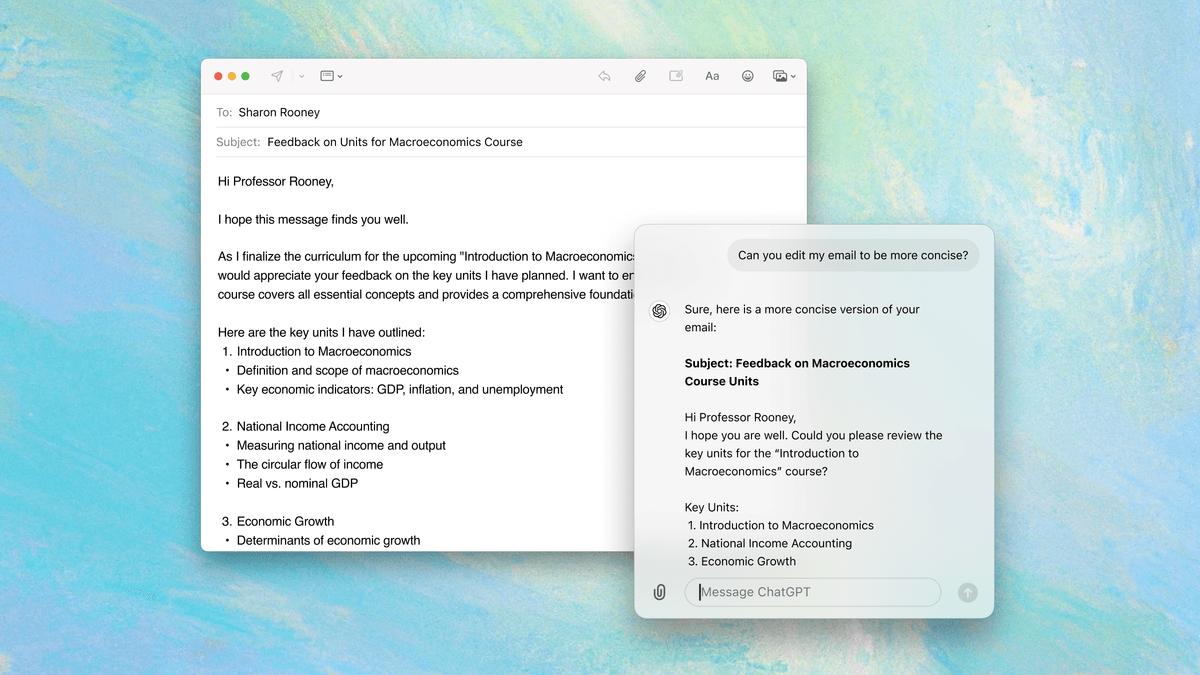
The macOS desktop app now gives you side-by-side access to ChatGPT with the new companion window. It stays in front of all other windows so you can be more productive while working across ChatGPT and other apps.
Use the Option + Space shortcut to:
- Start a new chat
- Refocus the cursor to an open companion window
- Reopen the last companion window
Customize its position, reset time, and keyboard shortcut in Settings. You can also pop out a previous conversation into a companion window by clicking the icon from the main desktop app window.
Improvements to data analysis
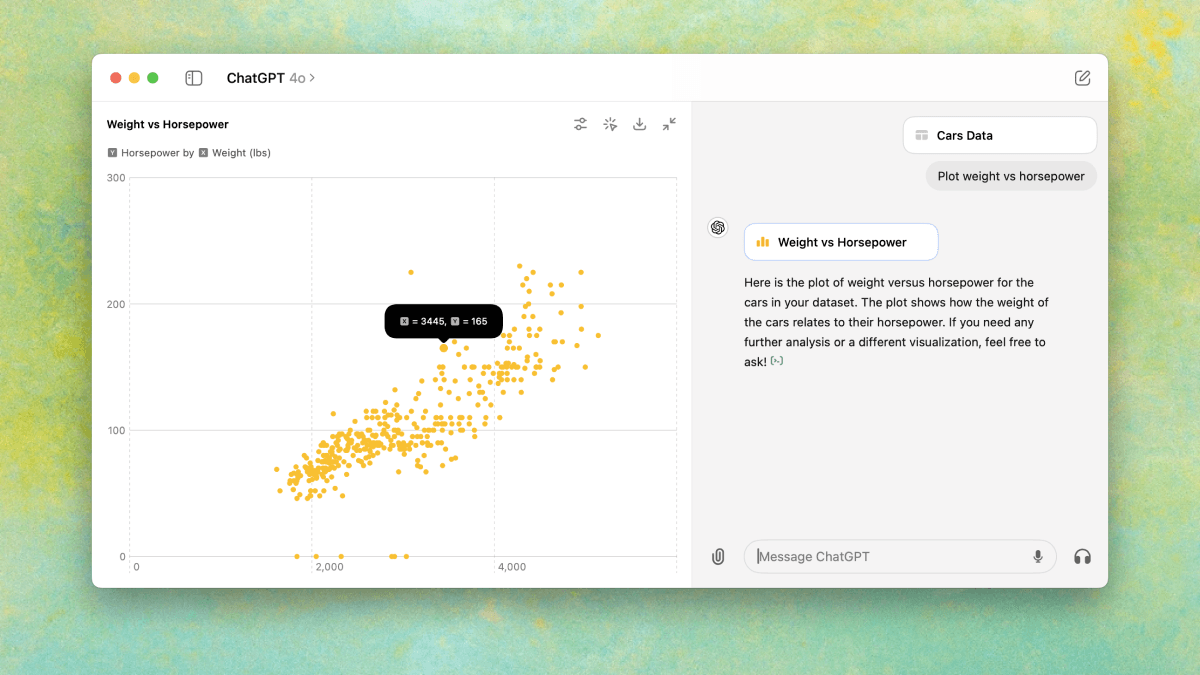
This release enhances data analysis on desktop: Interact with tables and charts in a new expandable view, customize and download charts for presentations and documents, and select specific table cells for precise analysis.
Keyboard shortcuts
- Added a new shortcut to stop streaming responses: Command + .
- Added a shortcut to quickly share the main desktop: Command + Shift + 1
- Added a shortcut to quickly share the active window: Command + Shift + 2
Customization options
- Added an option to disable macOS autocorrect.
- Added a setting to show ChatGPT in the menu bar, dock, or both.
Enhanced functionality
- Introduced horizontal scrolling for tables, code blocks, and mathematical formulas.
- Added support for @mentioning GPTs.
- Enabled the ability to choose which display to screenshot.
- Added a "Launch at Login" option, which is off by default.
Additional improvements
- Enhanced security for local data storage.
- Improved performance when streaming chat responses.
- Polished the rendering of text, tables, and mathematical formulas.
Fetched May 30, 2026