Give teammates time to wrap up on chat and email
Until now, protected wrap-up time only existed on phone. On chat and email, teammates were assigned the next conversation the moment they closed or replied — so the only way to finish their notes was to go fully Away and drop every live conversation at once.
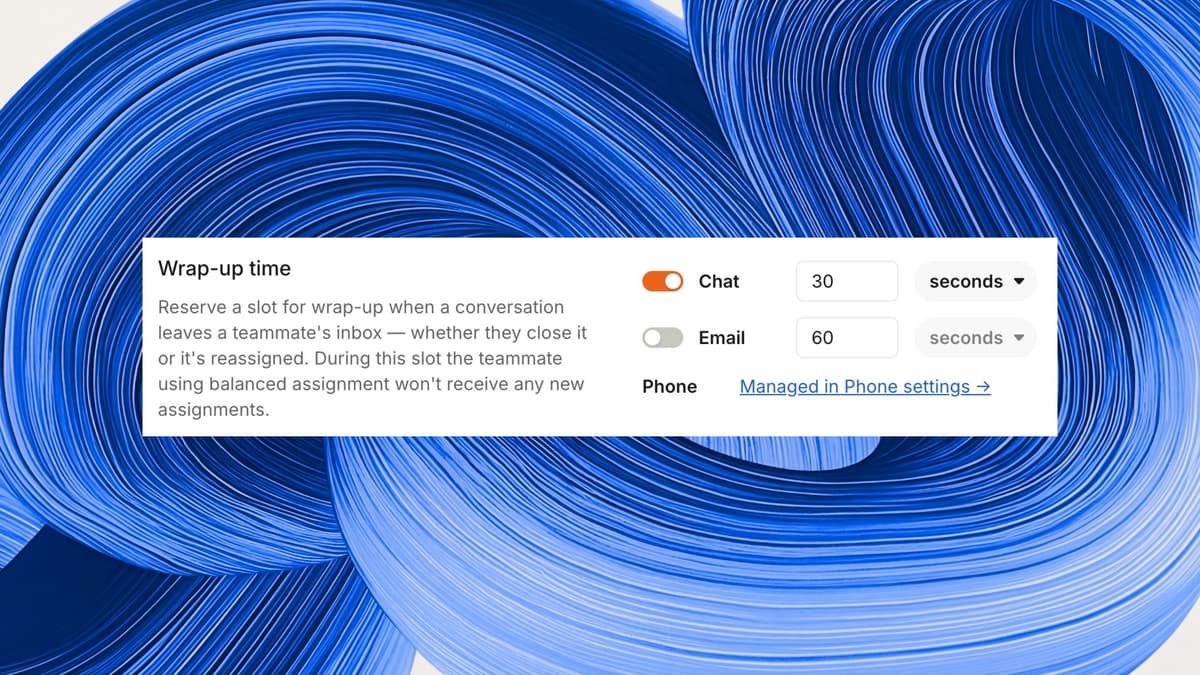
Now you can extend wrap-up time to chat and email. When a teammate closes or hands off a conversation, that freed slot is held for a window you set, giving them time to finish their after-conversation work before new work lands. Their other conversations carry on as normal.
It's off by default and can be turned on per channel. Set it up under Settings → Inbox → Assignments → Workload management.
Fetched July 19, 2026