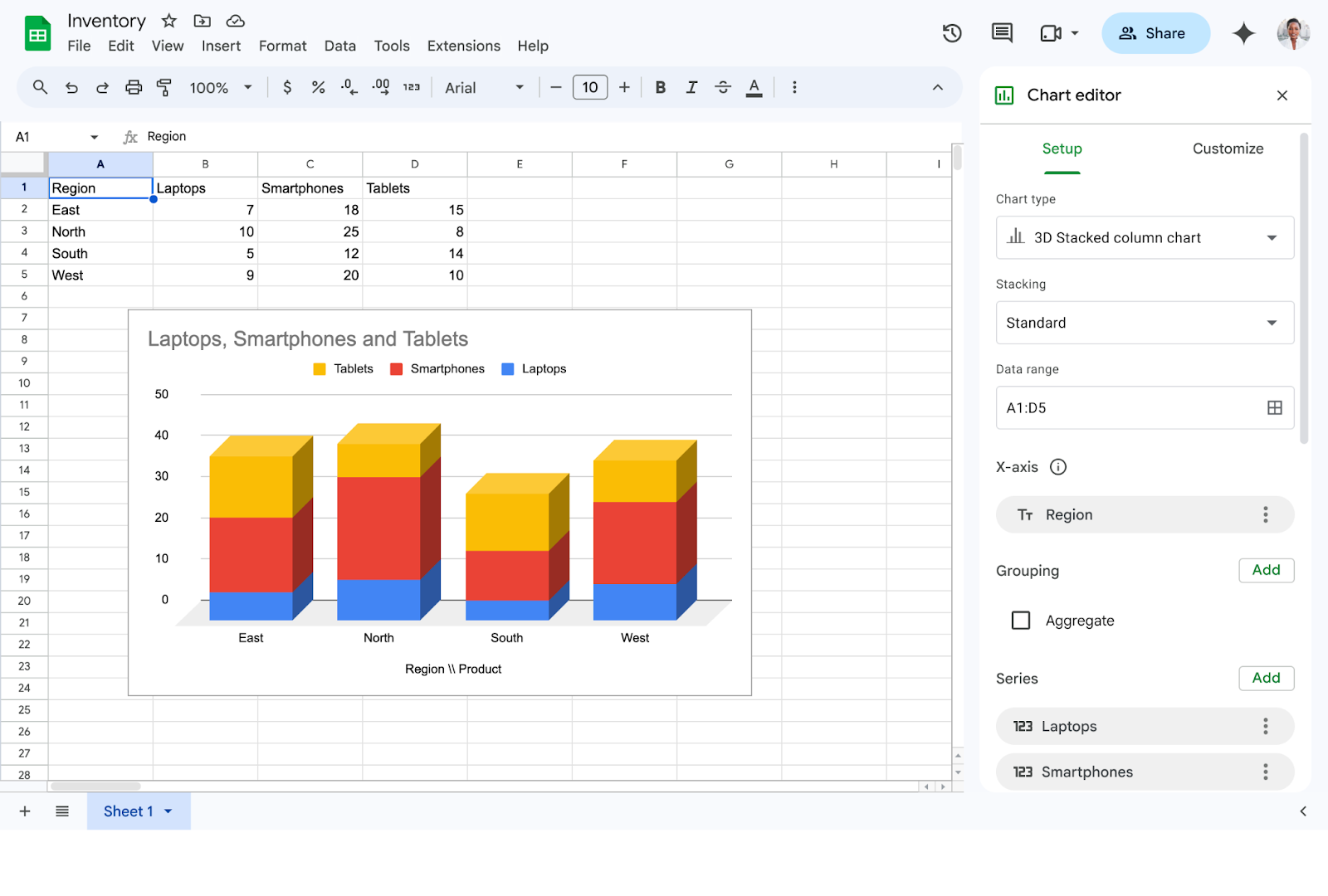
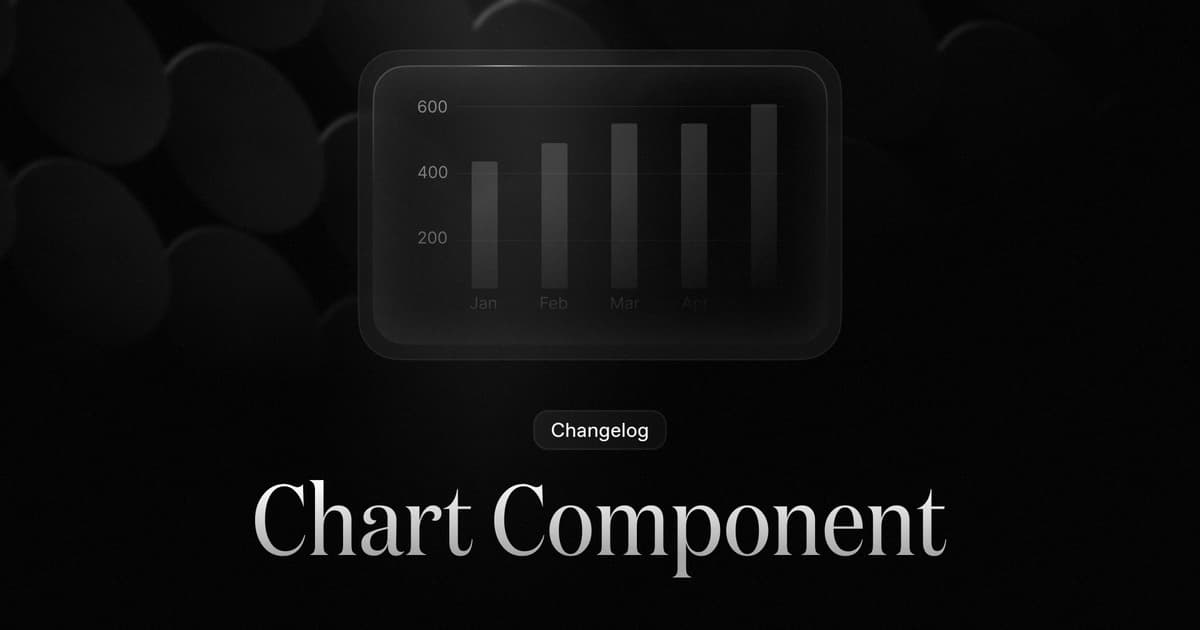
New Chart Component
Embed bar, line, and area charts directly in your emails.
A new Chart component is now available in both Broadcasts and Templates. Insert a chart using the slash command menu (/chart) or from the component toolbar.
Configuration
- Chart type: bar, line, or area
- Title: label (also serves as image alt text)
- Data: spreadsheet-style table or raw JSON
- Series: rename and customize colors per data set
Theming
Choose a theme from the inspector sidebar.
Data sources
Enter data via spreadsheet-style table or paste raw JSON:
[
  { "date": "Feb '26", "downloads": 8942400 },
  { "date": "Mar '26", "downloads": 16492000 },
  { "date": "Apr '26", "downloads": 16036000 }
]
Built for the realities of email
The editor renders data as images so it looks the same in every email client — Gmail, Outlook, Apple Mail, and more. What you see in the editor is exactly what subscribers see.
Fetched May 13, 2026