Workers - Visualize data, share links, and create exports with the new Workers Observability dashboard
The Workers Observability dashboard has some major updates to make it easier to debug your application's issues and share findings with your team.
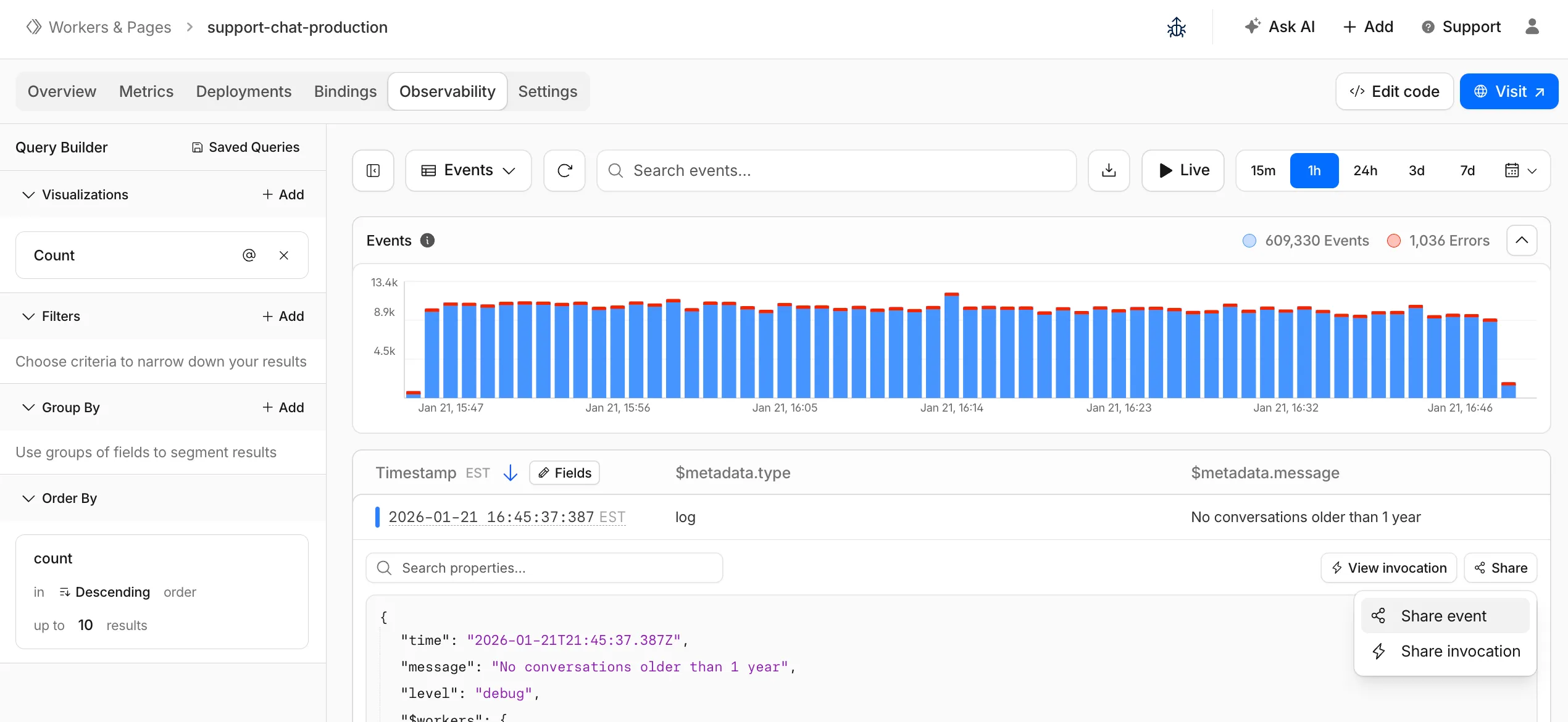 You can now:
Create visualizations — Build charts from your Worker data directly in a Worker's Observability tab Export data as JSON or CSV — Download logs and traces for offline analysis or to share with teammates Share events and traces — Generate direct URLs to specific events, invocations, and traces that open standalone pages with full context Customize table columns — Improved field picker to add, remove, and reorder columns in the events table Expandable event details — Expand events inline to view full details without leaving the table Keyboard shortcuts — Navigate the dashboard with hotkey support
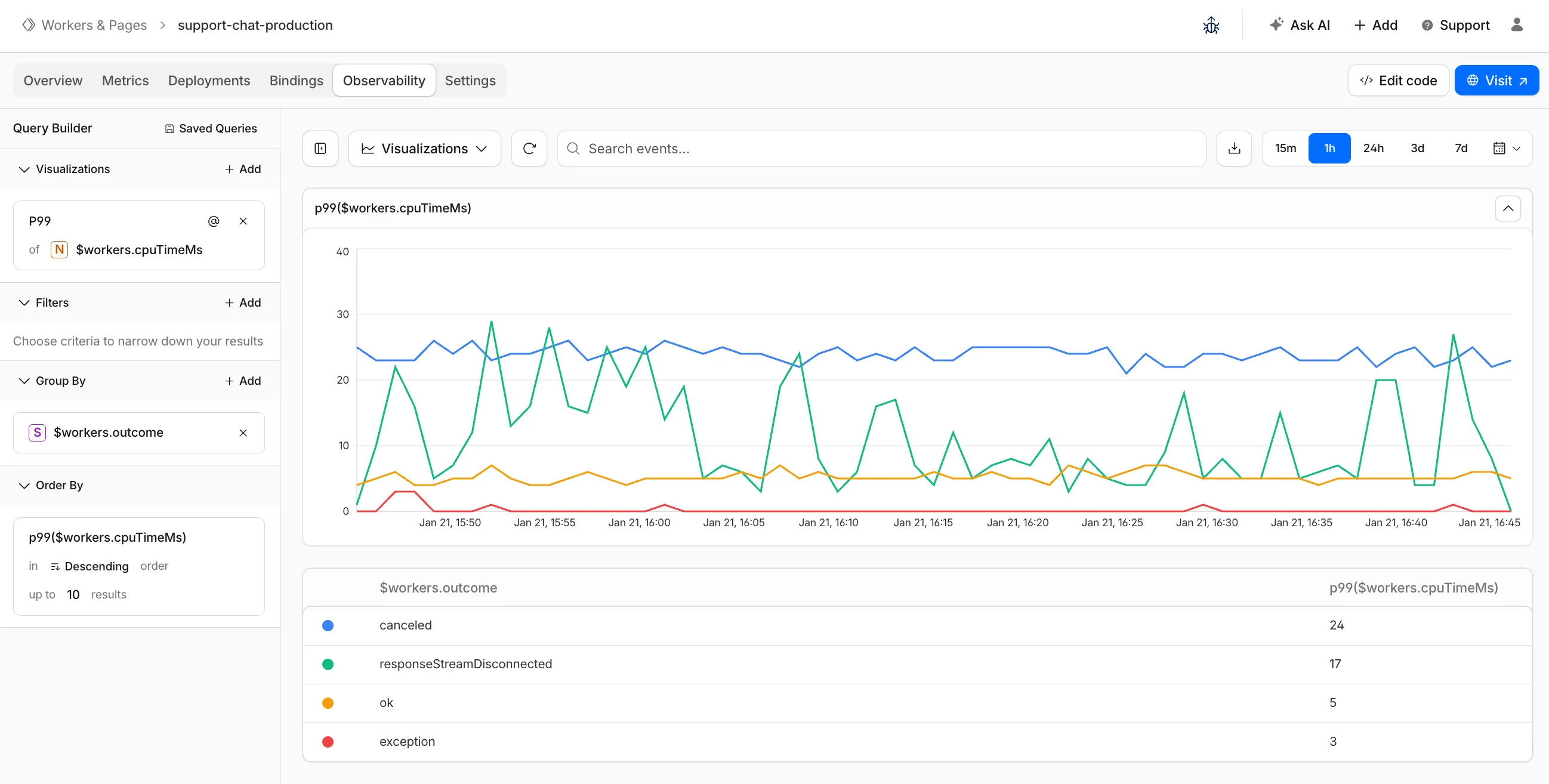 These updates are now live in the Cloudflare dashboard, both in a Worker's Observability tab and in the account-level Observability dashboard for a unified experience. To get started, go to Workers & Pages > select your Worker > Observability.
Fetched April 4, 2026