AI Search - AI Search path filtering for website and R2 data sources
AI Search now includes path filtering for both website and R2 data sources. You can now control which content gets indexed by defining include and exclude rules for paths.
By controlling what gets indexed, you can improve the relevance and quality of your search results. You can also use path filtering to split a single data source across multiple AI Search instances for specialized search experiences.
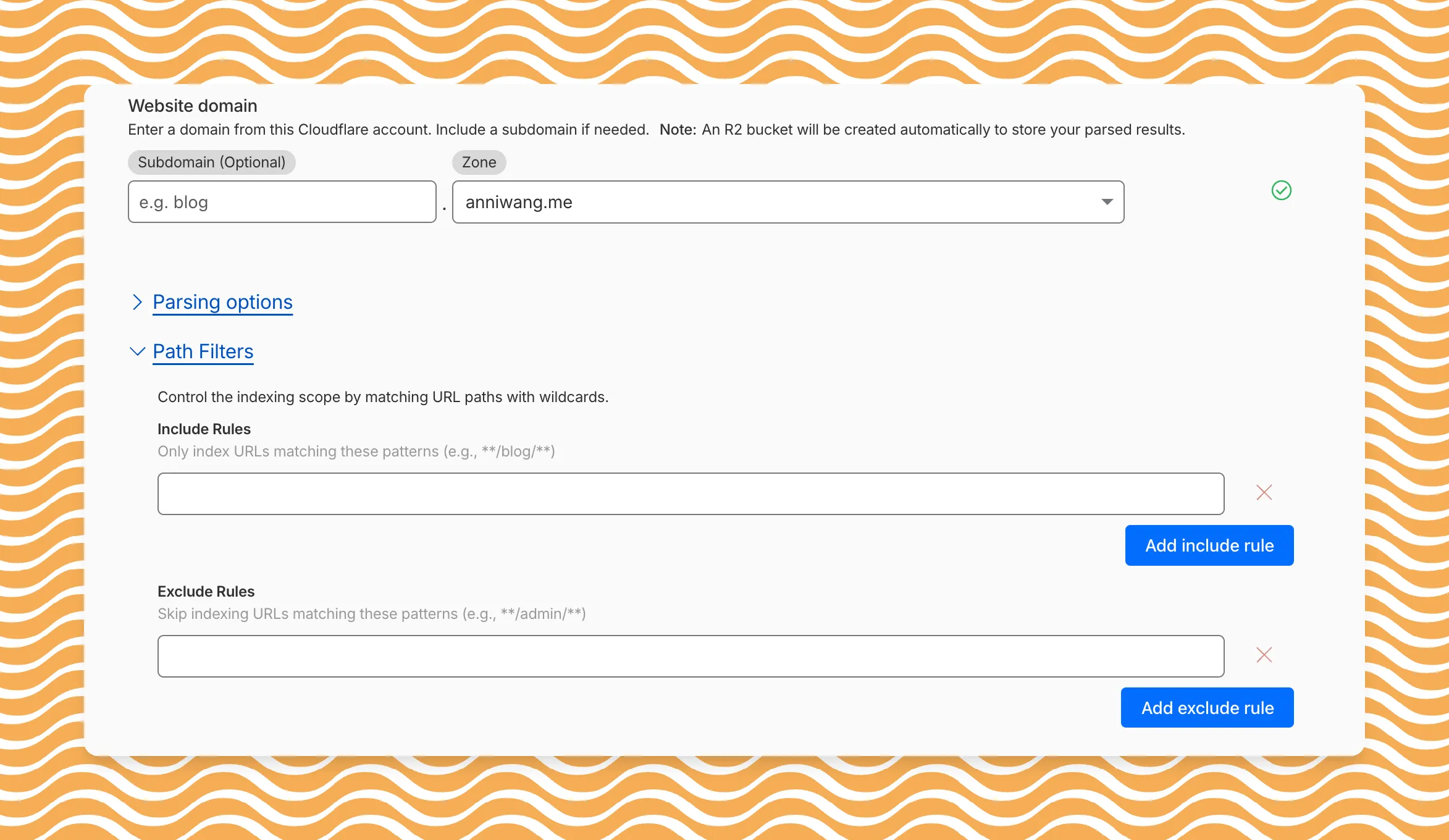 Path filtering uses micromatch patterns, so you can use * to match within a directory and ** to match across directories.
Use caseIncludeExcludeIndex docs but skip drafts**/docs/****/docs/drafts/Keep admin pages out of results—/admin/Index only English content/en/**— Configure path filters when creating a new instance or update them anytime from Settings. Check out path filtering to learn more.
Fetched April 4, 2026