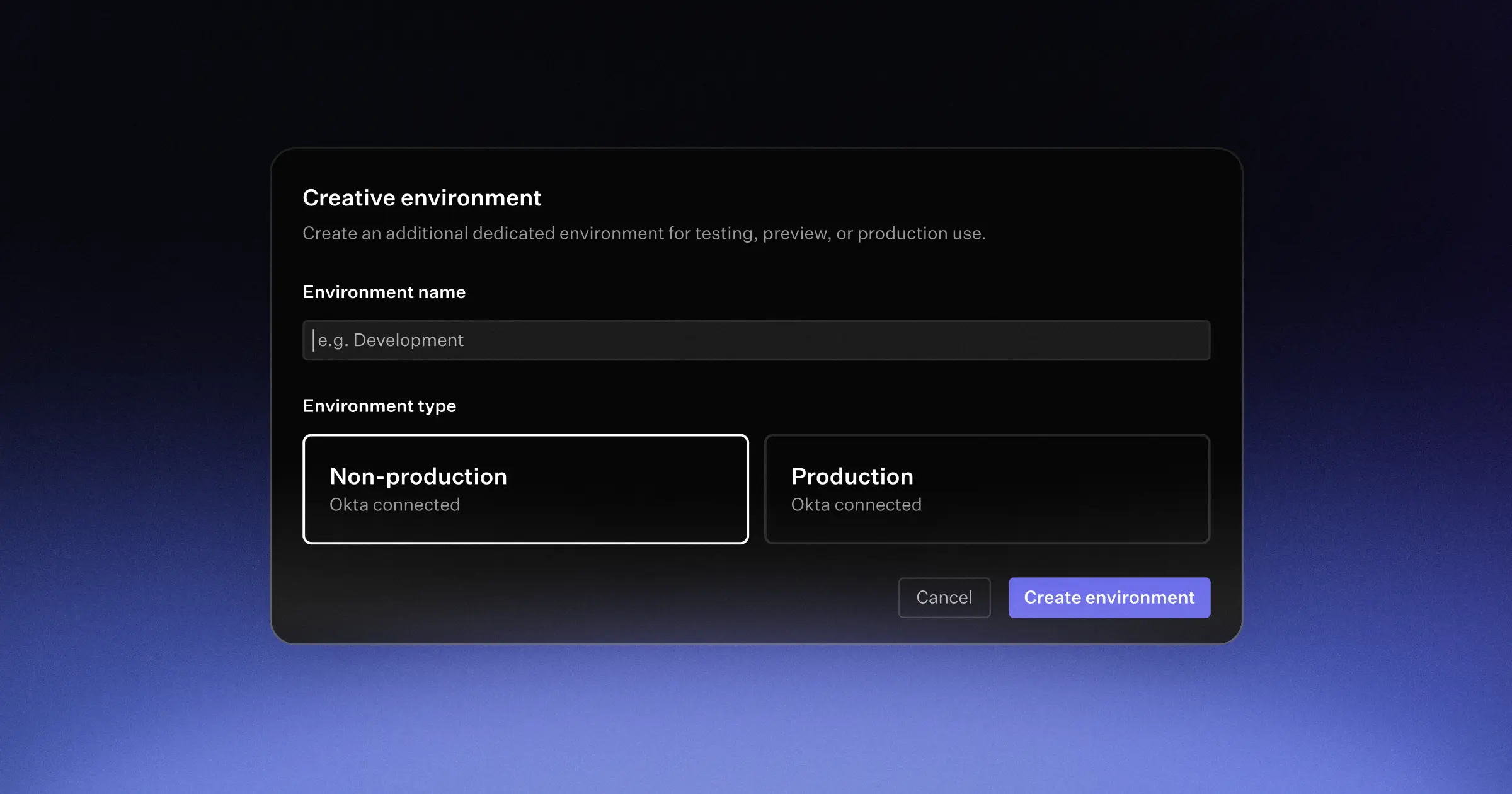
Custom environments for EAS Environment Variables
November 21, 2025
By default, all projects have three environment variable environments: development, preview, and production. This setup works well for most hobby and small projects, but we've heard from larger teams and those with more complex workflows that they need additional flexibility. We're excited to announce that we've just shipped the ability to configure custom environments! This feature is available on all Production and Enterprise plans.
How it works
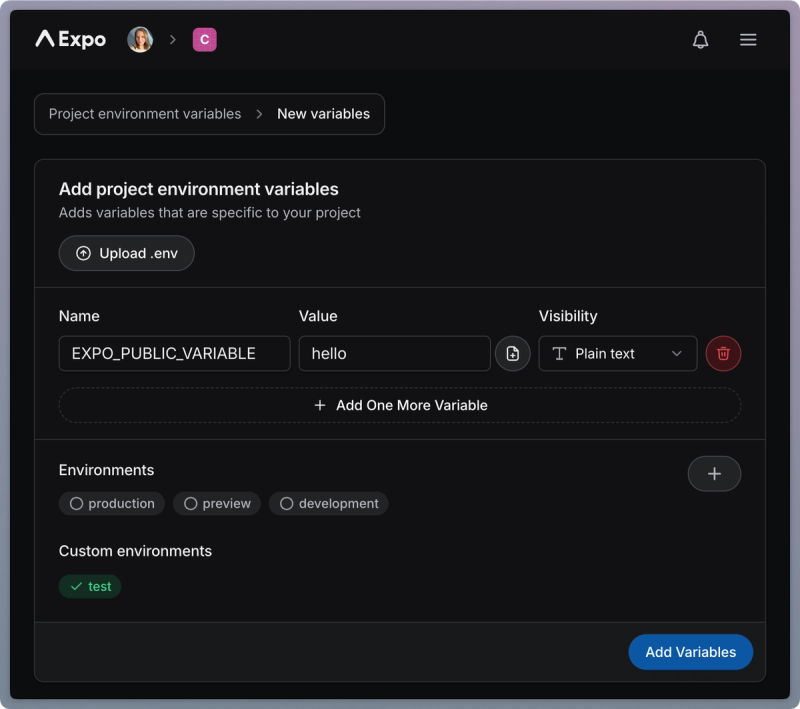
When creating an environment variable, click on the + icon next to Environments, and enter a custom environment name for the variable. Once this variable has been created, subsequent variables will have the new environment - in this case test - listed as available environment.
To delete a custom environment, delete all environment variables assigned to it.
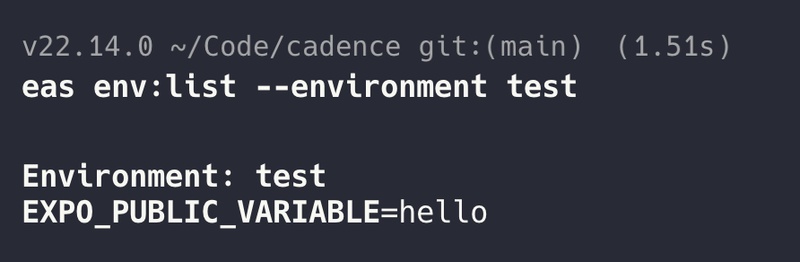
With the eas-cli
Custom environments support was added in eas-cli@16.23.0. In practice this means that the --environment flag now accepts any string as opposed to only the default development, preview and production.
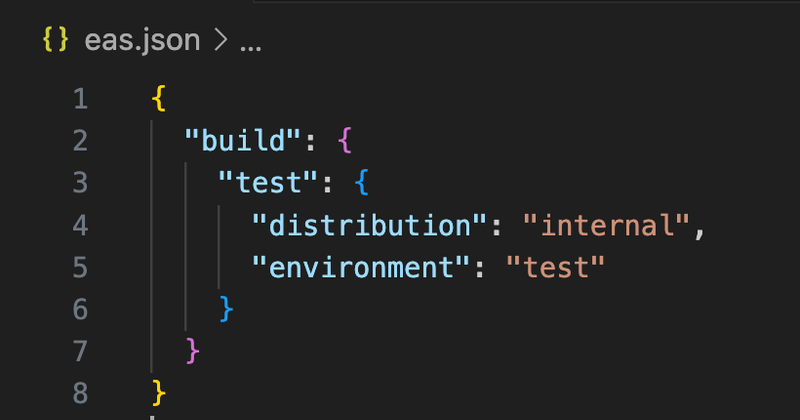
Now you may pass in test as the environment field in eas.json or workflows files which will ensure the build will pull variables from the new environment.
Limits
- An environment name can contain letters, digits, underscores and hyphens, and be between 3-100 characters
- Project environment variables are limited to 200 per environment
- App-wide environment variables are limited to 150 per environment
- Custom environments are limited to 10 per project
If you have a use-case that exceeds these limits, please get in touch!
Fetched April 8, 2026