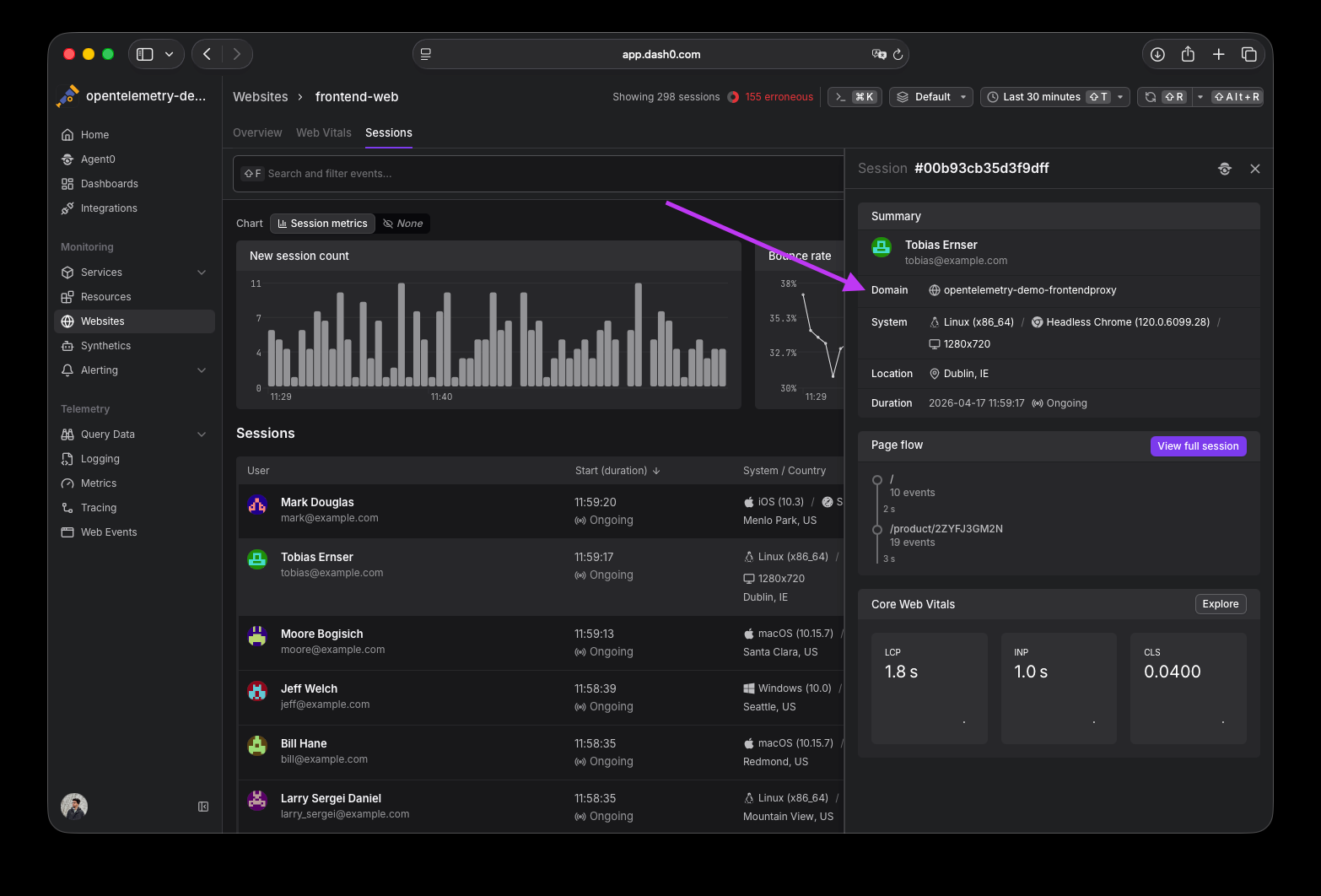
Resizable table columns
$npx @buildinternet/releases show rel_lS8uPyr5WxDBMnaLPROvN
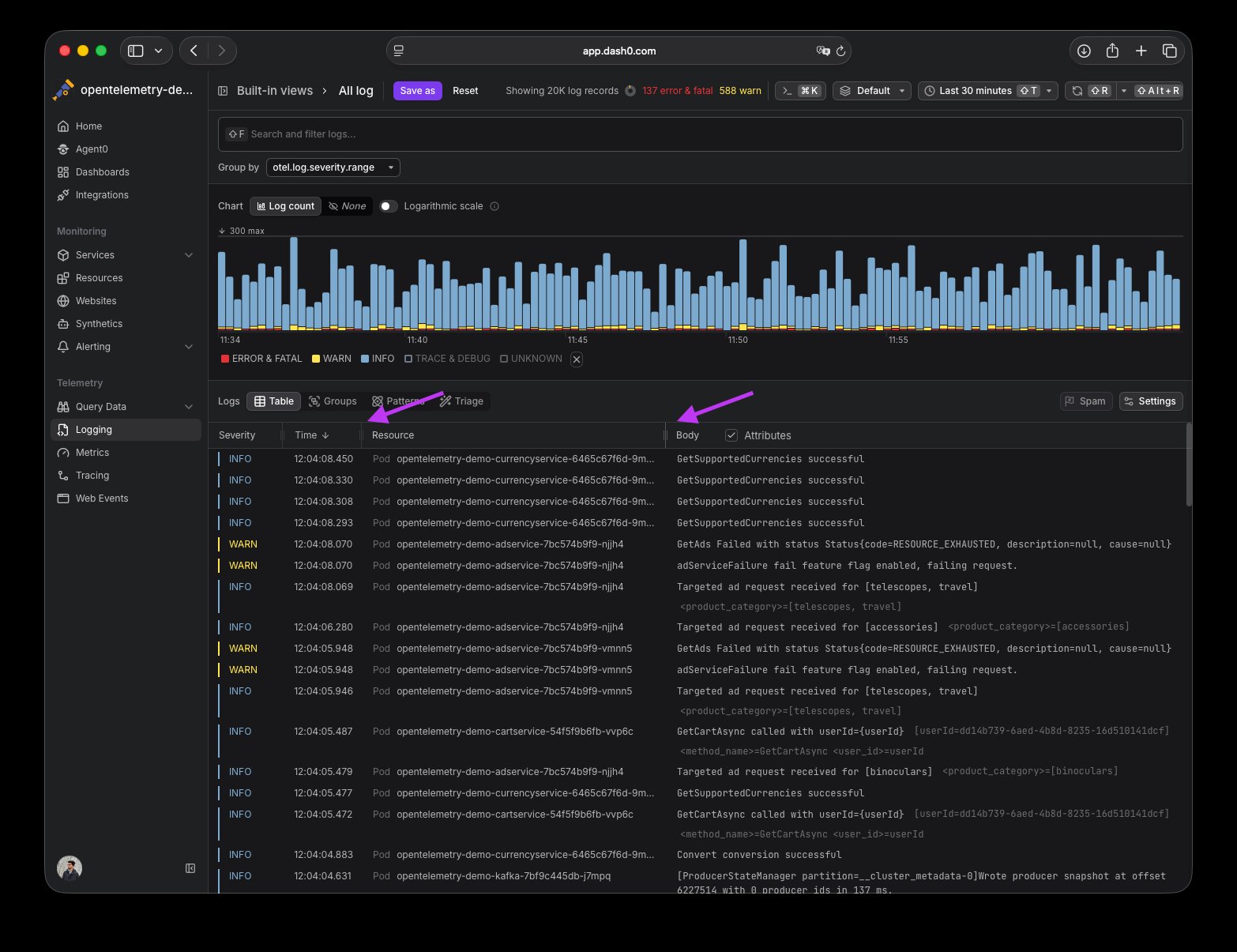
Drag-to-resize handles have been added to table columns across Dash0's explorers (Trace Explorer, Log Explorer, Web Events Explorer, and Resources). Hover over the table header row to reveal grip handles at column edges, then drag to adjust width. Save your view to persist column sizes across sessions. Use the view reset button or the "Reset column sizes" option in the table Settings menu to revert.
Fetched May 1, 2026