Media Library: Smarter collection management, instant updates, and better empty states
Collections improvements
This release overhauls how you work with collections in the Media Library. The sidebar collection menu has been consolidated, adding and removing assets from collections is now optimistic, and empty collections show helpful guidance instead of a blank view.
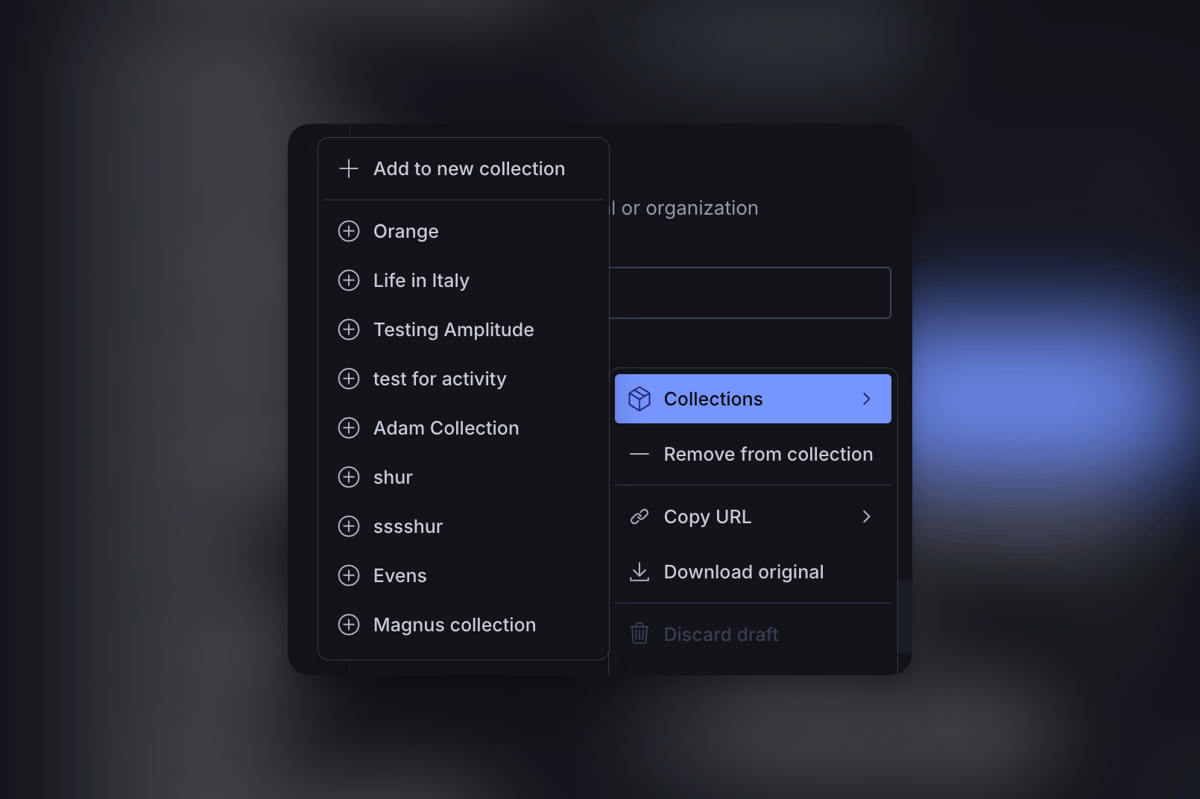
Consolidated collection menu
The sidebar previously had separate "Add to existing collection" and "Add to new collection" options. These are now a single Collections submenu listing all your collections with their current state. Click a collection to add the selected assets, click again to remove them. The list scrolls when you have many collections, so it no longer overflows the viewport.
Instant collection updates
When you add or remove assets from a collection, the change now appears immediately in the UI - no waiting for a server round-trip. If something goes wrong, the change rolls back automatically. This makes organizing large batches of assets into collections feel snappy and responsive.
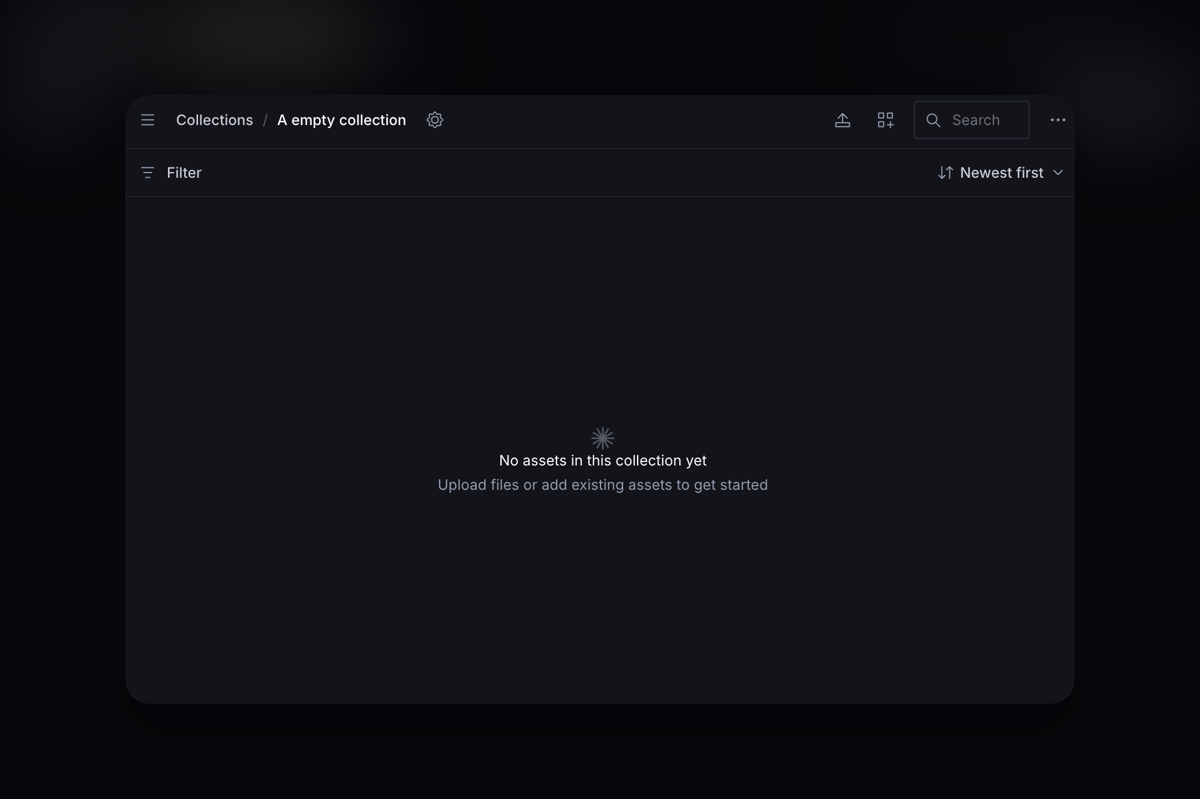
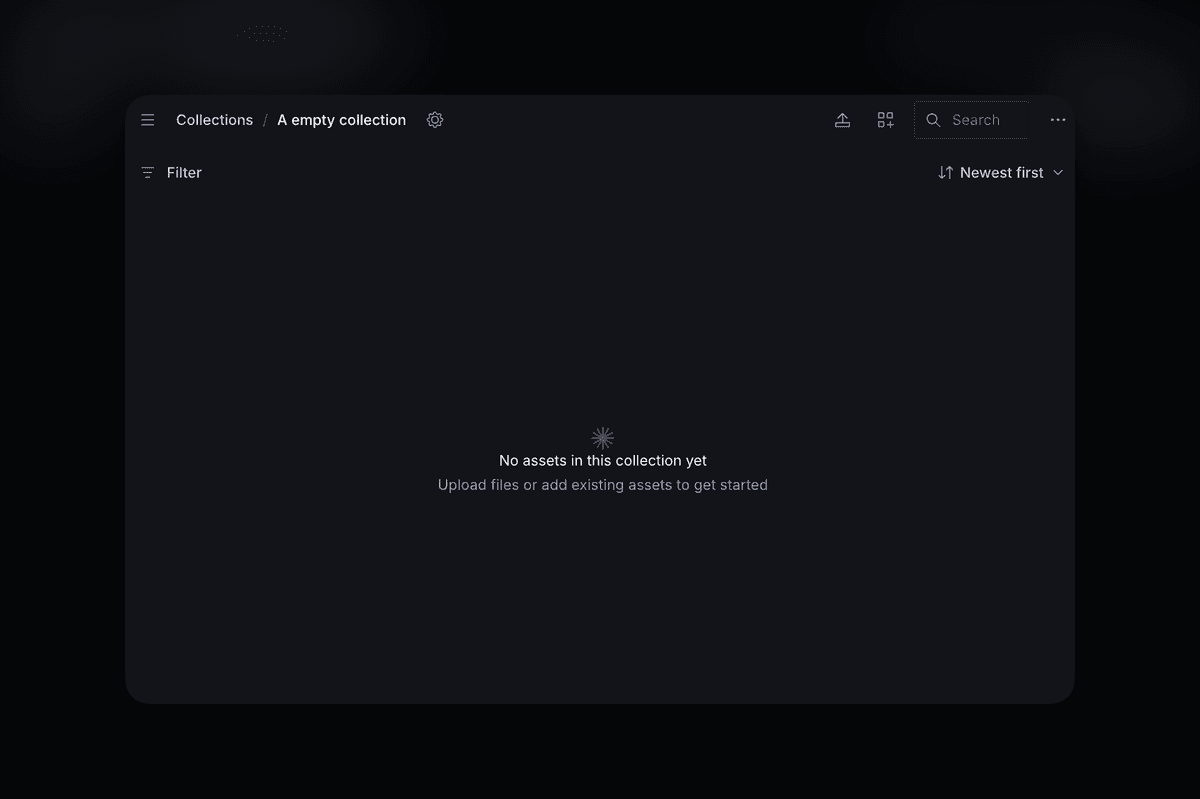
Empty collection states
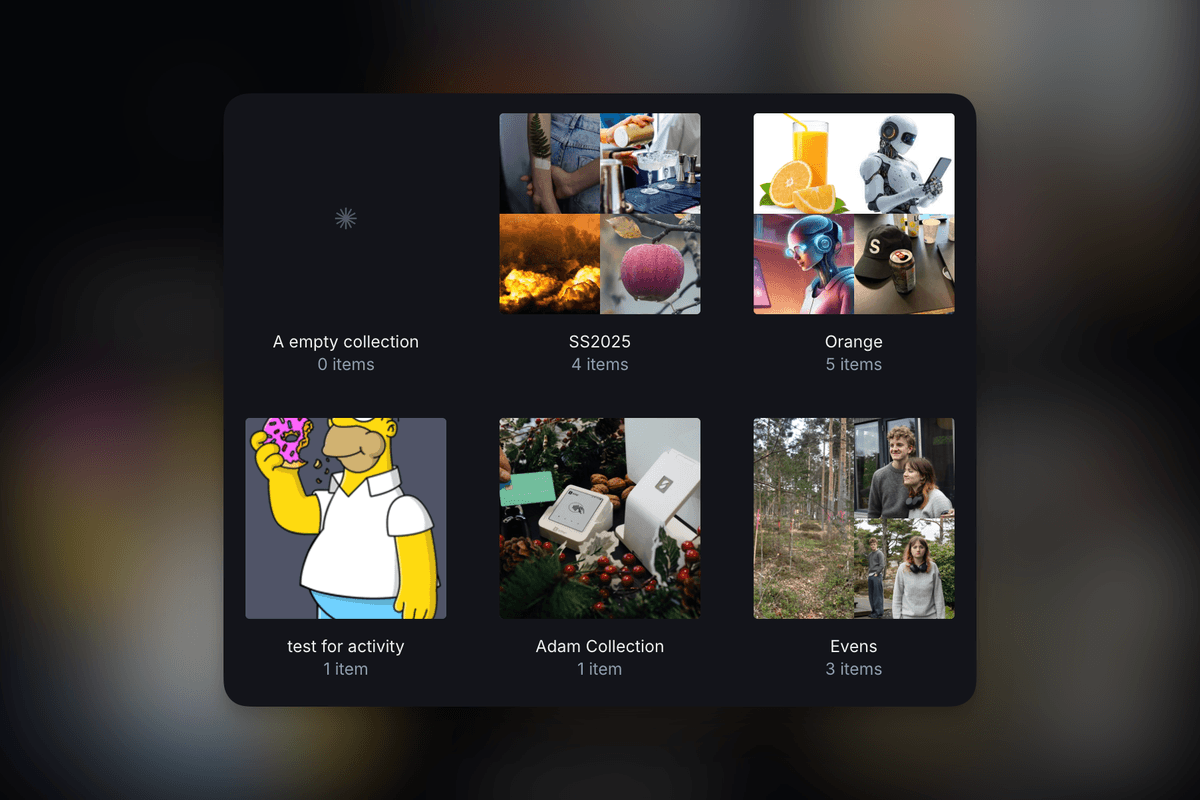
Empty collections now display a prompt to upload files or add existing assets. Collection cards in the grid show when they're empty, so you can tell at a glance which ones need content.
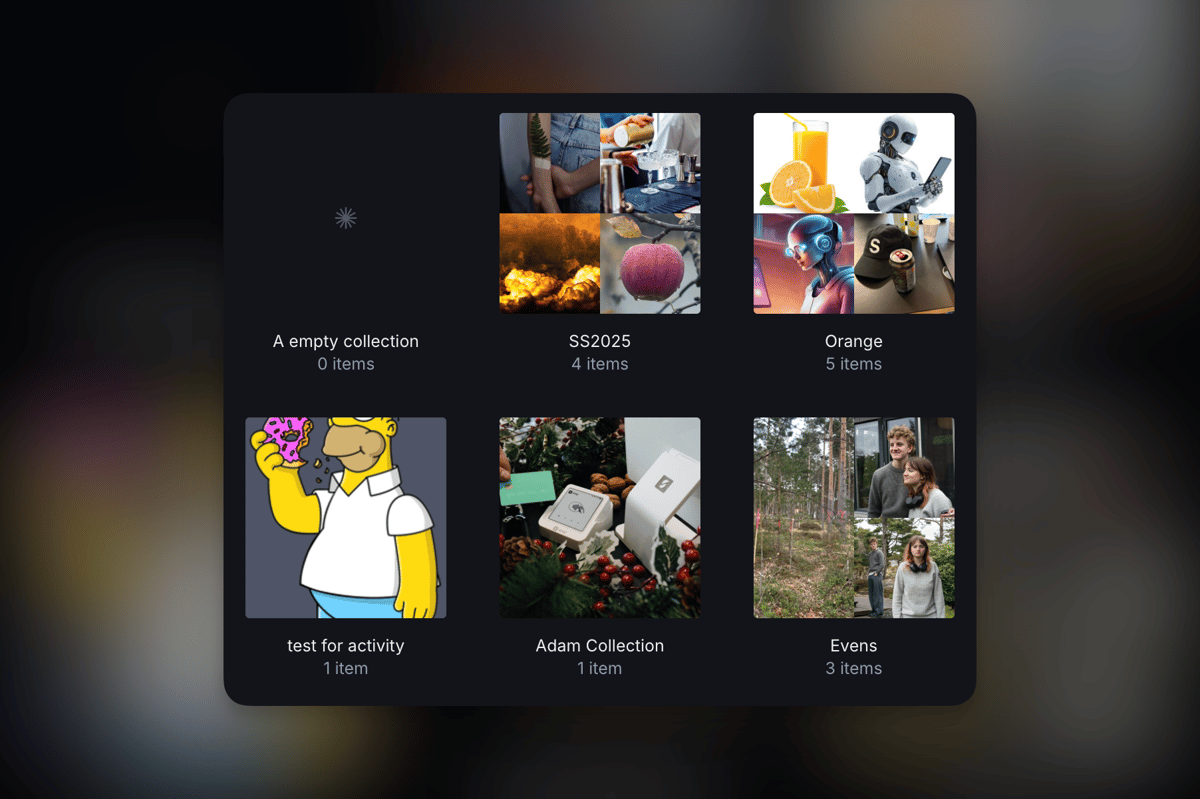
Larger collection card previews
Asset thumbnails in collection cards are now larger, making it easier to identify collections by their contents at a glance. File previews in collection cards also display more cleanly, with better handling of different file types.
🐛 Notable bugfixes and improvements
- Fixes an issue where collections could not be deleted.
- Fixes an issue affecting text translations in the collections UI.
- Fixed an issue where collection changes wouldn't always reflect in the view.
- Fixed create-vs-edit mode detection when creating a new collection from within a collection detail page.
- Adds a deprecation warning banner to legacy v1 Sanity Studio plugin routes to indicate that this plugin version is no longer supported.
Fetched April 11, 2026