Deeplink to AI coding tools
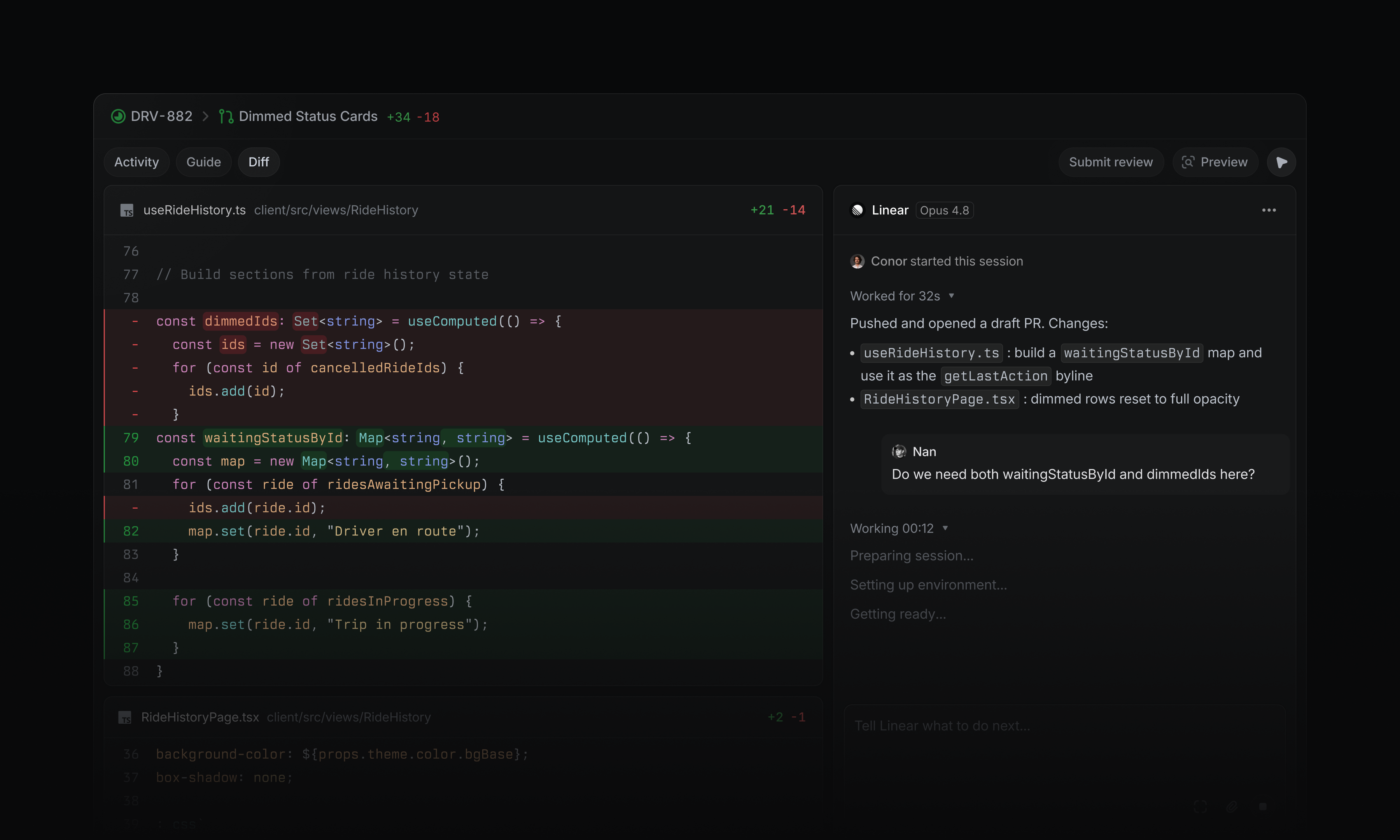
Starting an issue used to mean manually creating a feature branch. Now it means assembling the right context so your coding agent can take a first pass. We've made this much easier to do in Linear.
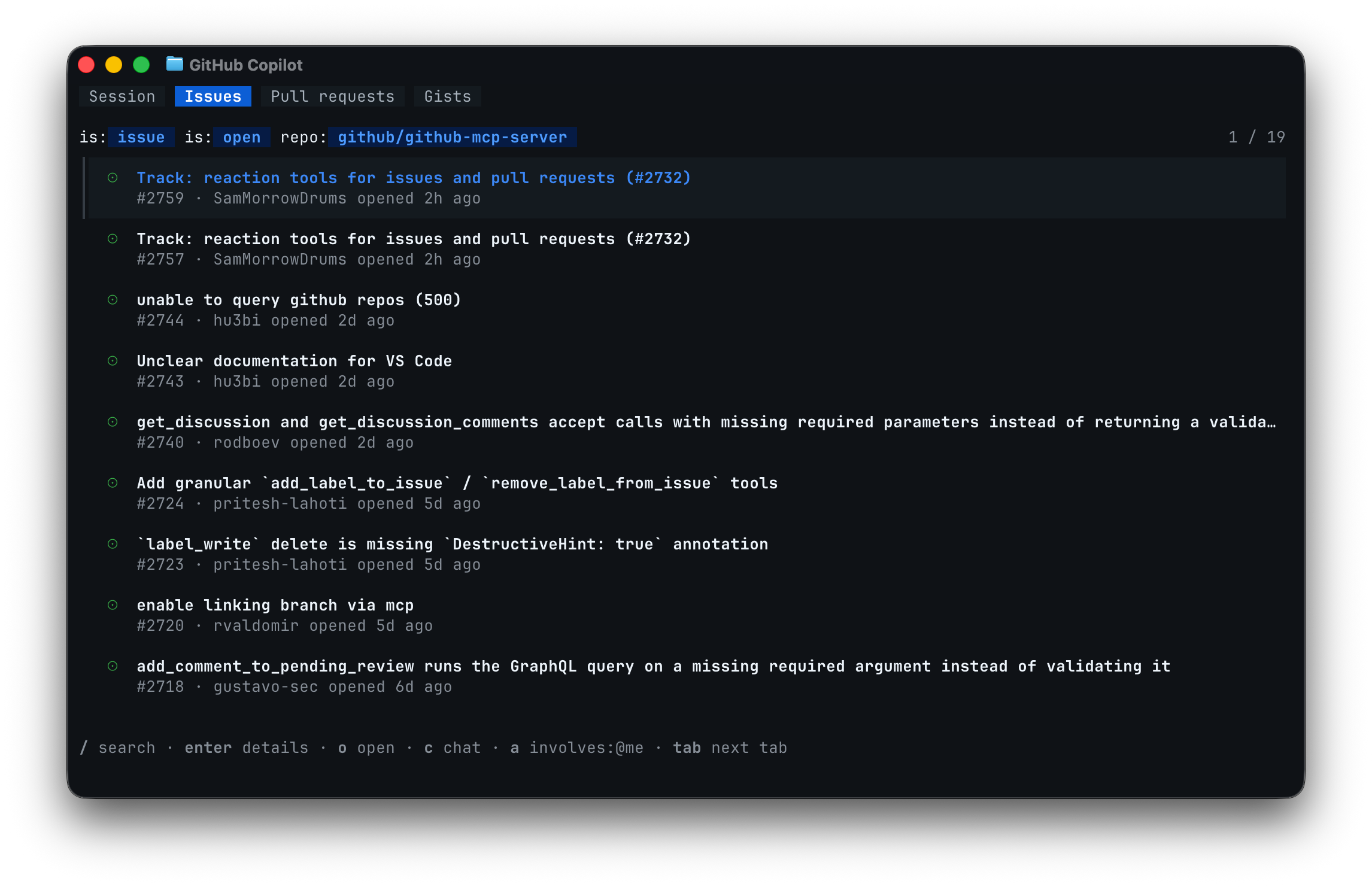
You can now launch your preferred coding tool directly from a Linear issue, with a prefilled prompt that includes the issue ID and all relevant context: description, comments, updates, linked references, and images. No copying or reformatting required.
Open in a coding tool by pressing Cmd Option . (Mac) or Ctrl Alt .(Windows/Linux) to launch your most recently used tool, W then O to choose from your enabled tools, or by clicking the button next to the issue identifier.
Supported tools:
Claude Code
- Codex
- Conductor
- Cursor
- GitHub Copilot
- OpenCode
- Replit
- v0
- Zed
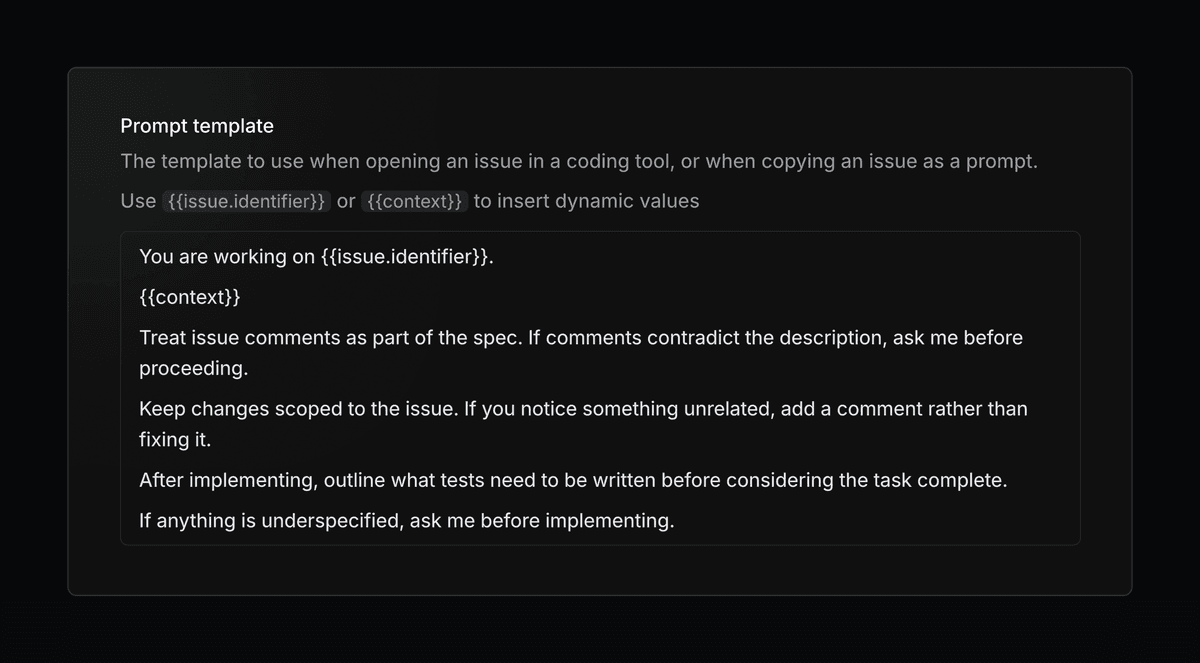
Prompt templates can also be customized to add standing instructions for how your agent should approach issues. For example, you may always want your agent to give you a detailed plan before writing any code.
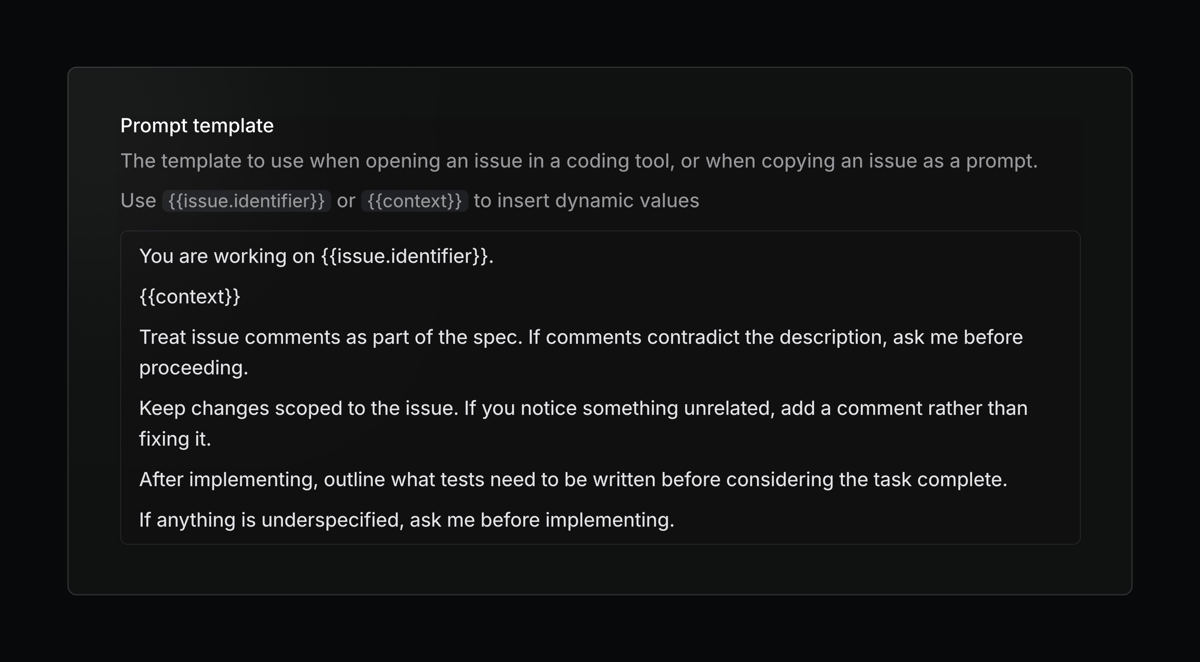 Configure your personal coding tools, prompt template, and more in preferences.
Linear in Notion's Custom Agents
Create and update Linear issues and projects using Notion's new Custom Agents. Flexibly and seamlessly connect your workflows across both tools.
API
- Markdown: Previously uploaded file links now render correctly in the editor when used in mutations
- Webhooks: Project webhooks now trigger on milestone and relation changes
Fixes
- Agent sessions: Fixed agent sessions remaining associated when an issue is archived, allowing them to be restored along with the issue
- Documents: Fixed a bug where switching tabs while commenting on a document would lose the draft of the comment
- Editor: Fixed an issue preventing editing an empty Mermaid diagram in fullscreen mode
- Insights: Fixed an issue where Insights in fullscreen would not reopen after pressing Back when opening an issue
- iOS: Corrected SLA history duration rendering in issue activity when SLA start times are reset, including proper “ago” formatting for pre-start breach timestamps
- Lists: Fixed an issue with selecting a parent when a child issue is already selected
- Locale: Fixed a crash that could occur when using an unknown system locale
- Project Labels: Fixed an issue adding new labels to existing project label groups in some scenarios
- Project Milestones: Fixed drag-and-drop glitches on the project overview page
- Project Updates: Fixed an issue where updates could post to Slack twice
- Pulse: Fixed daily Pulse project/update links incorrectly pointing to
example.com - Settings: Fixed editing statuses occasionally getting stuck in a pending state
- Views: Fixed inline search on view lists not reliably returning results.
Improvements
- Images: Removed meaningless image captions (such as hashes or UUIDs) from display
- Issue Templates: Default template statuses are now respected in more situations
- Webhooks: Added a
diffMarkdownfield to project and initiative update webhook payloads, providing a formatted summary of changes between updates - Emojis: Improved emoji search performance for organizations with many custom emojis
- Agent sessions: Thought items in the session sheet now render as full rich text instead of a single truncated line
MCP server
- Issues: Added SLA status to issue responses
- Issues: Improved support for parent labels
- Issues: Added support for filtering issues without an assignee
- Issues: Combined
create_issueandupdate_issuetools into a singlesave_issuetool. - Projects: Added support for looking up projects by slug
Keyboard shortcuts
- The / key now correctly types as a character in action menu text fields when text is present, instead of always triggering search
Fetched April 11, 2026