Project labels
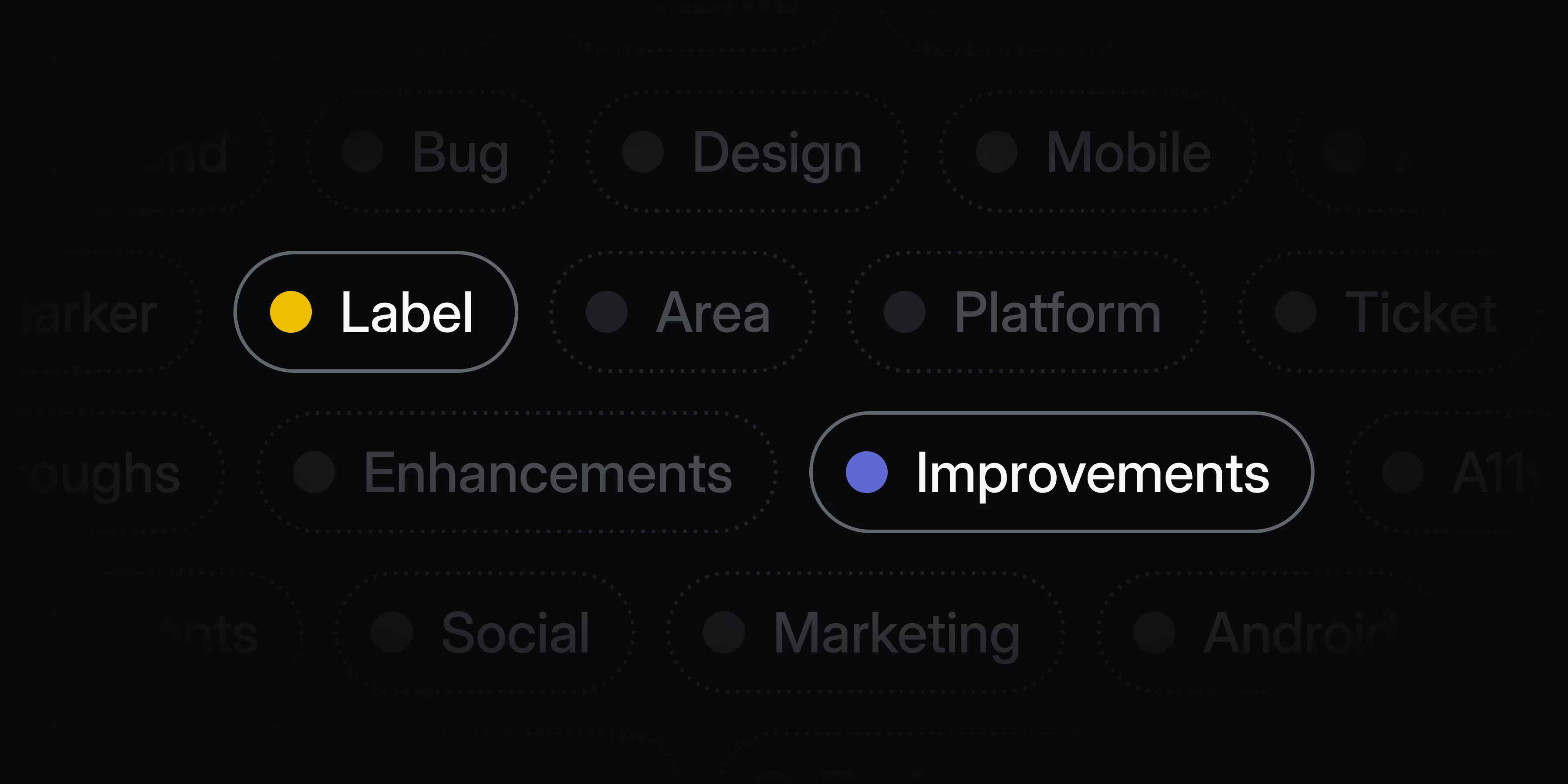
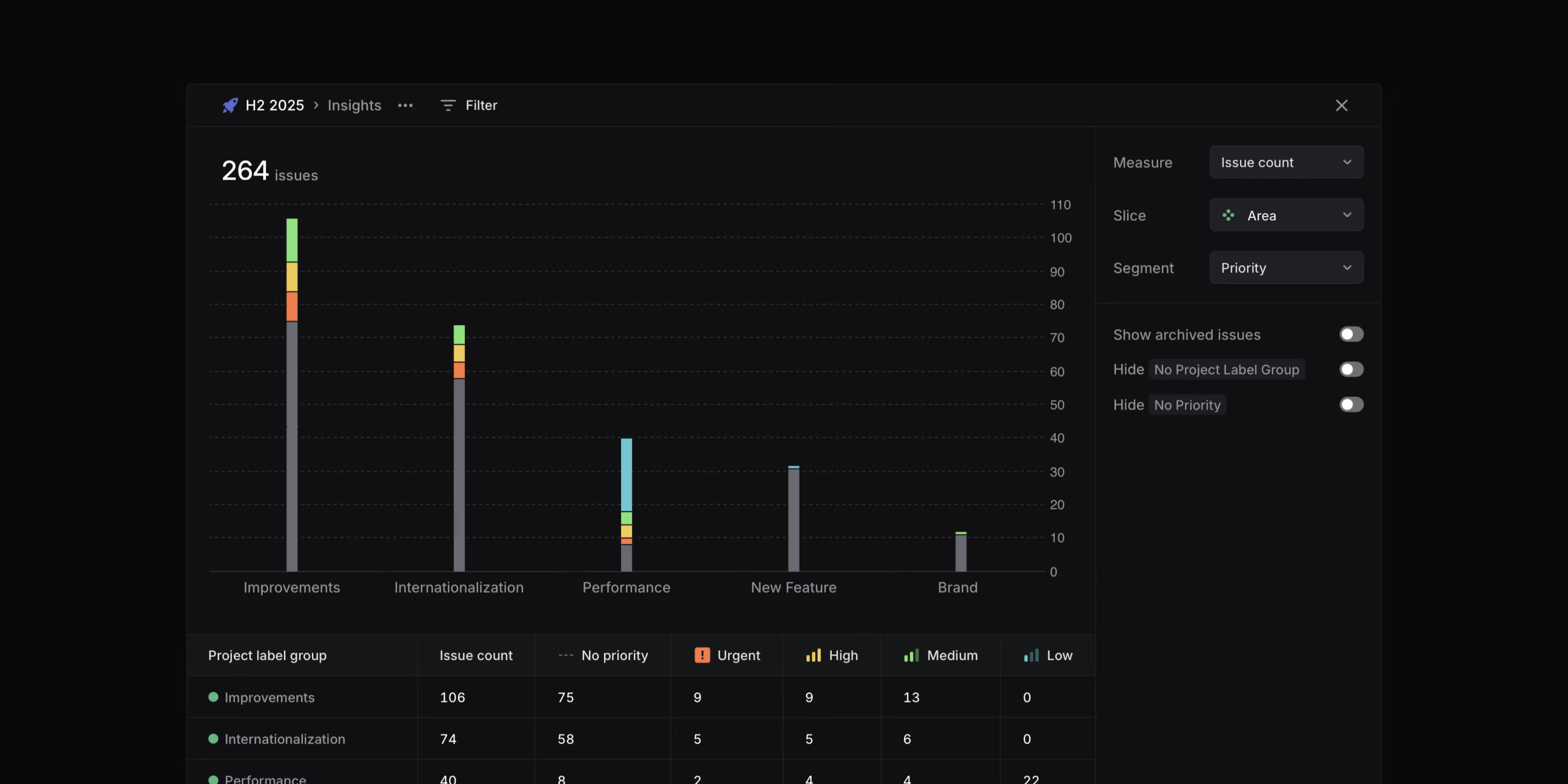
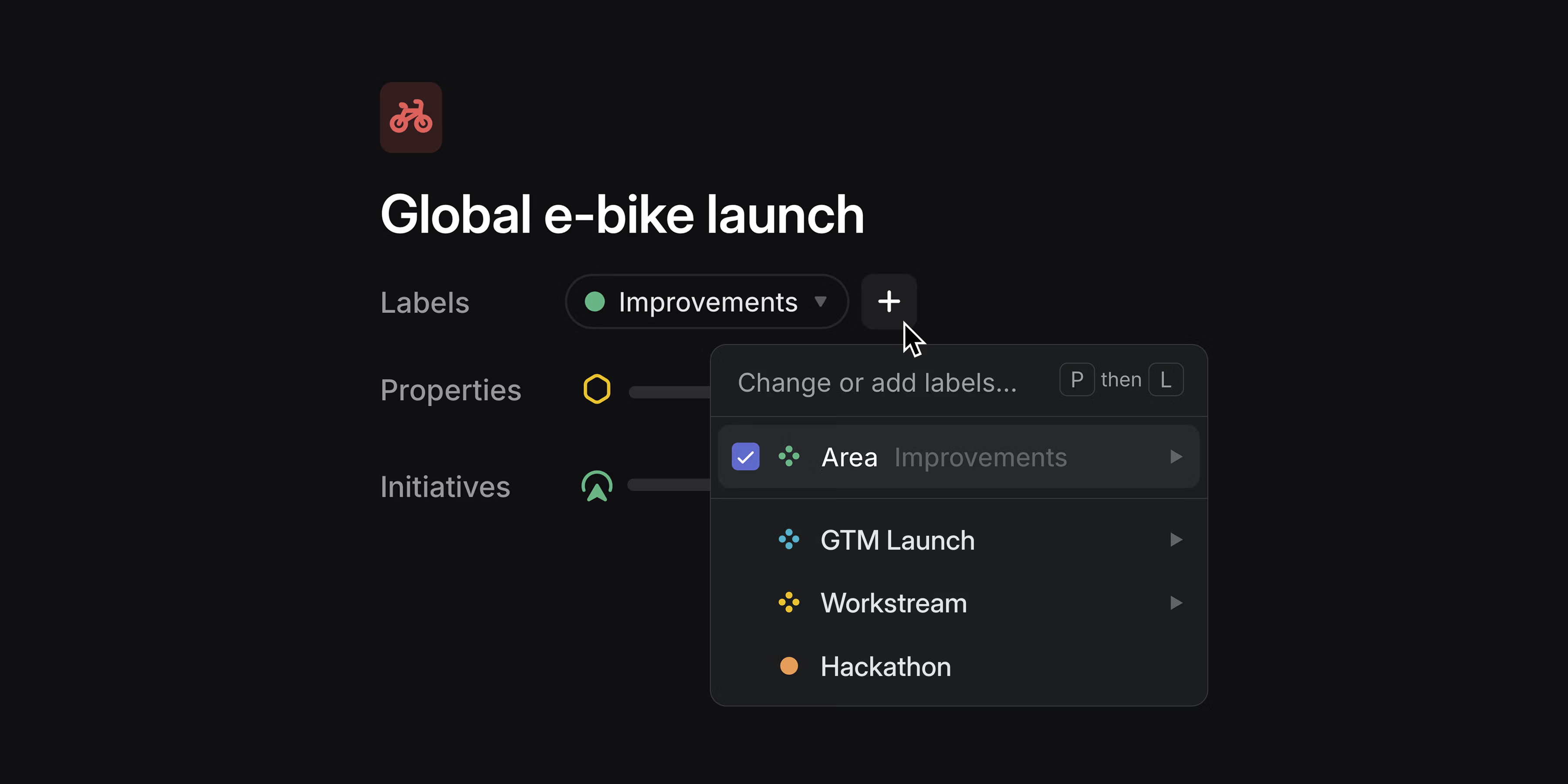 Organize projects across your workspace with project labels. Apply labels to categorize projects with custom attributes, so you can group, filter, and view them in ways that are unique to your organization. Project labels work with custom views and are available within Insights as slice and segmentation options.
 Project list views now support label groups as an explicit display property, giving each group its own dedicated column.
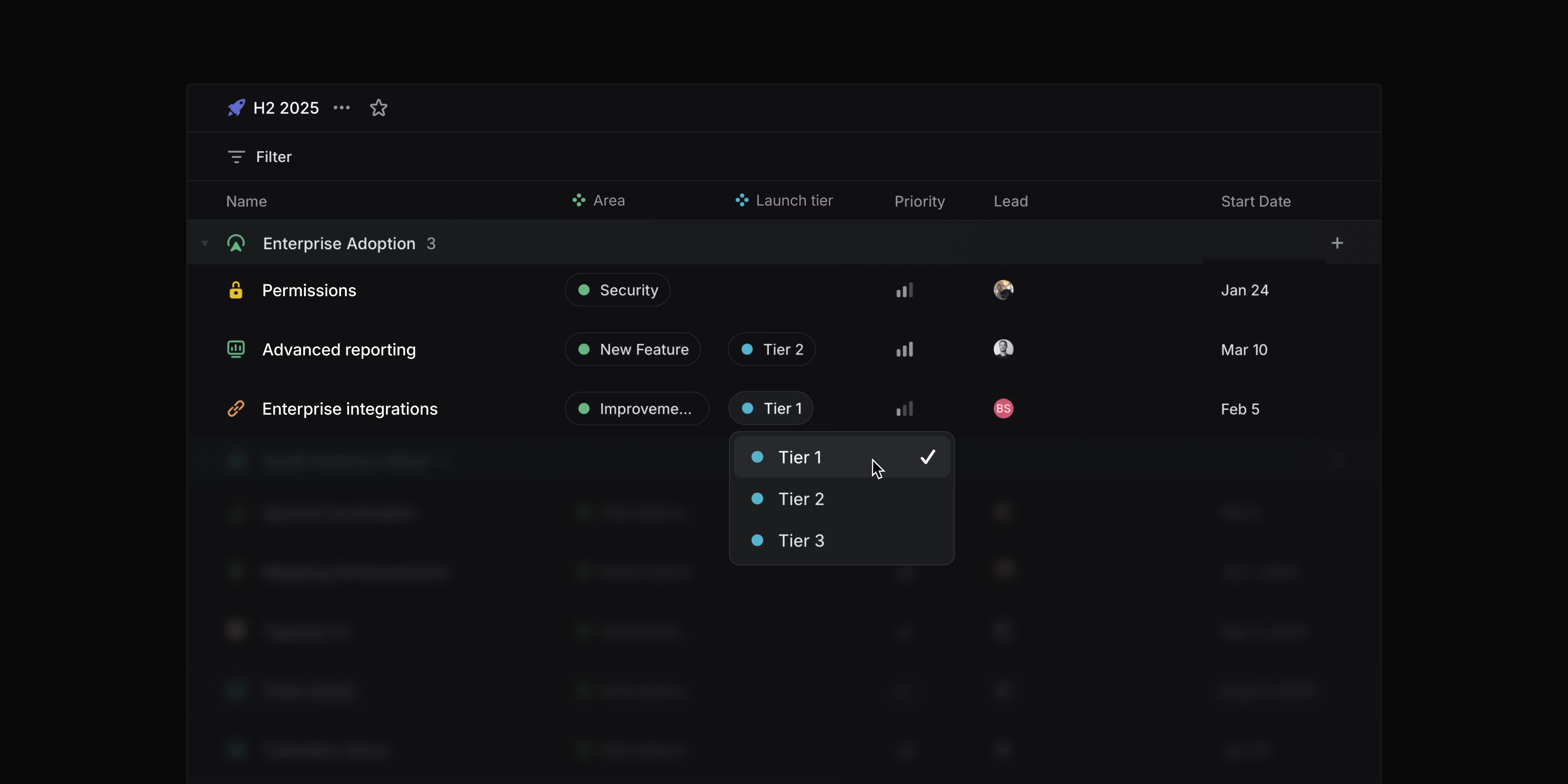 Create and manage project labels in your workspace settings.
Collapsible grouping headers
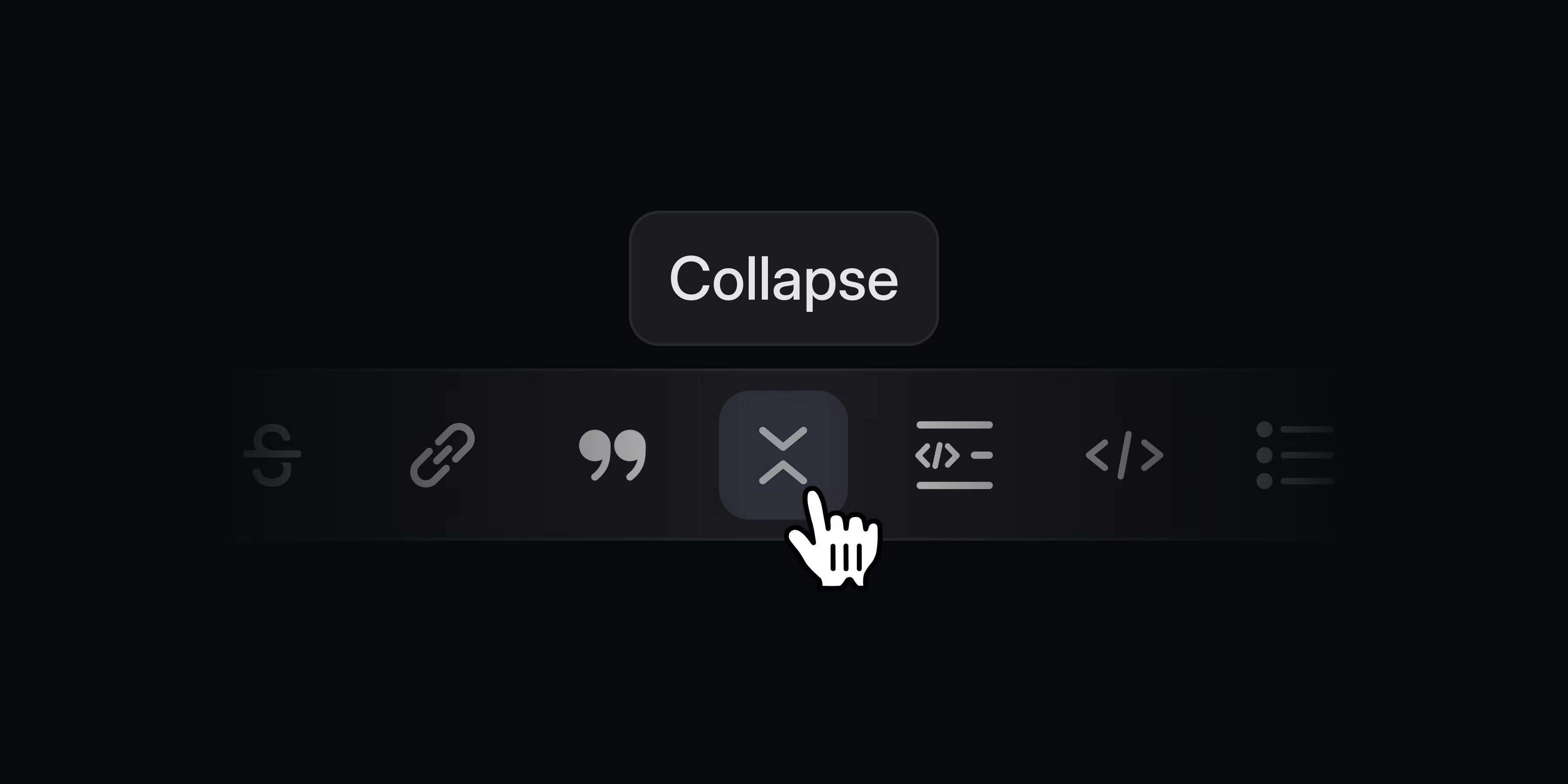
You can now collapse grouping headers in issue and project views. Use the toggle button, double-click, or press T while hovering over a group to collapse and expand groups. Hold Opt/Alt to toggle all headers at once.
Editing performance
We’ve improved editing speed for large collaborative documents by as much as 50x. Table editing is now also significantly faster.
Series C fundraise
We’re happy to announce that we’ve raised an $82M Series C at a $1.25B valuation led by Accel. We remain focused on making product development and coordination across teams and tools effortless. Read more on the blog.
Fixes (7)
Command Menu: Fixed a problem with the focused item not scrolled into view in some cases
- Inline comments: Fixed a bug where some keyboard actions would discard comment drafts without warning
- OAuth apps: The OAuth app details page now always shows the “App user” if installed, regardless of the number and timing of member installations
- Peek: Issue labels now wrap instead of getting cut off in peek mode
- Updates: Project and initiative updates are now saved as drafts if they cannot be posted
- Views: Fixed a bug where some completed cycles could be missing from board views
- Webhooks: Webhooks are now also sent for comments on project descriptions
Improvements (6)
- Command Menu: Adjusted the behavior of Home/End to move cursor to start/end of input instead of first/last action to follow OS conventions for Windows
- Editor: Headings inside collapsible sections are now included in the table of contents.
- Editor: Miro boards can now be fully embedded in Linear documents, comments, and issue descriptions
- Issue Peek: Sub-issues are now displayed in the issue peek
- Jira: Images attached to an issue but not present in the text content are now synced into the Attachment on the Linear issue
- Security: Workspaces can now control a security setting to restrict agent access to full workspace members only (i.e., not guests)
Keyboard Shortcuts (1)
- Fixed a problem with clashing shortcuts for reminding and snoozing notifications. H is now used for snoozing and H Shift for reminding about issues/projects/etc
API (1)
- The API now supports some basic filters for custom Views
Fetched April 13, 2026