New search

New search
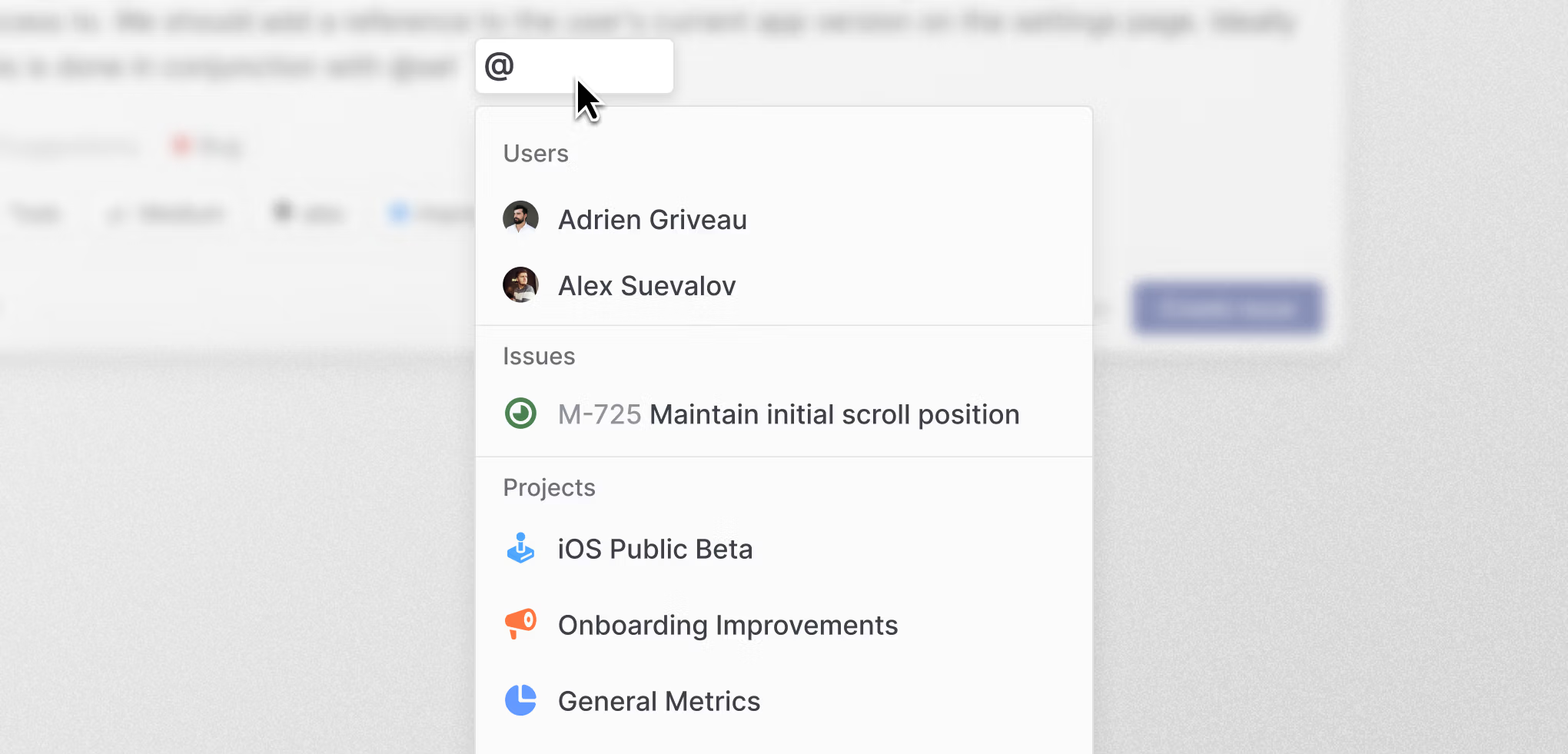
We’ve completely overhauled Linear’s search with a new engine built from scratch. Under the hood, we replaced the traditional keyword-based search index with a new hybrid semantic search, which combines AI vector embeddings with keyword-matching. Even if you don’t use the exact phrasing from an issue title or description, the hybrid engine will infer what you mean and find the results you are looking for.
Search is also more comprehensive. When you look for an issue, for example, Linear search will pull in context from attached customer requests, comments, and linked support tickets.
New search will be rolling out to all Linear users over the coming weeks. You’ll receive an in-app notification once it’s available in your workspace.
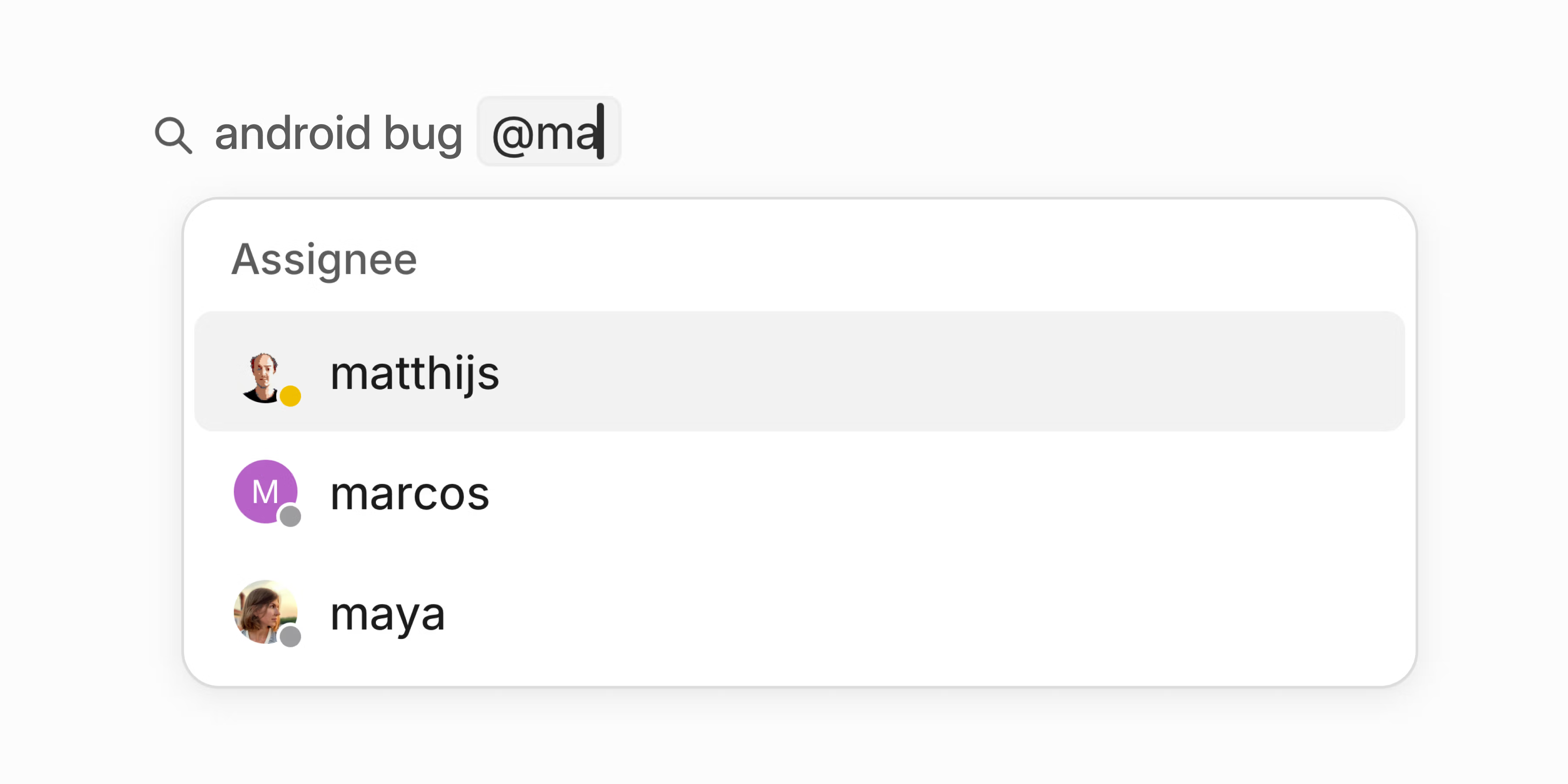
Quick filters for search
Available now: quickly narrow your search by @-mentioning teams, users, status, and other properties. This will automatically create and apply a filter to your search without your hands leaving the keyboard.
Granular permissions for API keys
Personal API keys now support fine-grained permission controls. Instead of keys inheriting all your permissions, you can tailor access to specific use cases.
Restrict keys to individual teams you have access to (public or private)
- Set keys to read-only or write-only
- Limit permissions to specific actions such as creating issues
This is a more secure approach since it minimizes each key’s access surface. Configure permissions when creating new API keys or manage existing ones in Settings > Account > Personal API Keys.
Fixes
- Comments: Fixed a bug that allowed posting empty comments
- Comments: When creating a comment in the search split screen view, it now remains in place when opening the issue in full screen
- Custom View: Fixed an issue where backspacing the first character of a word also removed the space before it when editing the name of a custom view
- Lightbox: Fixed pressing Esc unexpectedly going back to the previous page instead of closing the fullscreen image
- Projects: Ensured teams are correctly filtered out when saving a project’s custom view
- Reactions: Fixed a crash when selecting an invalid emoji in single-row search results
- Slack: Fixed language detection to ignore usernames when generating issue titles
Improvements
- Accessibility: Improved the accessibility of property selectors in project and issue page sidebars
- Default view: Favorited initiatives can be set up as default views
- OAuth applications: OAuth applications from the same workspace no longer require approval
- Profile: You can now use umlauts and accents as part of your username
- Profile: It is now possible to remove your uploaded avatar from the profile settings page instead of only being able to change it
API
- Deprecated a few
UserUpdateInputfields.adminhas been ignored for quite some time, andactiveshould be replaced withuserSuspend/userUnsuspendmutations. - Added support for PKCE flow for OAuth authentication without a client secret
- Fixed updating issues that have a parent issue in a team pending deletion
Fetched April 13, 2026