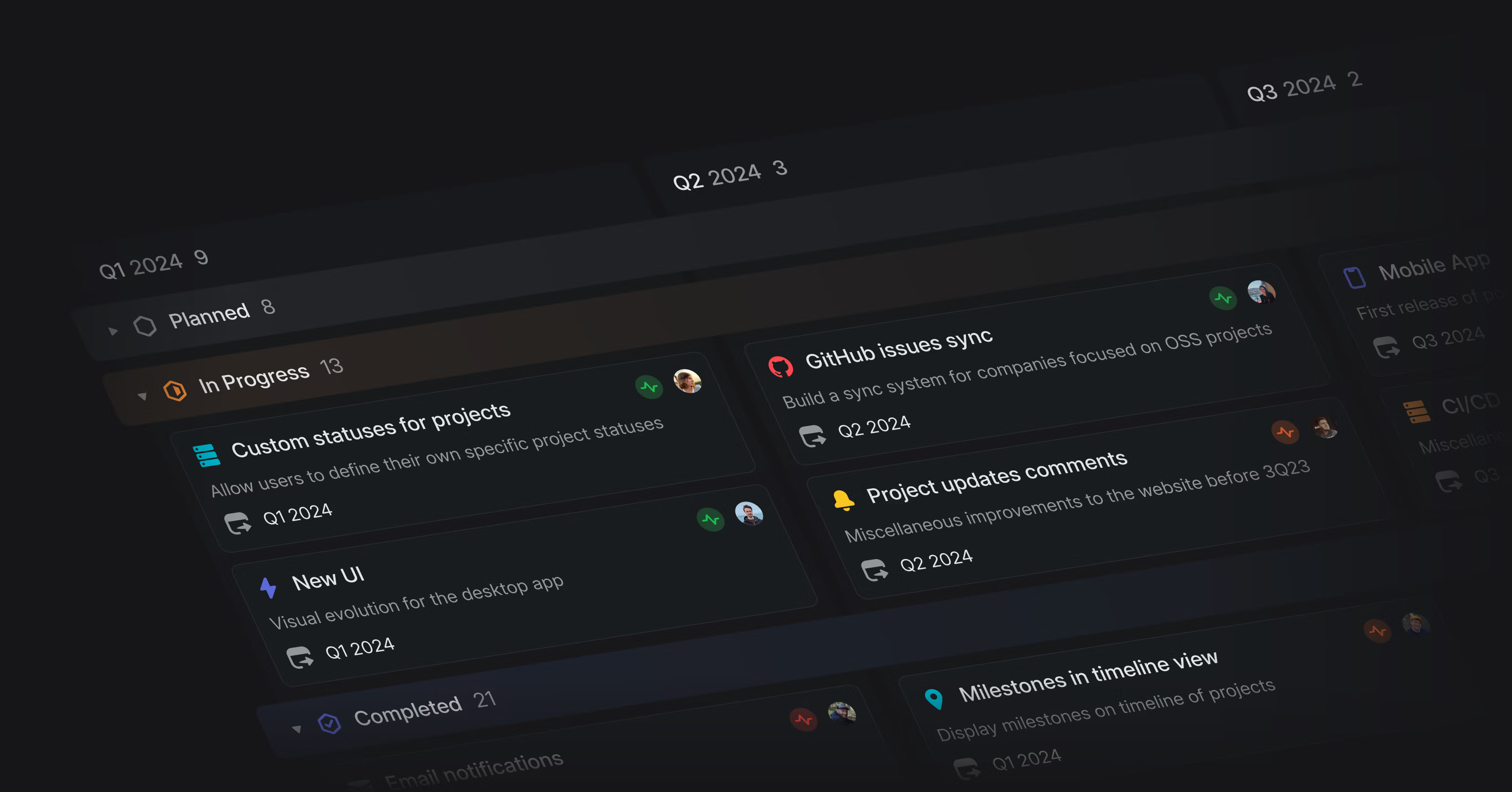
Personalized sidebar and new settings pages

Personalized sidebar
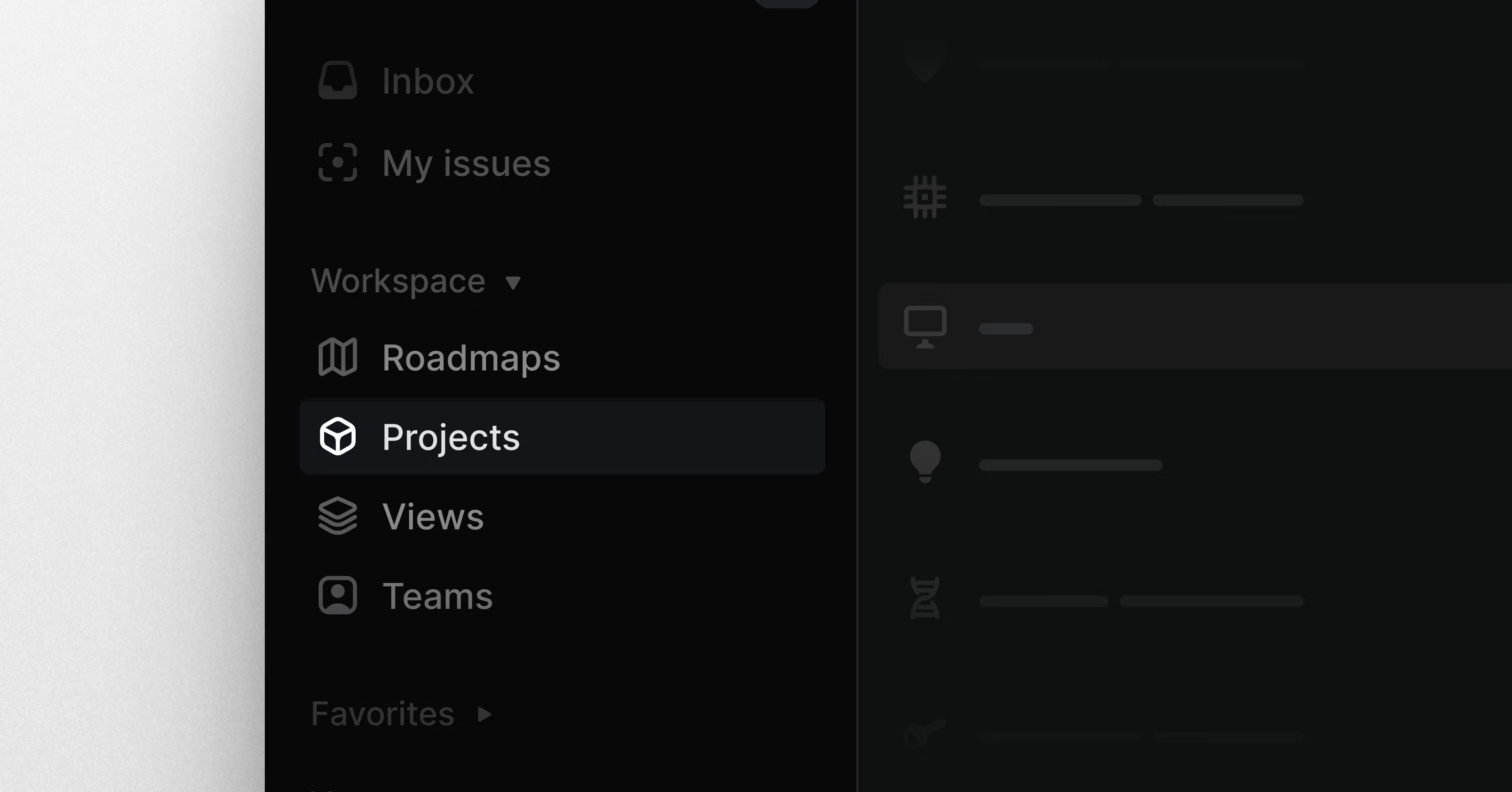
Linear’s application sidebar now supports customization to better fit your personal workflows. You can reorder items, hide items you don’t use often, and decide how unread notifications should be shown: with a count or dot.
The Workspace section includes new links to Teams and Customers (if you’ve enabled Customer requests). You can also hide items you don’t need frequently behind a More menu.
To customize your sidebar, right-click on a specific item to update it or select Customize sidebar to show all options. You can also drag & drop to reorder items.
New Linear settings
We redesigned Linear’s settings pages from the ground up so they are easier to navigate and manage.
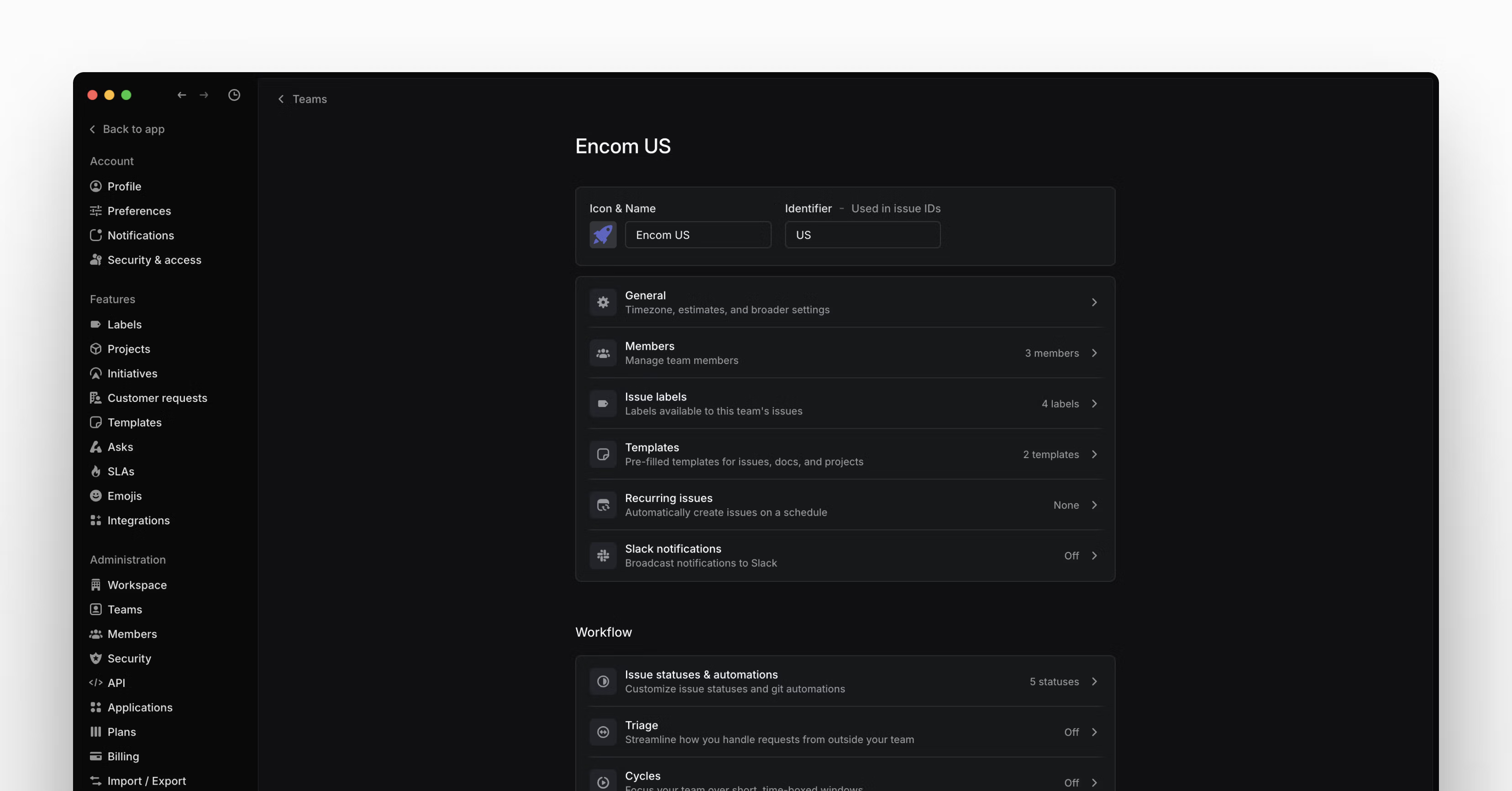
The new design includes separate sections for:
Account — Personal settings, notifications, and preferences
- Features — Configuration for workspace-level features such as Initiatives, Customer requests, and SLAs
- *Administration *— Workspace settings and configuration (admins only)
- Your teams — A list of teams you’re a member of and their settings
Team settings pages
We’ve consolidated all of a team’s settings into a single view to make them easier to control and update. When you go to your team’s settings page, you’ll now see a summary of what features have been enabled and basic details about the configuration, such as the number of templates, team members, and your cycles schedule. Select the specific setting to view and update the full configuration.
Improved admin tools
To make managing your workspace easier, user and team lists have been converted into data-rich table layouts. This lets you filter and sort any column to find what you are looking for. We’ve also added more information to these views so you get a better sense of activity.
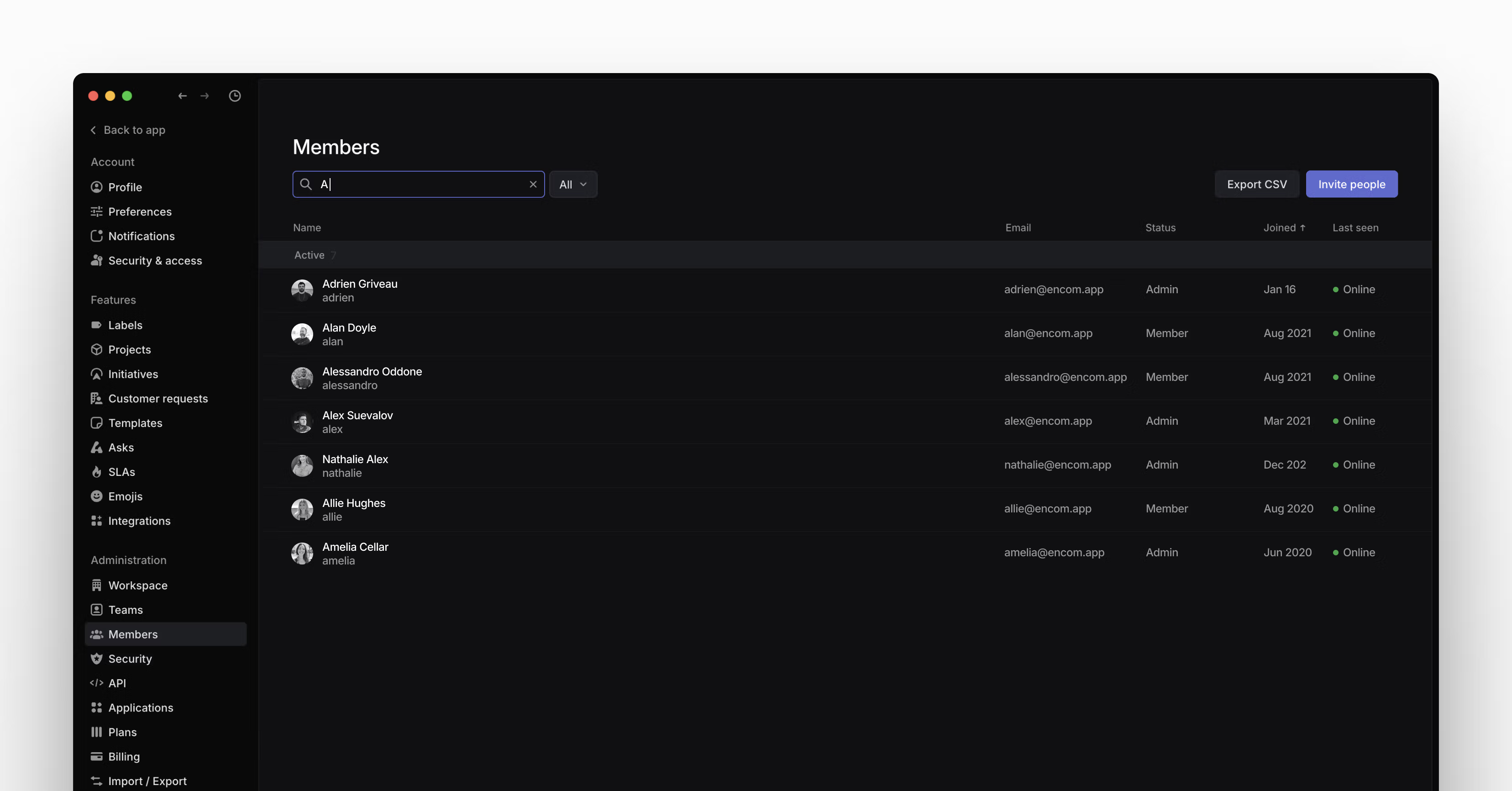 To improve access visibility, we’ve added an admin-only API section where you can view and control all OAuth applications and webhooks connected to your workspace.
Simplified notifications
We’ve also refined how Inbox notifications work. The Notifications page is now organized by channel: desktop, mobile, email, and Slack. For each notification channel, you’ll be able to customize which types of messages you want to receive from a streamlined list of options. We also added these controls to mobile push notifications, so you’ll have the ability to control your notification schedule from the desktop application.
See when issues were added to cycles
Get better at planning cycles by understanding whether issues were planned, added when a cycle was already underway, or added afterward during cooldown. Apply the Added to cycle filter to get a sense of scope creep or use Insights to see trends from past cycles.
Fixes
- Editor: Fixed an issue with deleting multiple columns or rows when selected
- Views: When using a favorited custom view as your default home view, it is now correctly highlighted in the sidebar
- Printing: Views now print correctly across multiple pages
Improvements
- Editor: Added a button to delete an entire table in one click
- Comments: When navigating from the inbox to a comment, the comment highlight is now animated
- Desktop: Closing “other tabs” will not close pinned tabs
- Initiatives: Added more ordering options to the Initiatives table
Keyboard Shortcuts
You can now change view display settings using keyboard shortcuts:
- Shift Opt O for view ordering
- Shift Opt G for list grouping
- Shift Opt R for board rows
- Shift Opt C for board columns
API
- Added fields for project milestone progress and status
- Fixed
issueArchiveandissueDeletemutations when passing an issue identifier (such asLIN-123) - The
subscribedToUnreadNotificationsReminderandnotificationPreferencesfields onUserSettingsand thenotificationsDisabledfield onNotificationDeliveryPreferencesChannelhave been deprecated
Fetched April 13, 2026